Description
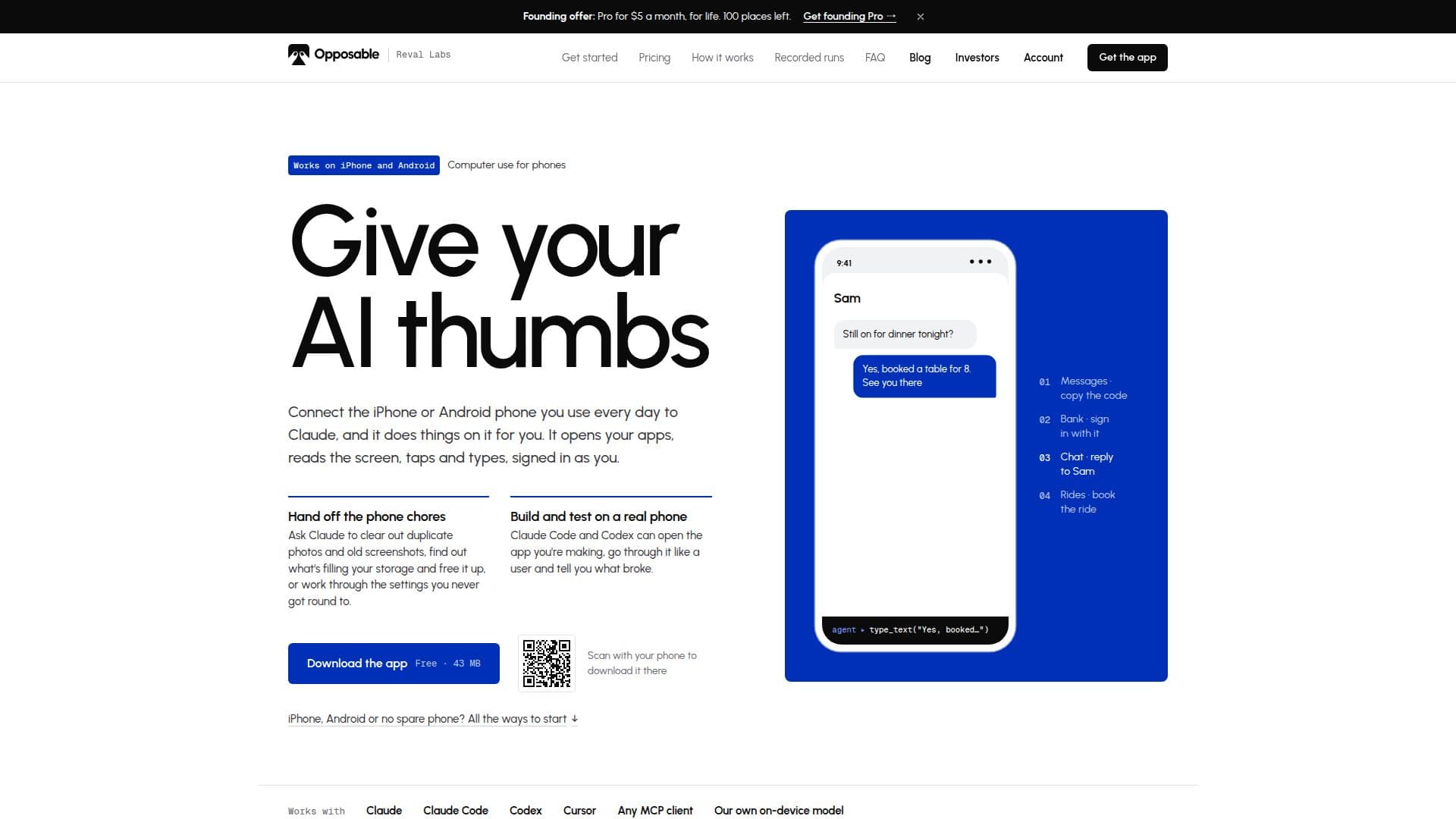
Opposable is a tool that enables AI models such as Claude Code and Codex to interact with Android and iPhone devices. It allows these models to perform tasks like opening apps, reading screens, tapping, and typing, effectively giving AI 'thumbs' to operate smartphones. Users can connect their everyday phones to Claude, which can then manage tasks like clearing duplicate photos, freeing up storage, and adjusting settings.
Read More
The platform supports both Android and iPhone devices, with a special beta version for Mac users that connects iPhones through a Mac without requiring any installation on the phone itself. Opposable also functions as a connector, allowing users to ask Claude or ChatGPT to perform tasks on their Android phones from a browser or chat app.
Opposable offers a free tier for basic phone operations, while its Pro plan provides remote access and additional features for $8 per month, with a founding offer of $5 per month for life. The Power plan, priced at $29 per month, is designed for users running agents on multiple phones, offering audit logs and shared recipe libraries.
For users without spare phones, Opposable provides cloud phone rental options starting at $19 per month, offering virtual Android phones that can be used for various tasks. The platform is designed to be model-neutral, supporting Claude, Codex, OpenAI-compatible endpoints, and its own on-device agent.
Opposable is ideal for developers and users looking to automate phone tasks, manage apps remotely, and integrate AI capabilities into their mobile devices. It provides a seamless way to enhance productivity by allowing AI to handle routine phone operations.
- CategoryAutomation & Agents
- Pricing ModelFreemium
- DeploymentCloud
- PlatformsAndroid, iPhone
Opposable's Core Features
AI interaction with Android and iPhone
Remote access capabilities
Cloud phone rental options
Model-neutral support
Free tier for basic operations
Pro plan with additional features
Power plan for multiple phones
Beta version for Mac users
How to use Opposable?
Install: Download Opposable on your Android phone
Configure: Turn on Opposable in Settings › Accessibility
Connect: Add Opposable as a custom connector in Claude or ChatGPT
Use: Ask Claude or ChatGPT to perform tasks on your phone
Opposable's Use Cases
- App Navigation
- Screen Reading
- Typing Automation
- Storage Management
- Remote Access