
Description
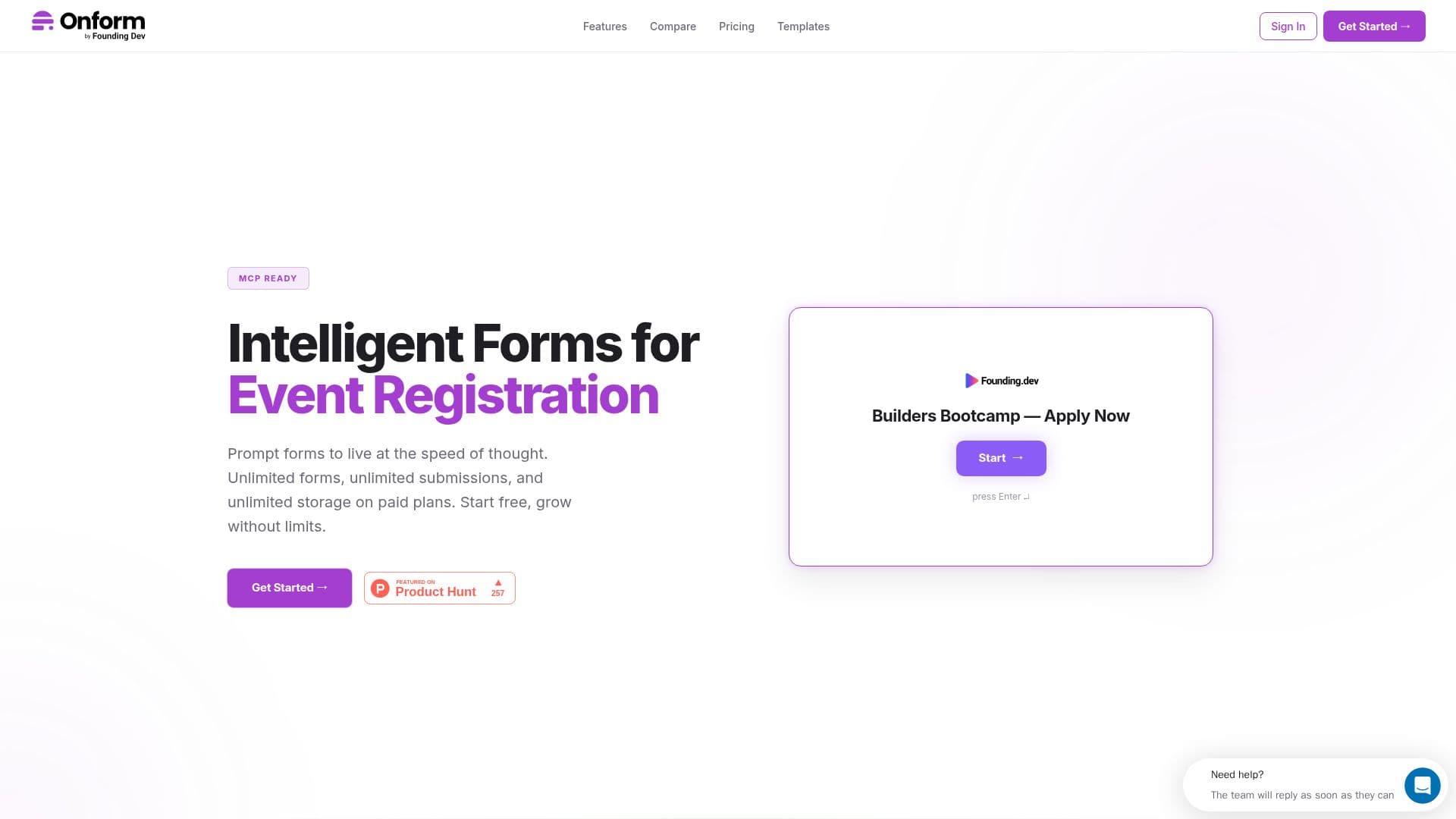
Onform is a tool for building conversational forms, collecting responses, analyzing data and integrating with existing workflows. Its standout feature is a built-in MCP server, so Claude, Cursor or any MCP-compatible tool can create forms, read submissions, export responses and manage everything through natural language without opening a browser. All 10 MCP tools are available even on the free plan.
Read More
Forms can be shown one question at a time (conversational mode) or all at once, with 13-17 field types, drag-and-drop building, show/hide and skip-to conditional logic, and 167+ ready-made templates covering lead capture, feedback, HR, events, healthcare, education and more. Onform emphasizes predictable pricing with no per-response fees or overage charges on paid plans, contrasting itself with tools that charge for limited monthly responses.
A notable option is self-hosting: teams can use Onform's cloud or deploy on their own server with a one-command Docker setup for full data control and built-in privacy compliance. Data can be sent to Zapier, n8n or any webhook, synced live to Google Sheets, and forms embedded on any site with one line of code. Plans run from a Free tier (up to 3 forms, 100 responses/month) through Unlock, Unleash and a self-hosted Deploy tier that adds unlimited responses, team roles, custom branding and full source-code access. Onform is built by Founding.dev.
- CategoryWorkflow Automation
- Pricing ModelFreemium
- DeploymentCloud, Self-hosted
- PlatformsWeb
Onform's Core Features
Built-in MCP server for Claude, Cursor and other AI tools
Conversational (one-at-a-time) or show-all-at-once modes
Drag-and-drop builder with 13-17 field types and conditional logic
167+ ready-made templates
Self-hosting via one-command Docker deploy
Unlimited responses with no per-response fees on paid plans
Integrations with Zapier, n8n, webhooks and Google Sheets
One-line embed on any website
How to use Onform?
Create a form: Build one in the drag-and-drop editor, a template, or via an MCP tool.
Configure: Choose conversational or all-at-once mode and add conditional logic.
Publish: Embed it with one line of code or share a link.
Collect and connect: Sync responses to Google Sheets, Zapier, n8n or a webhook.
Onform's Use Cases
- AI-managed forms
- Conversational surveys
- Self-hosted data control
- Lead and feedback capture