
Description
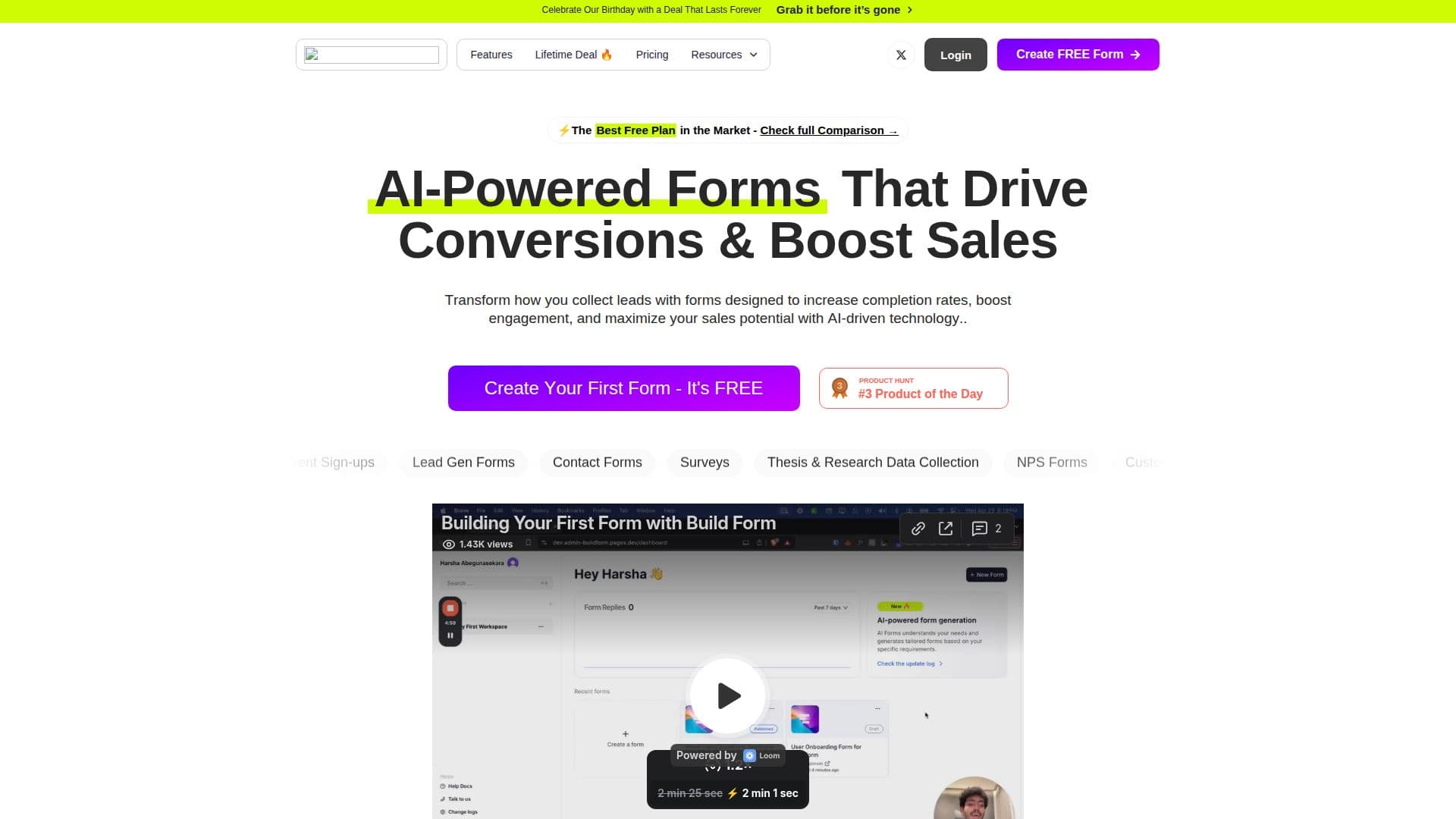
BuildForm is an online form builder for creating, customizing and managing conversational, AI-powered forms, from contact forms and surveys to registration and order forms. By making forms feel like a natural conversation rather than a wall of fields, it aims to help businesses collect more data with higher engagement and lower drop-off, citing figures like 2x higher completion rates and 50% less mobile drop-off.
Read More
Forms are created in three steps: choose a template or start from scratch, customize with the AI-powered editor, and share via link, embed or integration. The platform supports conditional logic, AI-powered questions, multiple file uploads, custom branding with logos and custom domains, real-time response and drop-off analytics, and AI lead nurturing that keeps prospects engaged during and after a form. It integrates with tools such as Google Sheets, Zapier, Calendly, Slack, Notion and CRMs.
BuildForm advertises a generous free plan with unlimited forms and submissions, AI form creation, workflow logic, file uploads, themes and integrations. Paid Starter, Business and Enterprise plans add branding removal, partial submission tracking, custom domains, advanced logic, analytics, API access, HIPAA availability and SSO. Data is encrypted and stored securely with industry-standard compliance, and 24/7 support is offered via live chat and email.
- CategoryLead Generation Tools
- Pricing ModelFreemium
- DeploymentCloud
- PlatformsWeb
BuildForm's Core Features
Conversational AI-powered forms
AI form creation from templates or scratch
Conditional logic and AI-powered questions
Multiple file uploads
Custom branding, logos and custom domains
Real-time response and drop-off analytics
Integrations with Google Sheets, Zapier, Slack, Notion and CRMs
Free plan with unlimited forms and submissions
How to use BuildForm?
Start a form: Choose a template or start from scratch.
Customize: Edit the form with the AI-powered editor and add logic.
Share: Publish via link, embed it with one line of code, or integrate it.
Analyze: View real-time responses and drop-off analytics.
BuildForm's Use Cases
- Lead generation
- Surveys and feedback
- Order and event forms
- Applications