
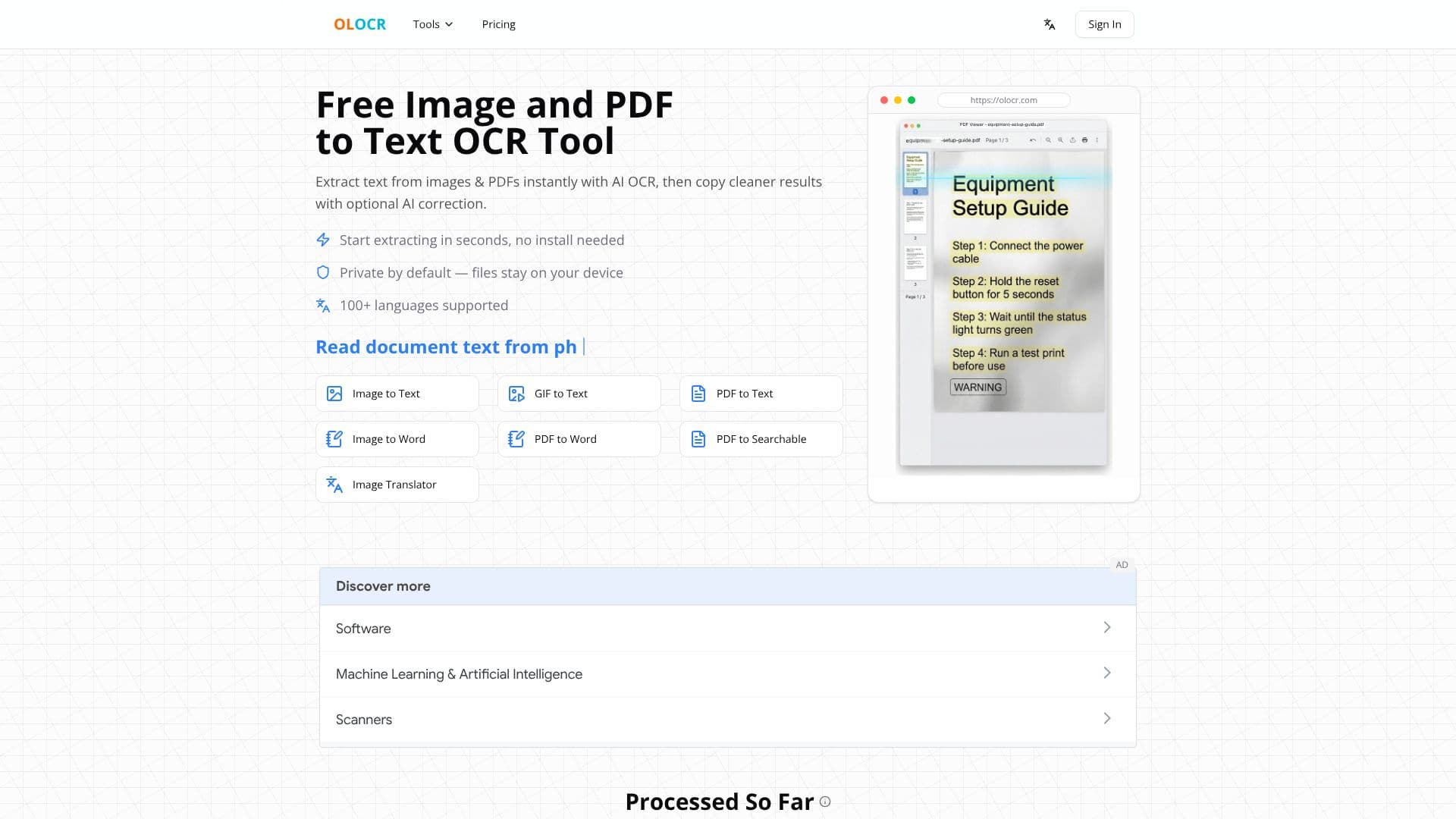
Description
OLOCR provides a powerful and accessible online AI OCR (Optical Character Recognition) solution designed to extract text from various image formats and PDF documents. The tool leverages artificial intelligence to deliver high accuracy in text recognition, making it simple to convert visual information into editable and searchable text.
Read More
Users can begin extracting text in seconds without the need to download or install any software. The entire process runs locally within the user's browser, ensuring that all files remain private and secure on their device. This privacy-first approach means sensitive documents or images never leave the user's control.
Beyond basic text extraction, OLOCR features an optional AI correction service. This advanced feature analyzes the recognized text and uses surrounding context to fix common OCR errors, restore missing spaces, clean up punctuation, and reconstruct readable paragraphs. This significantly improves the quality of the extracted text, making it ready for immediate use.
The tool supports a vast array of over 100 languages, including complex scripts like CJK, making it a versatile solution for global users. OLOCR offers several specialized tools, including Image to Text, GIF to Text, PDF to Text, Image to Word, PDF to Word, PDF to Searchable Image, and an Image Translator.
Key benefits include its free core OCR features, instant access via a web browser, and a strong commitment to user privacy. Batch processing is also supported, allowing users to process multiple images or PDF pages efficiently. The flexible output options enable users to copy text directly, export to Word documents, or create searchable PDFs.
- CategoryAI Document & PDF Tools
- Pricing ModelFree
- DeploymentCloud
- PlatformsWeb Browser
OLOCR's Core Features
Extract text from images and PDFs using AI OCR
Optional AI correction for cleaner text output
No software installation required, works in browser
Files processed locally and remain on user's device for privacy
Supports over 100 languages
Image to Text conversion
PDF to Text conversion
Convert scans to editable Word documents
Create searchable PDFs from scanned documents
Translate text within images
Batch processing for multiple files
Free core OCR features
How to use OLOCR?
Select File: Upload your image or PDF file to the OLOCR tool.
Process: The AI OCR engine processes the file locally in your browser.
Review & Correct: View the extracted text and use optional AI correction for improvements.
Get Result: Copy the text, export to Word, or save as a searchable PDF.
OLOCR's Use Cases
- Extract text from photos
- Make PDFs searchable
- Convert scans to Word
- Translate image text
- Digitize documents
- Process receipts
- Extract information from screenshots