
Description
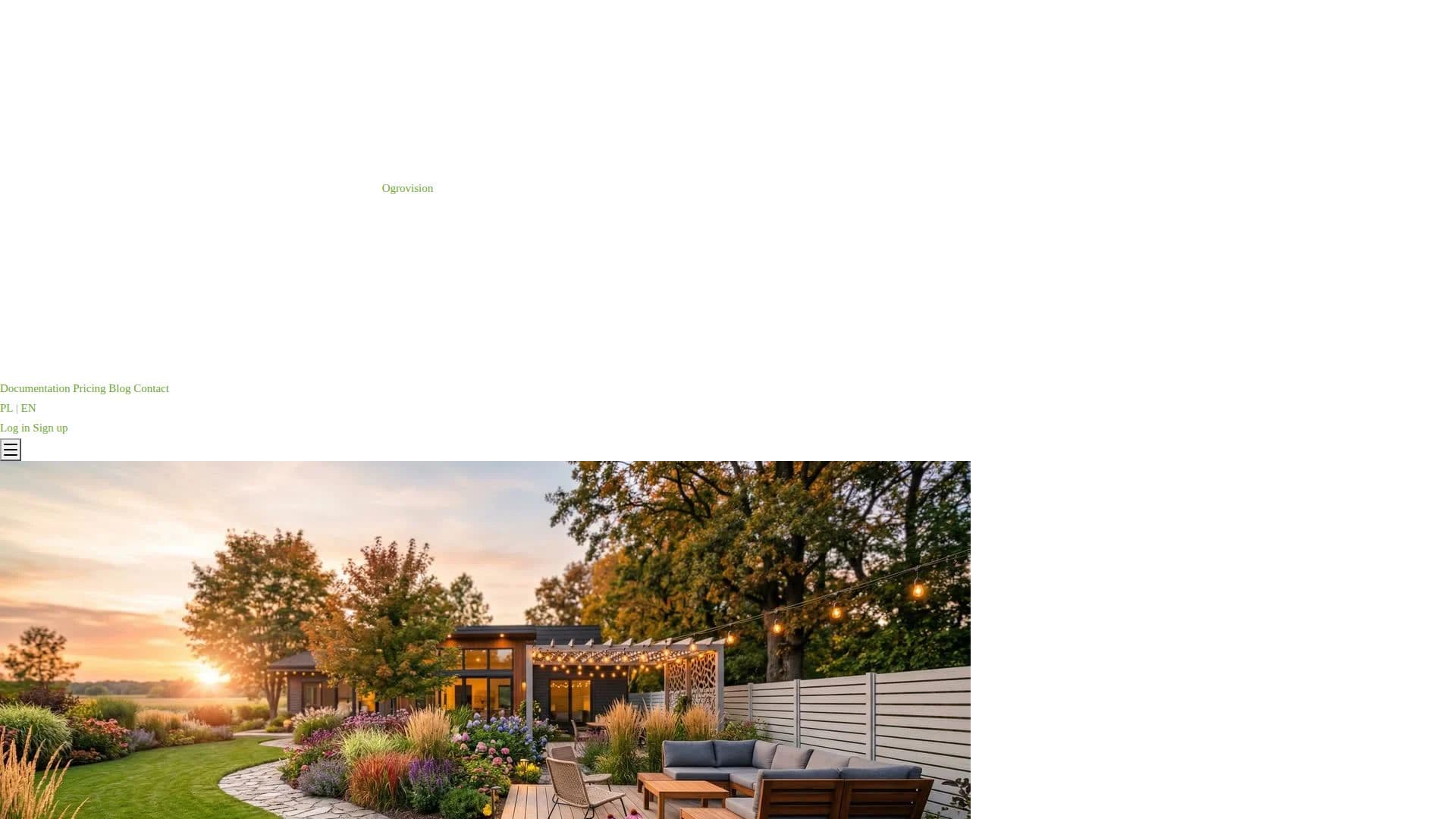
Ogrovision is an AI-powered garden design tool that transforms garden photos into realistic visualizations. Users upload a photo of their garden, choose from over 109 ready-made presets across categories like front yard, backyard, patio, relaxation zone, playground and entrance, or write their own description, and the AI generates a new look in seconds to about a minute.
Read More
The tool offers a simple mode for one-click preset transformations and an advanced mode where users draw a mask over the exact area to change and write a detailed prompt for full control. Additional features include AI plant recognition with care advice and a PDF planting plan, four seasonal variants of a garden with one click, and precise zone-based editing where colored zones on a photo are described and turned into a realistic result. Generated visualizations can be downloaded in full resolution and are saved in history.
Ogrovision offers two AI models — Ogrovision Standard (1 credit per generation) and GPT Image 1.5 from OpenAI (3 credits, highest quality) — and sells credit packs (Starter $2.99/10, Hobbyist $7.99/30, Designer $12.99/60) with free credits on registration and no credit card required to sign up. The app is available in English (aigarden.design) and Polish (ogrodai.pl) and is used by homeowners, garden enthusiasts, designers and landscape architects. It was created by developer and gardener Karol Orzeł.
- CategoryAI Interior & Architecture Design
- Pricing ModelFreemium
- DeploymentCloud
- PlatformsWeb
Ogrovision's Core Features
AI garden transformation from a photo
109+ ready-made presets across 8 categories
Simple one-click mode and advanced masking mode
AI plant recognition with care advice and PDF planting plan
Four seasonal variants generated with one click
Zone-based editing with colored, described areas
Two AI models including OpenAI's GPT Image 1.5
Full-resolution downloads with saved history and free signup credits
How to use Ogrovision?
Upload a photo: Add a photo of your garden (JPG or PNG), or use a sample image.
Choose a style: Select from 109+ presets in simple mode, or draw a mask and write a prompt in advanced mode.
Pick a model: Choose Ogrovision Standard (1 credit) or GPT Image 1.5 (3 credits) for higher quality.
Generate: Create a realistic visualization in about 15-60 seconds.
Download and plan: Save the full-resolution image and generate a planting plan or seasonal variants.
Ogrovision's Use Cases
- Garden makeover previews
- Seasonal planning
- Planting plans
- Designer client visuals