
Description
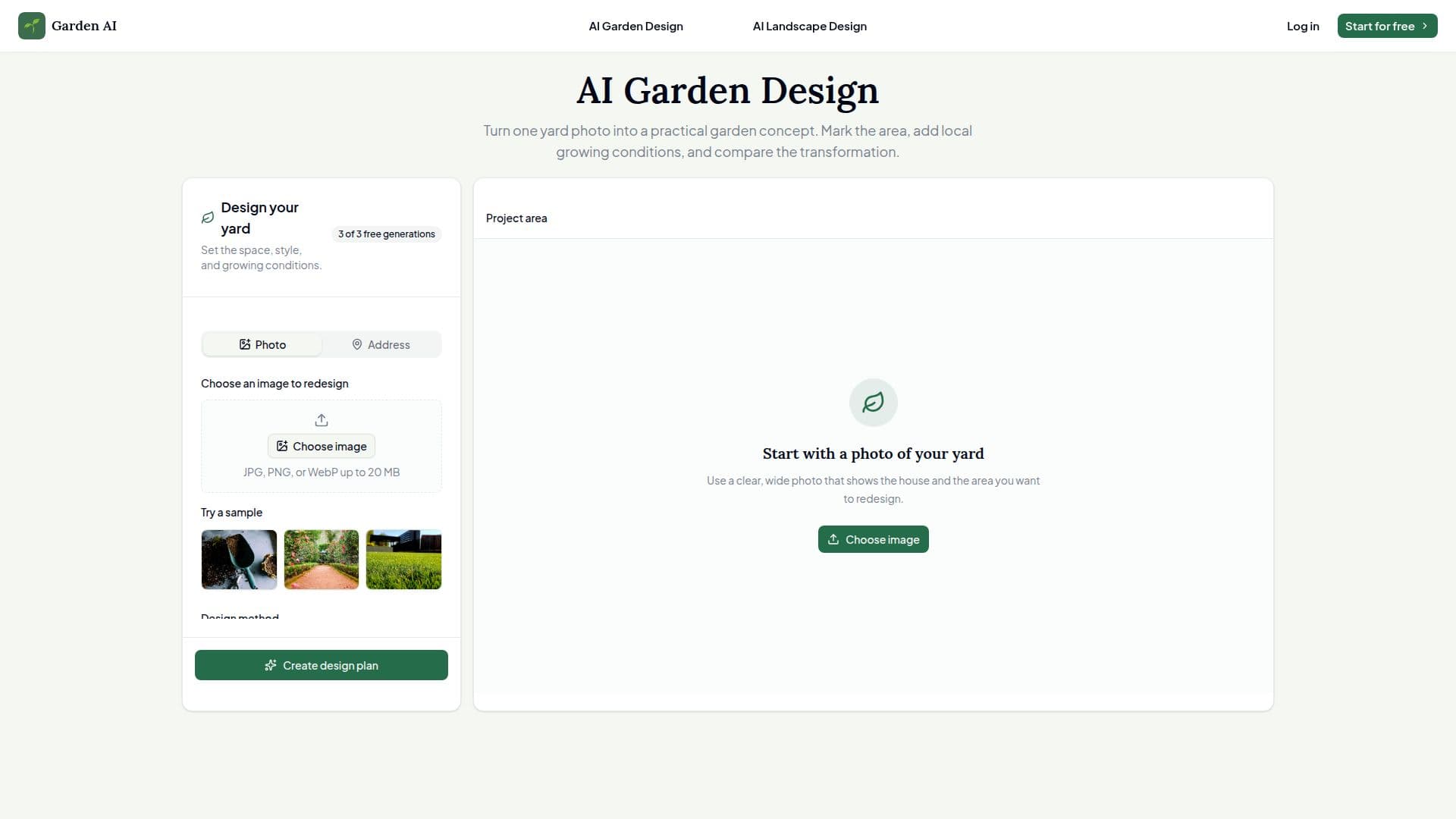
AI Garden Design is an online tool that turns a single yard photo into a practical, realistic garden concept. Users start with a clear, wide photo of their front yard, backyard, patio, side yard or flower bed, select the area they want to change, set local growing conditions, and generate a before-and-after design while keeping the original photograph for comparison.
Read More
The workflow is built around clear decisions rather than technical prompts. Smart area selection lets users tap the lawn or a bed, draw a circle, or outline an exact shape, with undo, redo and clear controls to keep the mask under their control. Users then choose a garden style — from a set of 18 spanning modern, cottage, English, naturalistic, coastal, desert, tropical, Mediterranean, Japanese, edible and play-focused directions — and set a city, USDA hardiness zone, sunlight and slope so the AI favors plants and materials that suit the setting. Plain-language revisions refine the direction before generating.
Unlike generic image editors, AI Garden Design works from a real yard photo, preserves the parts that should stay, captures site conditions, and supports controlled revisions and before-and-after comparison. Anonymous users get three free final image generations before signing in. It serves homeowners testing curb appeal, gardeners planning beds and borders, landscape professionals creating conversation starters, and property teams illustrating shared outdoor areas.
- CategoryAI Interior & Architecture Design
- Pricing ModelFreemium
- DeploymentCloud
- PlatformsWeb
AI Garden Design's Core Features
Realistic garden concepts from a single yard photo
Smart area selection with tap, circle and freehand outline plus undo/redo
18 garden styles across formal, natural and climate-aware directions
Climate inputs: city, USDA hardiness zone, sunlight and slope
Plain-language revisions before generating
Before-and-after comparison that keeps the original photo
Preservation of parts of the yard that should stay
Three free final image generations for anonymous users
How to use AI Garden Design?
Choose a yard photo: Start with a clear, wide photo showing the house and the area to redesign.
Select the area: Tap the lawn or bed, draw a circle, or outline an exact shape to mark the mask.
Set garden conditions: Choose a style, city, USDA hardiness zone, sunlight and slope.
Review and generate: Read the proposed plan, adjust the direction in plain language, and generate a result.
Compare: View the before and after without losing the original photograph.
AI Garden Design's Use Cases
- Curb appeal testing
- Bed and border planning
- Landscape client discovery
- Property improvements