
Description
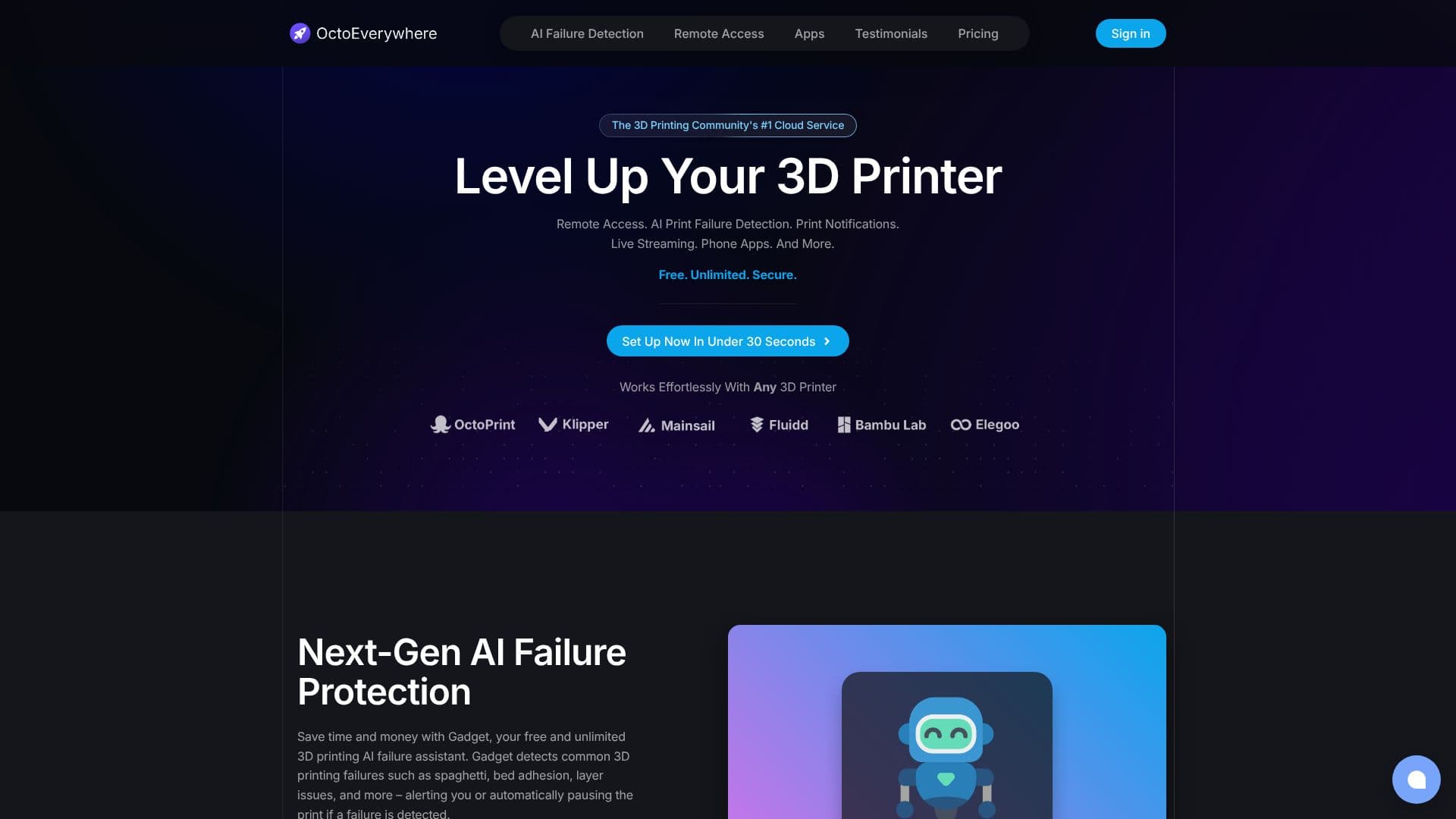
OctoEverywhere positions itself as the 3D printing community's premier cloud service, dedicated to empowering users with robust and accessible tools. It provides free, unlimited, and secure remote access to a wide range of 3D printers, including those running OctoPrint, Klipper, Bambu Lab OS, and Elegoo OS. The platform is designed for ease of setup, often achievable in under 30 seconds, and works seamlessly with virtually any 3D printer.
Read More
A standout feature is Gadget, the next-generation AI print failure detection assistant. Gadget identifies common issues like spaghetti prints, bed adhesion problems, and layer shifts, offering to pause the print automatically or alert the user. This AI capability aims to save users time and material by preventing failed prints.
Beyond failure detection, OctoEverywhere offers comprehensive remote access features. This includes free webcam streaming at 30 FPS, enabling live monitoring of prints. Users can access their printers through dedicated iPhone and Android apps such as OctoApp, Mobileraker, OctoPod, and Polymer. The service also supports remote access sharing, allowing users to grant controlled access to others.
OctoEverywhere boasts a multi-printer dashboard that provides snapshots and status notifications via push, Discord, Telegram, SMS, and more. Public live streaming links with real-time stats are also available. The platform is community-funded through optional Supporter Perks, which offer additional benefits like advanced AI models and increased printer limits, while maintaining a strong commitment to keeping core functionalities free for everyone.
The service emphasizes security and privacy, utilizing end-to-end encrypted tunnels and two-factor authentication. Unlike some alternatives, OctoEverywhere ensures that printers are not publicly exposed on the internet by default, with sharing controlled entirely by the user. This focus on security and community-driven development makes OctoEverywhere a compelling option for 3D printer enthusiasts and professionals alike.
- CategoryOther AI Tools
- Pricing ModelFreemium
- DeploymentCloud
- PlatformsOctoPrint, Klipper, Bambu Lab OS, Elegoo OS
OctoEverywhere's Core Features
Unlimited remote access for 3D printers
AI-powered print failure detection (Gadget)
Automatic print pausing or notifications upon failure detection
Free 30 FPS webcam live streaming
Dedicated iPhone and Android mobile applications
Multi-printer dashboard with snapshots and status updates
Notifications via Push, Discord, Telegram, SMS, and more
Secure, end-to-end encrypted remote access tunnel
Support for OctoPrint, Klipper, Bambu Lab OS, and Elegoo OS
Public live streaming links with real-time statistics
Remote access sharing capabilities
Community-funded development model
How to use OctoEverywhere?
Install OctoEverywhere Plugin: Download and install the OctoEverywhere plugin for your 3D printer's control software (OctoPrint, Klipper, etc.).
Create Account: Sign up for a free OctoEverywhere account on their website.
Connect Printer: Follow the on-screen instructions to link your printer to your OctoEverywhere account.
Configure Features: Set up AI failure detection, notification preferences, and webcam streaming.
Access Remotely: Use the OctoEverywhere web interface or mobile apps to monitor and control your printer from anywhere.
OctoEverywhere's Use Cases
- Remote Monitoring
- Failure Prevention
- Print Farm Management
- Live Streaming
- Mobile Control
- Secure Access
- Community Support