Description
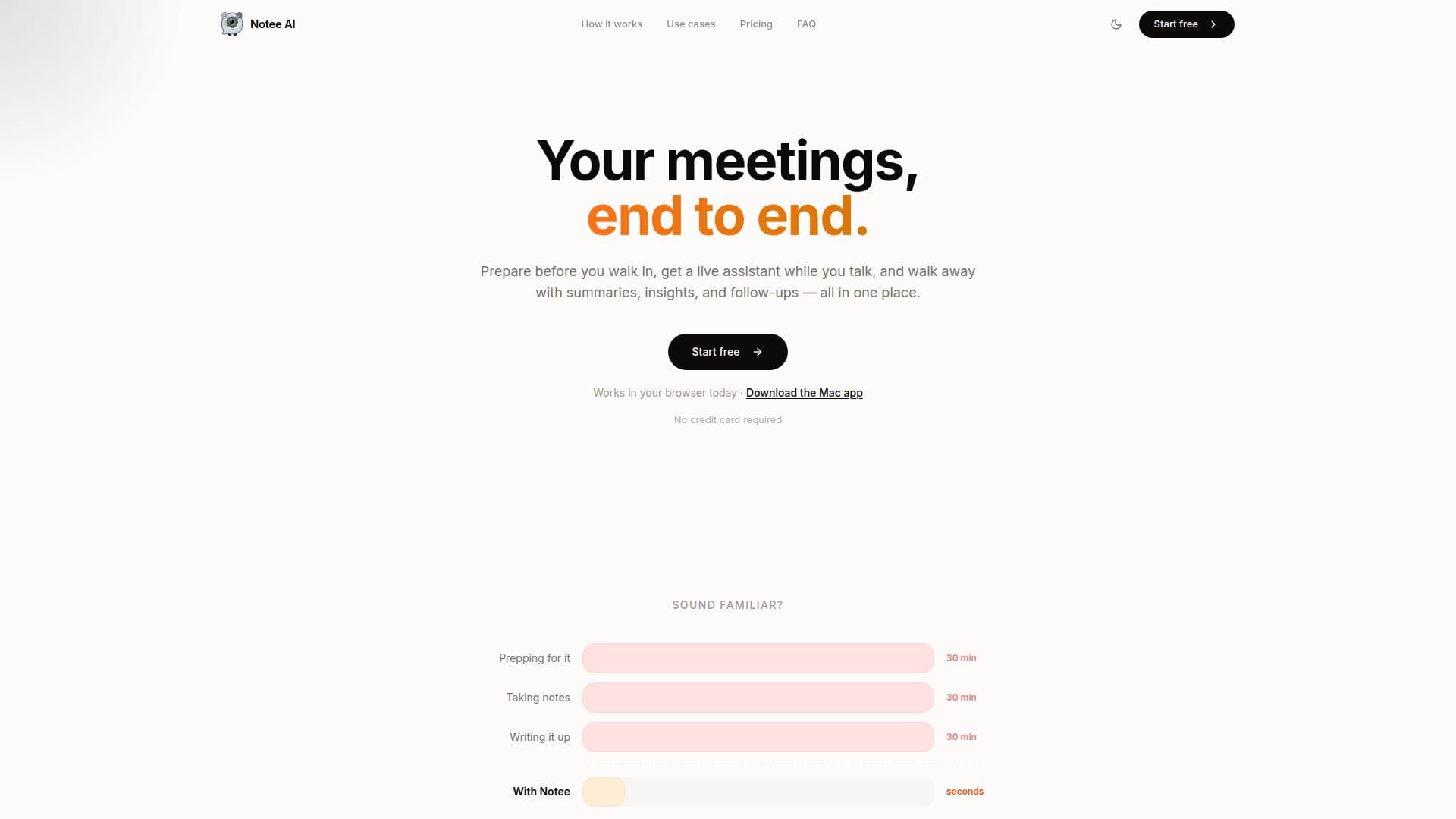
Notee AI is designed to enhance the efficiency of meetings by providing a comprehensive suite of tools that cover every stage of the meeting process. Before a meeting, users can prepare by jotting down notes or recording quick voice memos, setting agendas, and ensuring they have all necessary context and questions at their fingertips. During the meeting, Notee AI offers real-time transcription and an in-meeting assistant to help participants stay present and engaged without the need to scramble for notes.
After the meeting, Notee AI provides clean summaries, key insights, action items, and ready-to-send follow-ups. These can be seamlessly integrated into Notion, allowing teams to keep their notes organized and accessible. Notee AI is particularly beneficial for those who frequently engage in client calls, standups, interviews, and workshops, as it eliminates the need to re-listen to recordings by providing accurate, searchable transcripts.
The app also supports personal voice notes, allowing users to capture brain dumps and ideas on the go, and converts handwriting and screenshots into structured notes. This makes it a versatile tool for capturing and organizing information from various sources.
Notee AI offers a freemium pricing model, with a free tier providing 4 hours of recording per month and a Pro tier at $18 per month offering 60 hours of recording, calendar integration, and priority support. This makes it accessible for both occasional users and those who require daily note-taking capabilities. Developed by Zelick Studios, Notee AI is available for use in browsers and as a downloadable Mac app, requiring no credit card for initial use.
Notee AI's Core Features
Real-time transcription
In-meeting assistant
Meeting summaries
Action items and follow-ups
Notion integration
Voice memo capture
Handwriting recognition
Screenshot conversion
How to use Notee AI?
Prepare: jot notes and set agenda
Capture: use real-time transcription
Summarize: receive meeting insights
Follow-up: send action items
Notee AI's Use Cases
- Client meetings
- Team standups
- Interviews
- Workshops
- Personal notes