
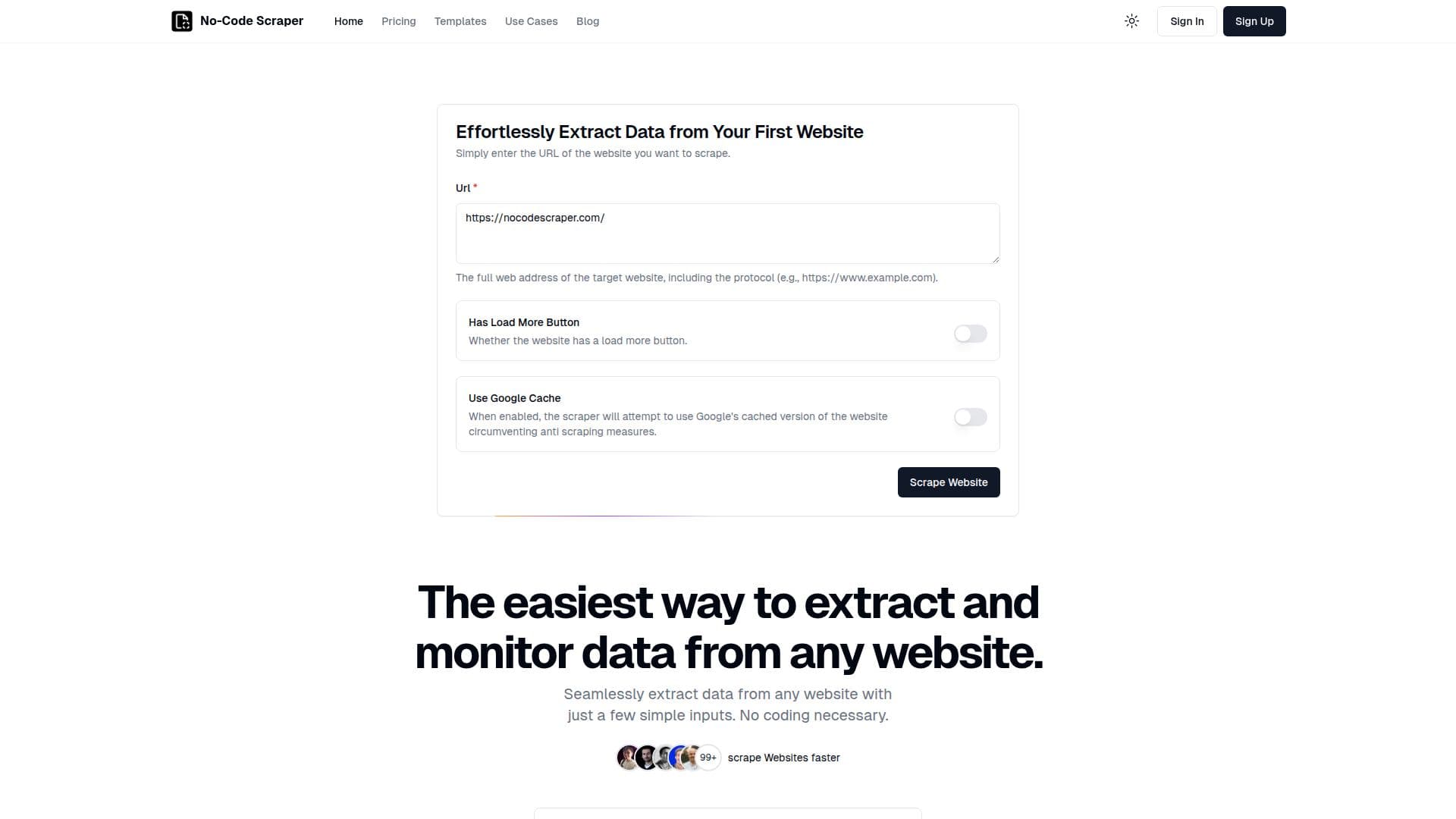
Description
No-Code Scraper is a no-code web scraping tool designed to make data extraction from websites effortless and accessible to everyone, regardless of technical expertise. By leveraging large language models, it automates the process of collecting data from websites in a structured format, eliminating the need for manual data cleaning or selecting CSS selectors. This approach significantly streamlines the data extraction process.
The tool is capable of scraping any of the 1.8 billion websites available, although some sites like Twitter or LinkedIn may attempt to block automated browsing activities. No-Code Scraper is actively working on systems to bypass these blockers. Data security is a priority, and industry-standard measures are implemented to ensure data protection.
Users can export the extracted data in JSON format, with plans to support additional formats such as Excel, XML, and CSV. Integrations with automation platforms like Zapier and Make are also in development to enhance workflow automation. A free trial is available for users to explore the platform without restrictions.
No-Code Scraper offers three pricing plans: Starter, Pro, and Expert, catering to different user needs. The Starter plan costs $16.99 per month, the Pro plan is $19.99 per month, and the Expert plan is $25.99 per month. Each plan offers varying features, including API access and premium proxy support in the Expert plan.
The tool is ideal for non-technical users who need to automate tasks and extract data without coding skills. It is particularly useful for industries such as marketing, e-commerce, and recruitment, where data extraction can provide valuable insights and competitive advantages.
No-Code Scraper's Core Features
No-code data extraction
AI-powered data cleaning
Supports JSON export
Free trial available
Industry-standard security
Integrations with Zapier and Make
Handles dynamic websites
Unbreakable resilience to website changes
Supports 1.8 billion websites
Flexible pricing plans
How to use No-Code Scraper?
Import Websites: Enter the URL or import from a CSV file
Define Data Points: Use the scraping template to specify data
Launch Scraping Job: Start the job with a single click
Download Results: Export data as CSV, Excel, or JSON
No-Code Scraper's Use Cases
- Email Scraping
- Food Delivery Data
- Price Monitoring
- Job Postings
- Product Hunt Data