
Description
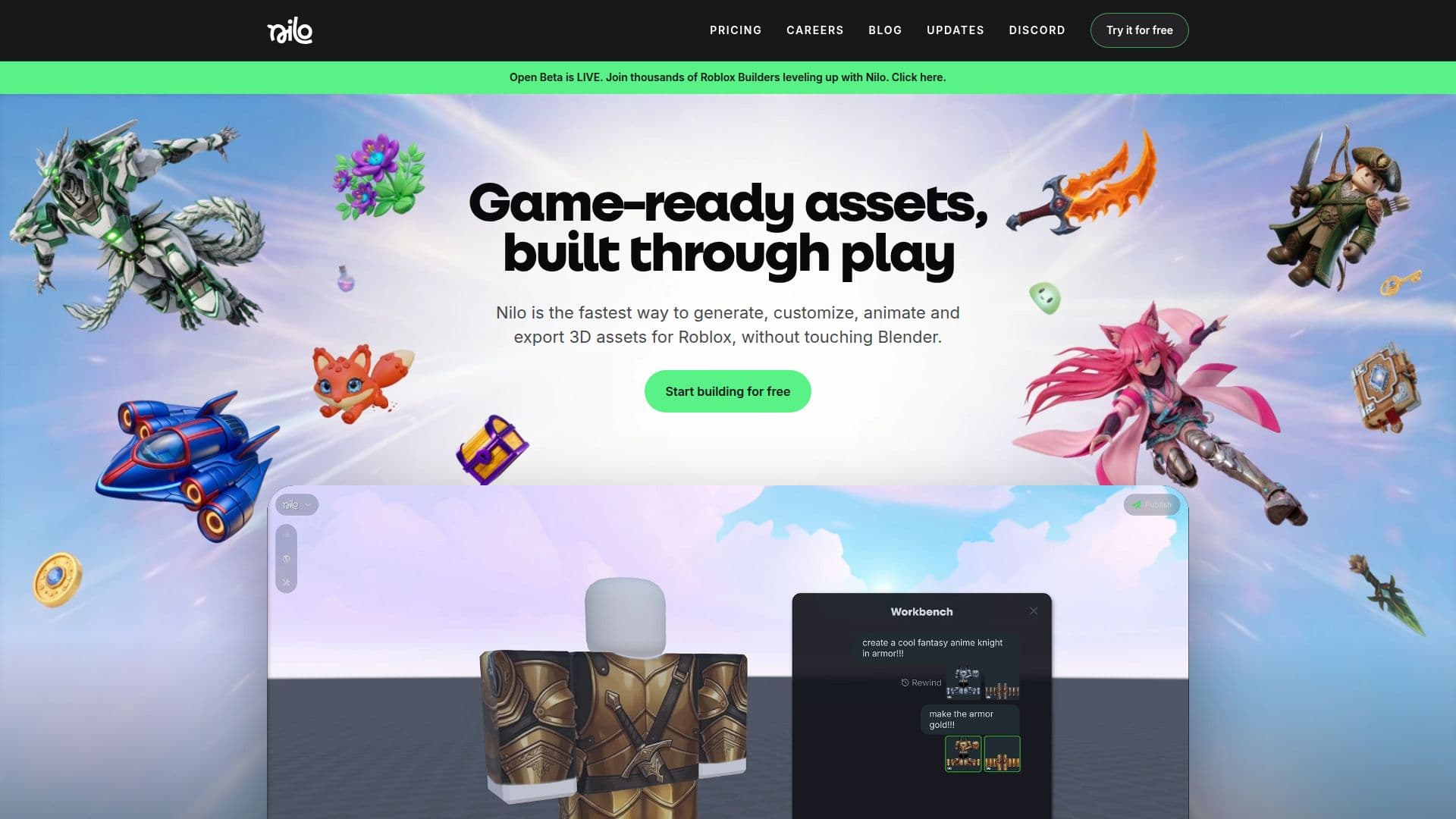
Nilo is a powerful tool designed to streamline the creation of 3D assets for Roblox. It allows users to generate, customize, animate, and export 3D models directly from their browser, eliminating the need for complex software like Blender. With Nilo, users can create interactive 3D worlds quickly and easily, making it ideal for both novice and experienced game developers.
The platform offers a variety of features, including the ability to generate objects from sketches, images, or text prompts. Users can refine details and drag assets into their virtual worlds. Nilo also provides tools for optimizing polycount, rigging models with a single click, and generating animations using text prompts.
Nilo supports the creation of asset packs and Roblox-ready avatars, allowing users to generate custom skins and animations. The platform enables real-time collaboration, letting users invite friends to build and play in their Nilo World by sharing a link.
The tool offers a freemium pricing model with three tiers: Starter, Builder, and Pro. Each tier provides different levels of access to AI models and Bits per month, catering to various user needs from beginners to advanced creators.
Nilo is optimized for Roblox, ensuring that all models are ready to use in the platform. It requires no installations, running entirely in the browser, which makes it accessible on any device. Users can quickly prototype ideas and publish their creations to the Nilo community with a single click.
The platform is supported by a vibrant community on Discord, where builders can connect, share their work, and access new features. Nilo is an excellent choice for anyone looking to enhance their game development process with AI-powered tools.
Nilo 3D Asset Generator's Core Features
Generate 3D assets from sketches, images, or text prompts
Customize and animate models without coding
Optimize polycount with a detail slider
One-click rigging and animation generation
Create Roblox-ready avatars and skins
Real-time collaboration with friends
Export models for use in Roblox Studio
Browser-based, no installations required
Freemium pricing with three tiers
Community support via Discord
How to use Nilo 3D Asset Generator?
Configure: Choose your AI model and settings
Use: Generate and customize 3D assets
Optimize: Adjust polycount and rig models
Publish: Export and share your creations
Nilo 3D Asset Generator's Use Cases
- Game Development
- Collaborative Building
- Rapid Prototyping
- Avatar Creation
- Community Engagement