Description
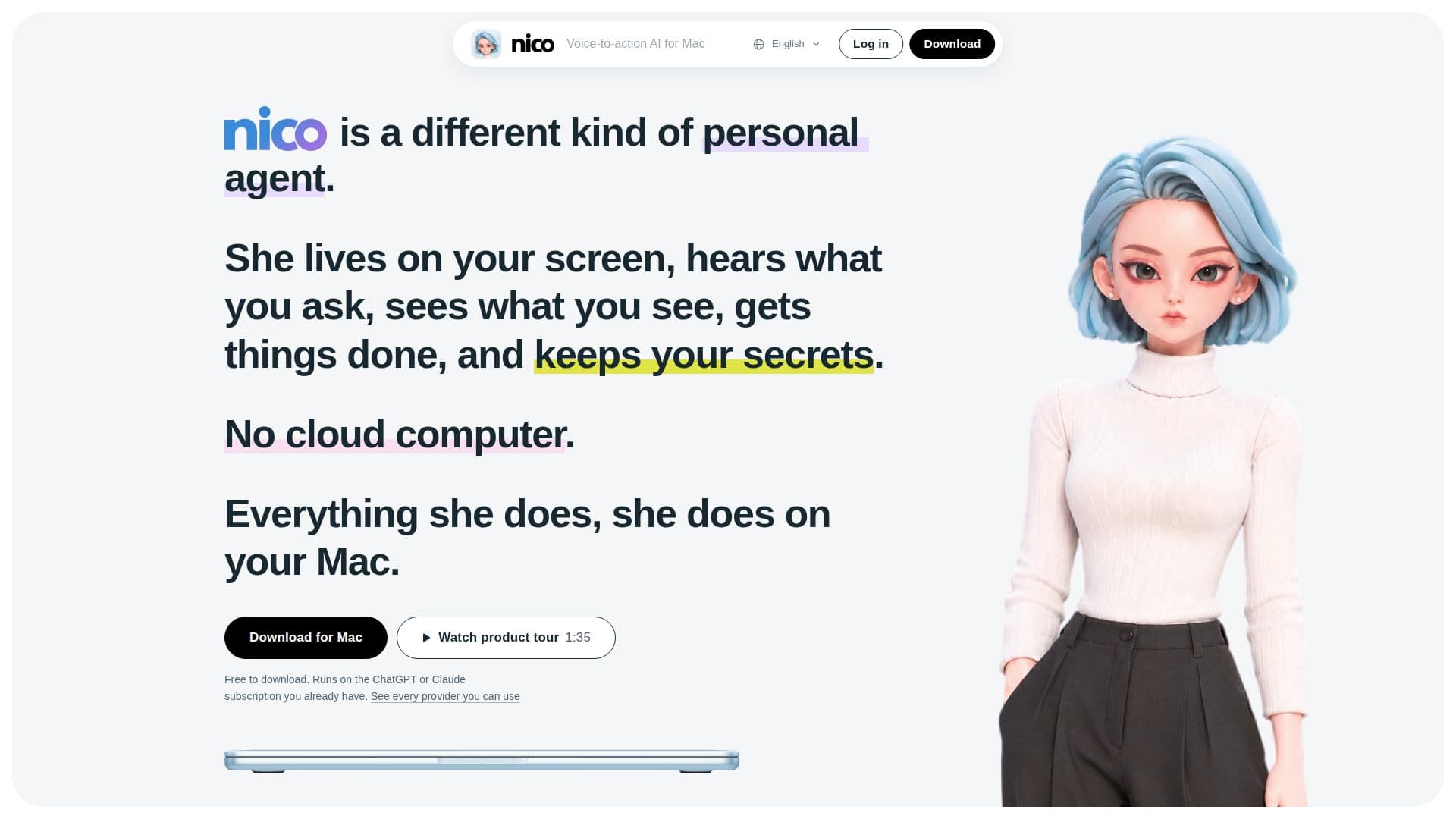
Nico is a unique personal agent designed exclusively for macOS, offering a voice-to-action interface that operates directly on your Mac. Unlike cloud-based solutions, Nico ensures complete privacy and security by performing all tasks locally, utilizing your existing ChatGPT or Claude subscriptions without storing any of your data or credentials in the cloud. This approach means your files, accounts, and apps remain on your device, and what you say to Nico is never stored or used for training by model providers.
Read More
The agent functions by hearing your requests and seeing what's on your screen, enabling it to understand context without extensive setup. Users simply hold the right ⌘ key, speak their command, and release. Nico can handle a wide array of tasks, from converting PDFs into spreadsheets and tidying your desktop by organizing files into folders, to drafting email replies and finding information on the web. It integrates seamlessly with your existing applications and browser, treating web interactions as if you were performing them yourself, using your usual network and logins.
Nico is structured with two distinct agents: an "Out front" agent that handles immediate interactions and ensures tasks align with your requests, and a "Worker" agent that operates behind the scenes to execute complex tasks. The Worker agent is a desktop work agent that plans, researches, interacts with files, the web, mail, and other applications, all within a sandbox environment on your Mac. It runs on your chosen AI subscription, supporting a broad range of providers including ChatGPT, Claude, Gemini, GitHub Copilot, and many others, ensuring flexibility and leveraging your existing investments.
Privacy is a core tenet of Nico's design. It implements zero data retention, meaning nothing you say is ever kept. The Worker agent communicates directly from your Mac to your selected AI provider under that provider's privacy terms, without Nico having any copy of the content. All memories, chat history, and generated content remain as files on your Mac, with credentials secured in your Keychain. The microphone is active only while the ⌘ key is held, and screenshots taken for context are never saved. Furthermore, Nico always seeks your approval before performing any irreversible actions or those involving financial transactions.
Nico offers a free tier that utilizes your existing AI plan for agent tasks and provides text replies. A "Plus" subscription, priced at $15/month, enhances the experience with full voice conversations, more accurate speech recognition, and smarter interactions. New users receive a 7-day free trial of Plus without requiring a credit card. The software requires macOS 15.4 or later and an Apple silicon Mac, making it a powerful, privacy-focused tool for enhancing productivity on your desktop.
- CategoryAI Voice Agents
- Pricing ModelFreemium
- DeploymentOn-device
- PlatformsmacOS
Nico: Voice-to-action personal agent for Mac's Core Features
Voice-to-action commands for Mac
On-device operation, no cloud computer
Utilizes existing ChatGPT or Claude subscriptions
Zero data retention for privacy
Local storage of memories, chat history, and credentials
Contextual understanding of on-screen content
Automates email replies and content summarization
Converts PDFs to spreadsheets and other formats
Desktop organization and file management
Web browsing and information retrieval
Monitors email and calendar for relevant updates
Two-agent architecture for efficient task handling
Supports a wide range of AI providers via API keys or direct sign-in
Requires user approval for irreversible actions
Free to download with a Plus subscription option
How to use Nico: Voice-to-action personal agent for Mac?
Install Nico: Download the DMG and drag Nico into your Applications folder.
Follow Checklist: Open Nico for the first time and complete the checklist to allow microphone access, input monitoring, and connect your AI account.
Connect AI Account: Sign in with your existing AI plan (e.g., ChatGPT, Claude) or paste an API key from your chosen provider.
Initiate Command: Hold the right ⌘ key, speak your request, and then release the key.
Review and Approve: Observe Nico's actions and approve any irreversible steps or financial transactions when prompted.
Nico: Voice-to-action personal agent for Mac's Use Cases
- Email Management
- Document Processing
- Desktop Organization
- Information Retrieval
- Calendar and Task Management
- Web Automation
- Personal Reminders
- Contextual Assistance