Description
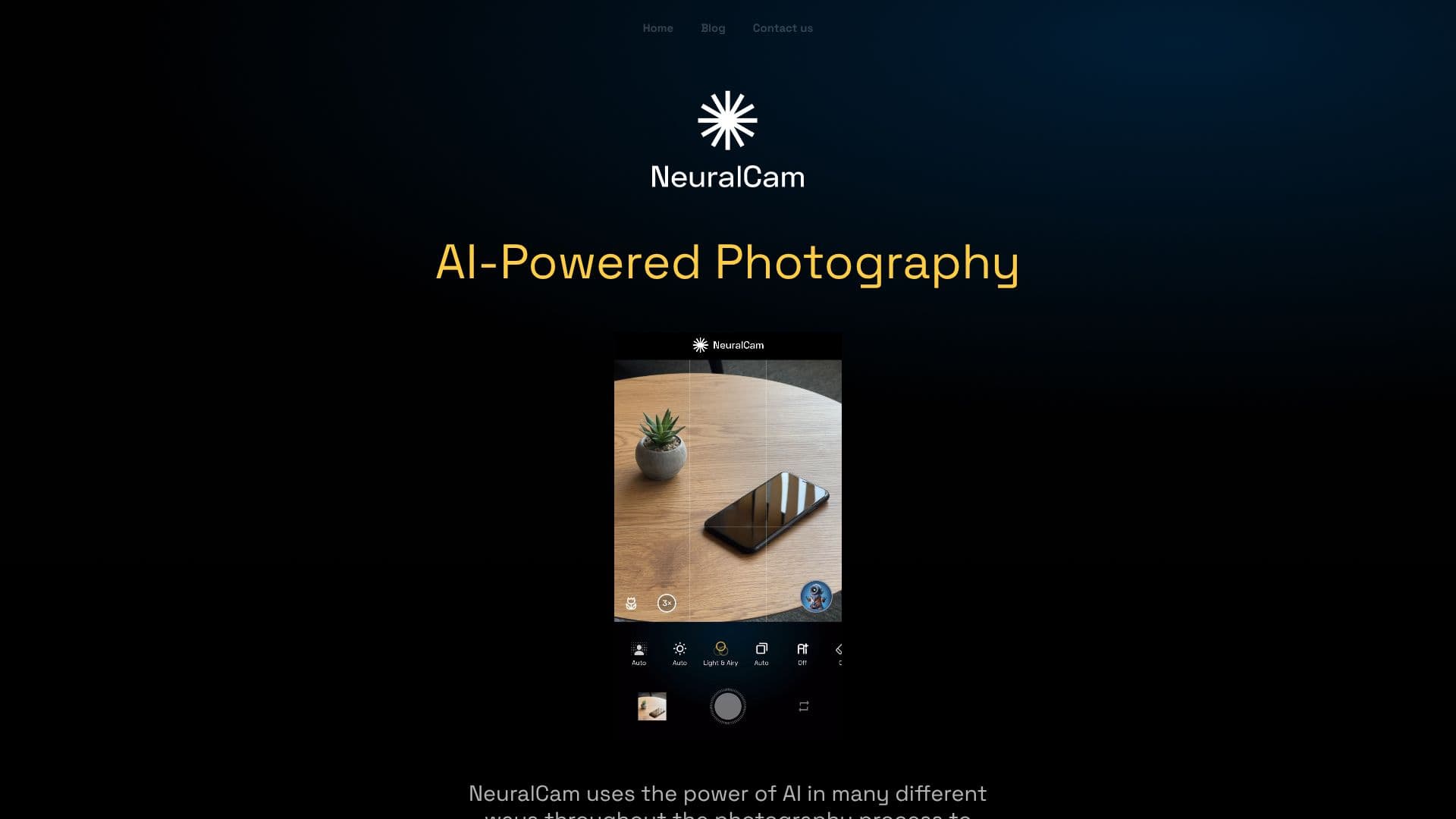
NeuralCam AI Camera leverages artificial intelligence throughout the photography process to empower users to capture and create better images. The app's AI Photography System is divided into three core stages: Composition, Smart Capture, and Auto-Editing.
Read More
In the Composition stage, NeuralCam acts as an AI Photography Coach, providing real-time guidance to help users improve their shots. This includes advice on creating better compositions, identifying compelling subjects, finding creative angles, utilizing lighting effectively, and telling stories through their photographs. This feature is beneficial for both beginners and experienced photographers seeking new perspectives.
The Smart Capture System analyzes the scene to automatically select the optimal capture mode. Options include SmartHDR for high-contrast scenes, DeepFusion for enhanced detail in moderate lighting, and a Custom Night Mode for low-light conditions. For devices supporting ProRAW, an unprocessed option is available. The Smart MERGE Frame Fusion technology combines multiple frames from any capture mode to achieve superior overall photo quality, enhanced detail preservation, reduced over-sharpening artifacts, and consistent performance, especially in zoomed shots.
NeuralCam also offers AI Upscaling & Detail Enhancement, allowing users to increase image resolution to 12MP, 24MP, or 48MP while intelligently reducing noise and preserving details for sharper, cleaner results suitable for large prints or cropping.
The Professional-Level Auto-Editing suite transforms photos with features like Beautiful Portrait Effects, which add DSLR-like background blur adjustable for strength and focus. Intelligent Illumination brightens dark or challenging scenes, maintaining natural contrast while revealing hidden details. Professional Color Grading applies mood and style based on professional photographers' work, enhancing visual impact naturally. For users desiring more control, a quick editor provides access to AI and classic editing tools, including bokeh adjustments, illumination fine-tuning, style control, and traditional editing options.
NeuralCam offers a Free tier with core features like Night Mode, AI Bokeh, Macro Mode, and Multi-frame capture. Paid subscriptions, Pro ($3.99/mo) and Pro + Coach ($5.99/mo), unlock advanced controls, styles, unlimited editing, 48MP upscaling, and the AI Photo Coach.
- CategoryAI Photo Editors
- Pricing ModelFreemium
- DeploymentCloud
- PlatformsiOS
NeuralCam AI Camera's Core Features
AI-powered composition guidance
Real-time AI Photography Coach
Smart capture modes (SmartHDR, DeepFusion, Night Mode)
Multi-frame fusion for enhanced quality
AI upscaling to 48MP
Smart noise reduction with detail preservation
DSLR-like portrait background blur
AI-powered scene illumination
Professional AI color grading
Adjustable bokeh strength and focus
Access to traditional editing tools
Free tier with core features
How to use NeuralCam AI Camera?
Configure: Select capture mode and utilize AI Photo Coach for composition advice.
Capture: Shoot photos, letting Smart Capture automatically optimize settings.
Enhance: Use AI upscaling for higher resolution and detail.
Edit: Apply AI-powered portrait effects, illumination, and color grading.
Refine: Adjust bokeh, illumination, and style intensity with quick editor tools.
Optimize: Fine-tune images using traditional editing tools as needed.
NeuralCam AI Camera's Use Cases
- Improve Photo Composition
- Enhance Low-Light Photos
- Create Professional Portraits
- Upscale Images for Print
- Achieve High-Contrast Shots
- Add Artistic Style
- Capture Detailed Scenes