
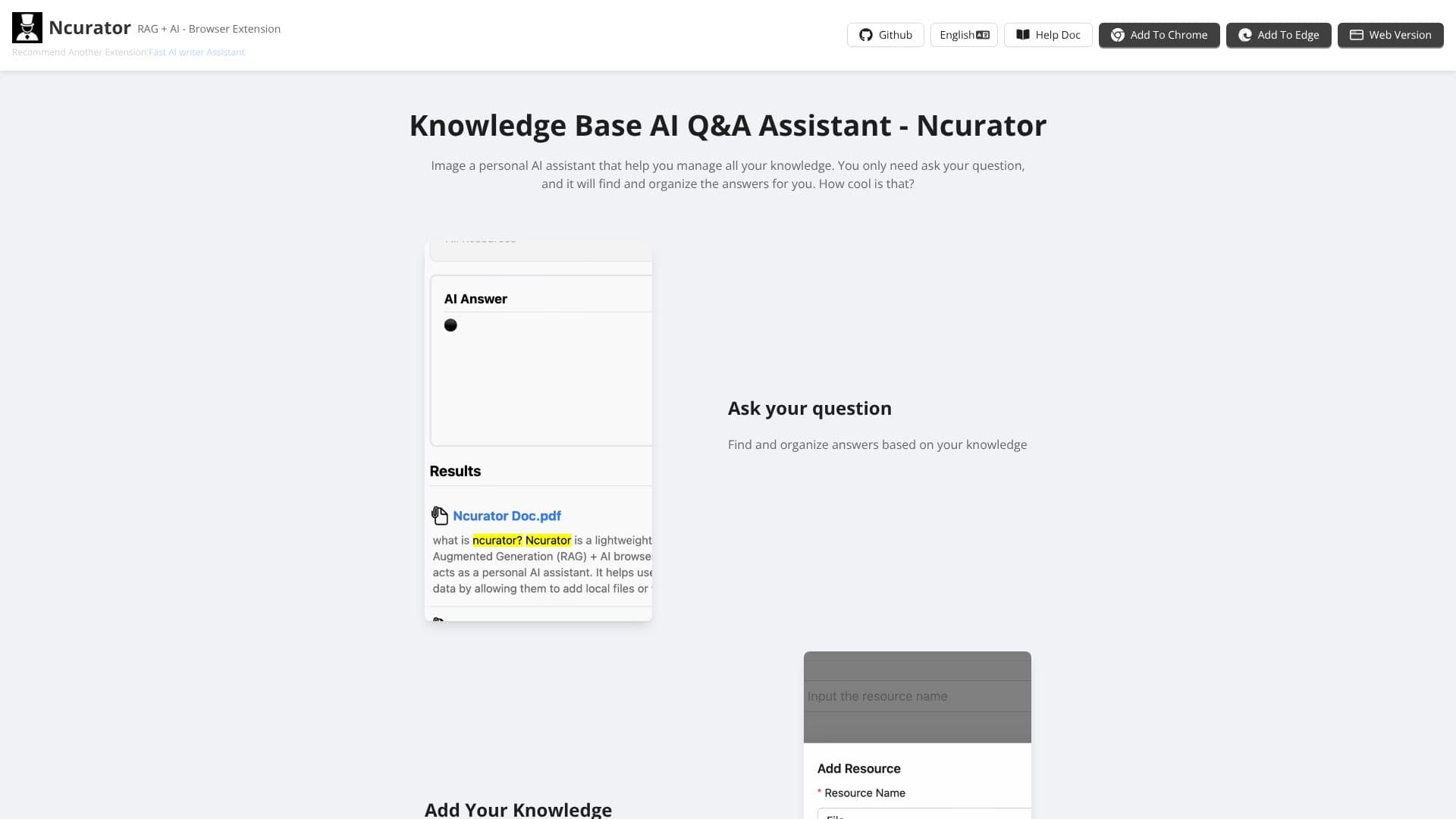
Description
Ncurator's original English pages no longer resolve; ncurator.com now redirects straight to a Chinese-only site at guanzhangai.cn/zh, which the site's own structured data lists under the name 馆长 ("Guanzhang"), with 馆长AI as an alternate name. The underlying project remains open source on GitHub under the original name, github.com/Yoan98/Ncurator, built by a developer who goes by Yoan.
Read More
The product's own tagline translates roughly to "Guanzhang, your AI work partner." The pitch is a desktop AI assistant: a user hands it a task, and it draws on a local knowledge base, searches the web, and works directly with Word, PDF, Excel and PowerPoint files. The site frames this as AI acting autonomously on a task rather than answering one question at a time; the person only has to describe what they want, such as pulling a week's meeting notes and numbers into a management report.
Two views are shown for reviewing the AI's work: a preview that shows the finished result directly, and an audit view that highlights exactly which parts of a document the AI changed, so a person can confirm the edits before sending the file on. A separate browser extension can feed bookmarked web pages into the same local knowledge base.
On cost, the app itself is free; a user connects their own AI model (the site's own example uses DeepSeek V4.1 Flash) and pays only for the tokens that model provider charges. The site emphasizes a caching mechanism: because repeated, similar tasks tend to hit a cached version of the same context, the effective per-task cost drops, with one worked example on the page showing a roughly 30-yuan task falling to about 3 yuan (roughly a 90% reduction) once cache hits are accounted for, and a claimed 30x price difference between a cached and an uncached token.
The desktop app supports Windows and macOS, including Apple Silicon Macs. Contact and community channels listed on the site include GitHub, X (@Yoan_Huang), a QQ group, Xiaohongshu (Little Red Book), Douyin and a direct email address, all oriented toward a Chinese-speaking user base.
Because the current site is entirely in Chinese with no English version live, and because it is a downloadable desktop application rather than a web app, this entry describes the product as it now operates, distinct from the English-language "knowledge base AI Q&A" framing it previously carried. Its practical audience is individual knowledge workers and small teams who want a private, local-first AI assistant for document and knowledge-base work rather than a cloud subscription product, and who are comfortable connecting and paying for their own AI model access.
- CategoryAI Knowledge Management
- Pricing ModelFree
- DeploymentLocal
- PlatformsWindows, macOS
Ncurator's Core Features
Autonomous task execution: assign a task and it carries out the multi-step work
Local knowledge base retrieval for faster, more accurate, context-aware answers
Word (DOCX), Excel and PowerPoint file editing
PDF reading and processing
Web search for information not available in local files
Browser bookmark import through a companion browser extension
Preview and audit views showing exactly what the AI changed before it's accepted
Prompt-cache pricing that reuses cached context on repeated similar tasks to cut token costs
Free desktop app for Windows and macOS (Apple Silicon supported); users bring their own AI model and token budget
How to use Ncurator?
Download: get the Windows or macOS build from guanzhangai.cn, the current home of the former Ncurator.
Connect a model: add an AI API key or token budget (the site's own example uses DeepSeek).
Build a knowledge base: import local documents, or install the browser extension to add bookmarked pages.
Assign a task: describe what's needed in plain language, such as drafting a weekly report from meeting notes.
Review: check the preview or audit view to see what changed before accepting the result.
Ncurator's Use Cases
- Weekly reporting
- Document editing
- Personal research
- Bookmark recall