Description
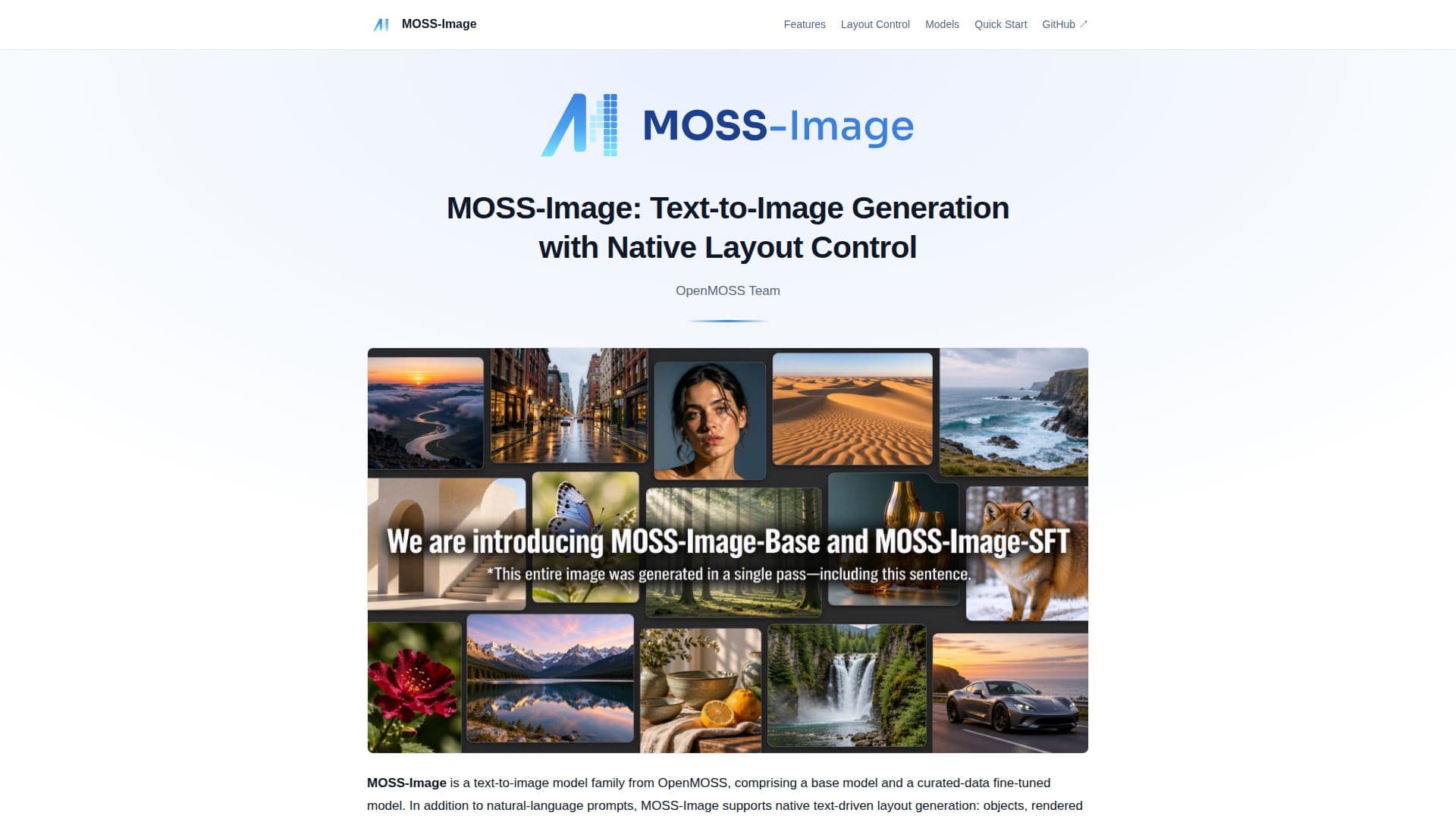
MOSS-Image is a sophisticated text-to-image model developed by OpenMOSS, designed to transform natural language descriptions into detailed images. This model family includes a base model and a fine-tuned version, MOSS-Image-SFT, which is optimized with curated data. A standout feature of MOSS-Image is its native text-driven layout control, allowing users to specify scenes, objects, and text positions through structured JSON prompts. This capability enables precise control over the spatial arrangement of elements within an image.
Read More
The model is built on a compact 5B backbone, supporting prompts of up to 4,000 tokens, and is capable of rendering both anime and photorealistic styles. It is designed for efficient generation and fine-tuning across various tasks and domains. MOSS-Image utilizes a shared Diffusers pipeline, accessible via Python and Gradio interfaces, making it versatile for developers and researchers.
MOSS-Image supports layout-to-image generation, allowing users to edit text, element descriptions, and bounding boxes to adjust image content and composition. This feature is particularly useful for applications in visual design, illustration, and photography. The model's weights are available under the Apache-2.0 license, ensuring open access for further development and research.
The tool integrates seamlessly with ComfyUI, providing native support for model loading and workflow management. Users can install the MOSS-Image plugin for ComfyUI to enhance their image generation workflows. Additionally, the MOSS-Image Prompt Enhancer skill is available to assist in creating detailed captions and spatial layout prompts, further expanding the tool's utility.
Overall, MOSS-Image is a powerful tool for anyone looking to generate images from text descriptions with precise layout control, catering to a wide range of creative and professional applications.
- CategoryAI Image Generators
- Pricing ModelOpen source
- DeploymentCloud
- PlatformsWeb
MOSS-Image's Core Features
Text-to-Image Generation
Native Layout Control
Compact 5B Backbone
Anime and Photorealistic Styles
4K Token Prompt Support
Python and Gradio Interfaces
Open-Source Model Weights
ComfyUI Integration
Prompt Enhancer Skill
How to use MOSS-Image?
Install: Set up Python 3.10+ and compatible PyTorch
Configure: Load model weights and set parameters
Generate: Use Gradio or Python interface to create images
Optimize: Adjust layout and prompts for desired output
MOSS-Image's Use Cases
- Visual Design
- Illustration
- Photography
- Creative Projects
- Research