
Description
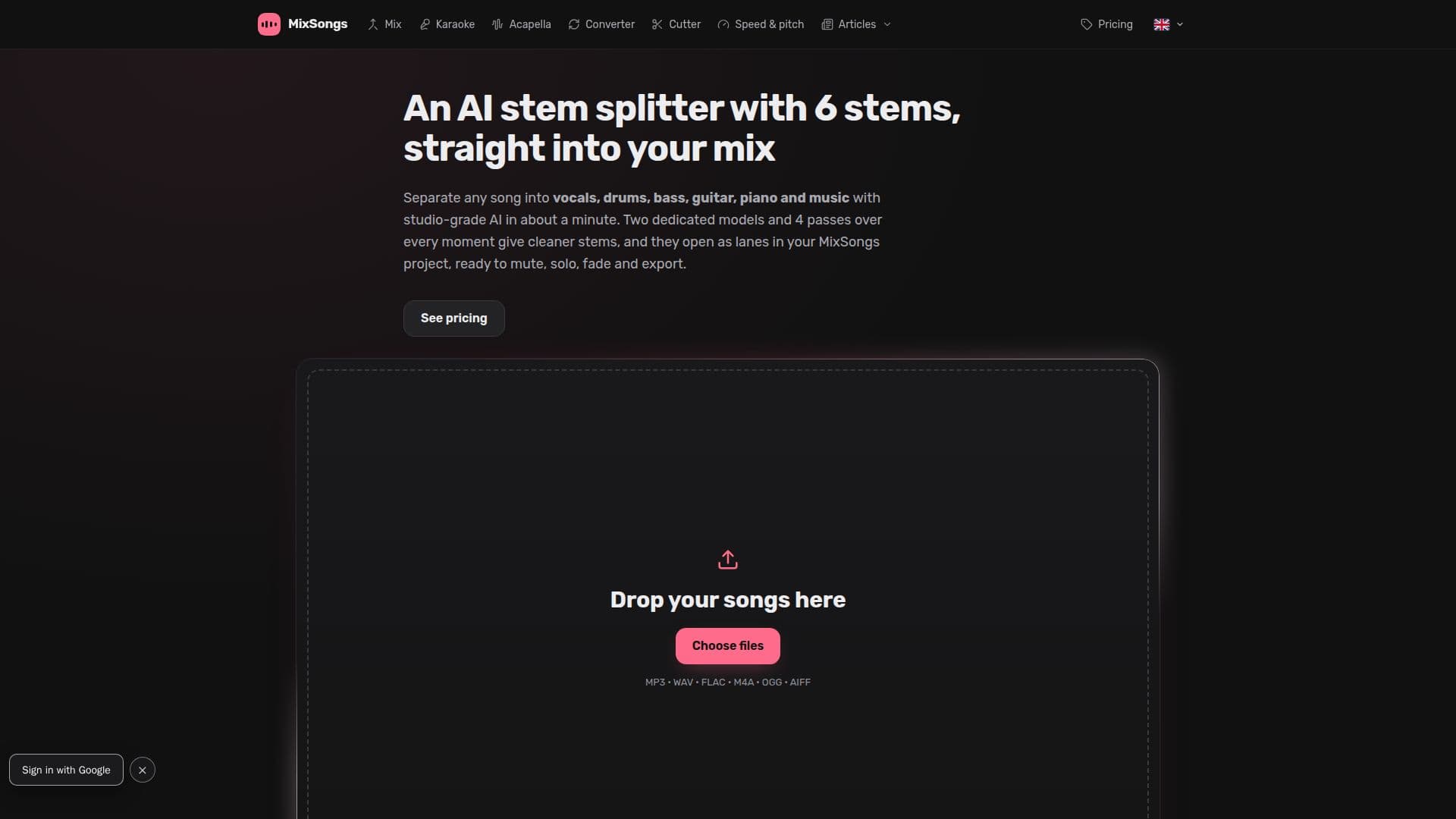
MixSongs is a browser-based audio editor that specializes in AI stem separation, allowing users to split any song into six distinct stems: vocals, drums, bass, guitar, piano, and music. This tool is designed for musicians, DJs, and audio enthusiasts who want to create karaoke tracks, remixes, or practice individual parts of a song. The AI-powered separation process uses two dedicated models to ensure studio-grade precision, providing cleaner and more accurate stems than typical online splitters.
Read More
The platform offers a free trial for the first song, allowing users to experience the separation process without any cost. For continued use, MixSongs provides affordable pricing options: a one-time purchase of 10 separations for $3, valid for 7 days, or a monthly subscription plan for $6, which includes 20 separations per month. Both options unlock Pro export features, allowing users to download stems in lossless formats such as WAV and FLAC.
MixSongs operates entirely within the user's browser, ensuring privacy and security. Audio files are only uploaded for AI stem separation, and separated songs are stored on the server for 30 days before being automatically deleted. The platform supports a variety of audio formats for import and export, including MP3, WAV, and FLAC, and offers features like speed and pitch adjustment, volume automation, and crossfades.
The tool is designed to be user-friendly, with a multitrack timeline and intuitive controls for cutting, trimming, and moving clips. It also includes advanced features like formant-preserving pitch shifts for vocals, ensuring that the singer's voice remains natural even when the key is changed. MixSongs is ideal for creating karaoke versions, acapellas, and remixes, and offers a seamless experience for mixing and editing audio tracks.
- CategoryAI Audio Editors
- Pricing ModelFreemium
- DeploymentCloud
- PlatformsWeb
MixSongs's Core Features
AI stem separation into six stems
Studio-grade precision models
Free trial for first song
Affordable pricing options
Pro export with lossless formats
Browser-based operation
Multitrack timeline and editing
Formant-preserving pitch shift
How to use MixSongs?
Add the song to MixSongs: Drag it onto the timeline.
Click 'AI' on the track: View the separation dialog.
Sign in with Google: Access the free trial or purchase a pack.
Mix with the stems: Use faders, mute, solo, and volume checkpoints.
MixSongs's Use Cases
- Karaoke Versions
- Acapellas
- Learn and Play
- Remixes
- Pitch Adjustment