Description
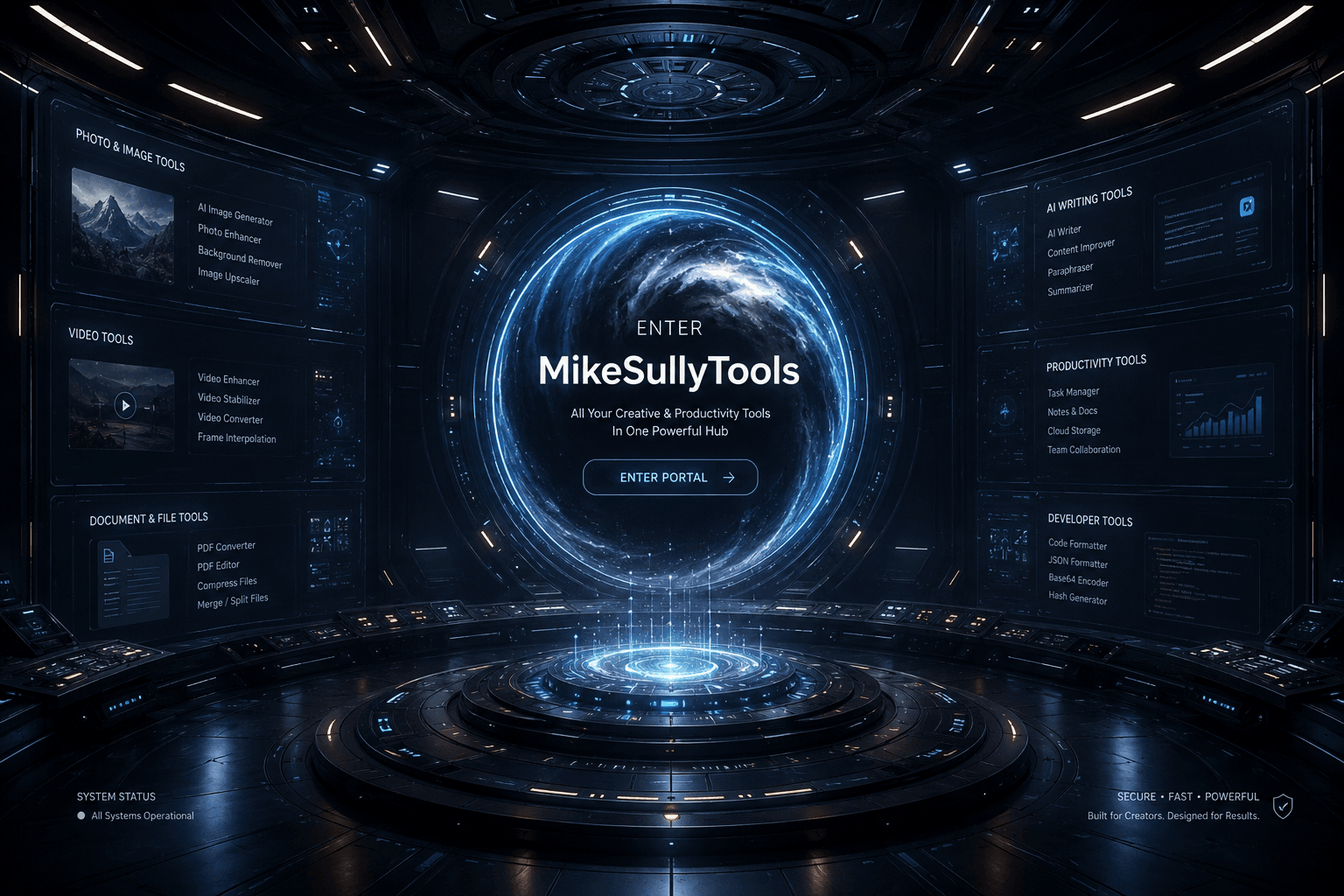
MikeSullyTools is a versatile browser-based platform designed to streamline creative and productivity tasks. It offers a range of tools including photo fixes, video cleanup, AI image generation, and PDF conversion, all within a single workspace. Users can access various studios such as the AI Photo Studio for image enhancements, AI Video Studio for video editing, and AI Image Generator for creating visuals from prompts.
Read More
The platform also supports marketing and creator workflows through the Campaign Concept Studio, where users can build campaign concepts, social media copy, and media kits. For document-related tasks, the Document Studio allows drafting of business documents and recording voiceovers. The platform's voiceover recorder is browser-based and supports line-by-line audio takes, with options for WebM audio export.
MikeSullyTools operates on a freemium model, offering free member tools with limited weekly uses. Additional features or processing may require credits, which are clearly indicated before use. The platform is designed for creators, marketers, and business professionals seeking efficient tools for media cleanup, content creation, and document management.
The platform's user-friendly interface allows users to choose workspaces based on desired outcomes, ensuring a focused and efficient workflow. With its comprehensive suite of tools, MikeSullyTools aims to enhance productivity and creativity for its users.
- CategoryDesign & Creative
- Pricing ModelFreemium
- DeploymentCloud
- PlatformsBrowser
MikeSullyTools's Core Features
AI Photo Studio
AI Video Studio
AI Image Generator
Convert PDF to Word
Campaign Concept Studio
Document Studio
Voiceover Recorder
UTM and QR Link Builder
Creator Planner Studio
Free Member Tools
Photo previews
Credit-based processing
Browser-based interface
Member account integration
How to use MikeSullyTools?
Choose a workspace: Select the desired tool or studio.
Configure settings: Adjust settings according to your project needs.
Use the tool: Perform tasks such as photo editing or document drafting.
Review results: Check the output and make adjustments if necessary.
MikeSullyTools's Use Cases
- Photo Editing
- Video Cleanup
- Image Generation
- Campaign Planning
- Document Drafting