
Description
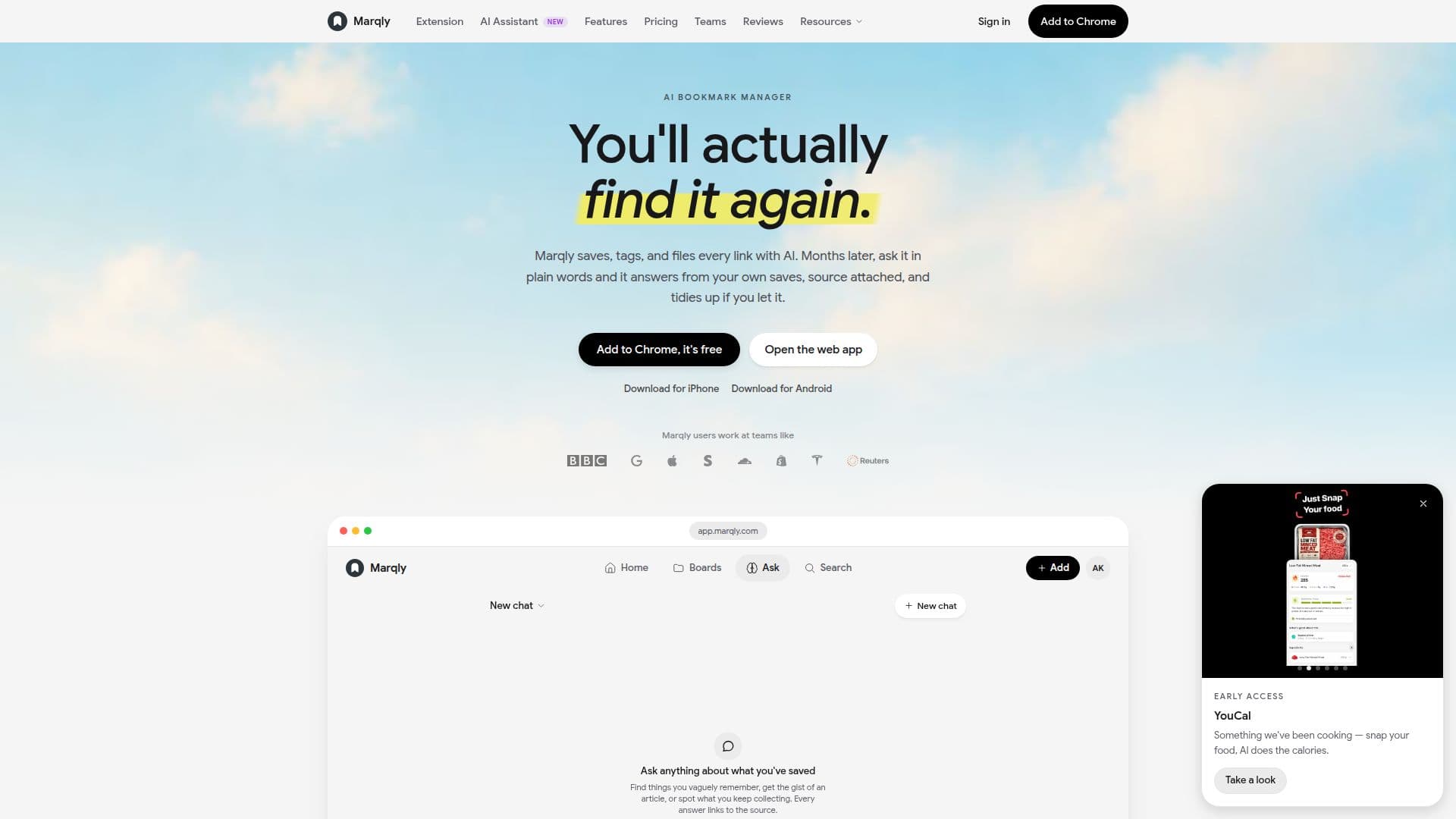
Marqly is an AI bookmark manager that revolutionizes how users save, organize, and retrieve web content. Unlike traditional browser bookmarks, Marqly leverages artificial intelligence to provide advanced functionalities such as automatic tagging, AI summaries, and semantic search, allowing users to find saved links by describing what they remember rather than relying on exact keywords or titles.
Read More
The platform offers a comprehensive suite of tools, including a smart New Tab page (Marqly Home) for quick access to library search, links, notes, and to-dos. It also features Clipboard History to save and organize copied text, and the ability to capture conversations from popular AI chat platforms like ChatGPT, Claude, and Gemini. For video content, Marqly provides AI-powered YouTube summaries, including TL;DRs, key sections, and playback-synced transcripts, along with a chat tab to answer questions directly from the video's content.
Users can highlight text on webpages in multiple colors, add notes, and have these highlights synced and searchable within their Marqly library. The tool also supports exporting webpages as clean PDFs, preserving the on-screen layout without uploading content to external servers. Marqly facilitates importing existing bookmarks from services like Pocket and Raindrop.io, with Pro plans enhancing imported links with AI auto-tagging and semantic search.
Marqly offers a Free plan for up to 100 bookmarks, including one-click saving, custom tags, keyword search, highlights, and cross-device access. Pro features, which include all AI capabilities like auto-tagging, summaries, semantic search, AI Q&A, and YouTube chat, are available for a subscription. A Teams plan is also offered, providing a shared AI-organized workspace with pooled AI allowances, activity logs, and administrative roles, while allowing individual members to maintain their personal libraries. Marqly is available as a browser extension for Chrome, Edge, Firefox, and Safari, and as mobile apps for iOS and Android, ensuring a synchronized experience across all devices.
- CategoryProductivity
- Pricing ModelFreemium
- DeploymentCloud
- PlatformsWeb, iOS, Android, Chrome Extension, Edge Extension, Firefox Extension, Safari Extension
Marqly's Core Features
AI Auto-Tagging: Automatically tags saved content with AI for better organization.
Semantic Search: Finds saved links by meaning, not just exact keywords.
YouTube Summaries: Provides streaming summaries, key sections, and chat Q&A for videos.
AI Chat Capture: Saves conversations from ChatGPT, Claude, and Gemini in a dedicated workspace.
Webpage Highlighting: Highlight text in multiple colors with notes, synced and searchable.
Clipboard History: Saves and organizes copied text from webpages with search and filtering.
Customizable New Tab Page (Marqly Home): Features library search, quick links, notes, and to-dos.
PDF Export: Exports clean, ad-free webpages as PDFs locally in the browser.
Bookmark Import: Imports bookmarks from Pocket, Raindrop.io, and standard HTML exports.
Cross-Device Sync: Access library across browser extensions, iOS, and Android apps.
Public Boards: Share curated collections of links and highlights as public pages.
Team Workspaces: Shared AI-organized bookmark workspace with pooled AI allowance and roles.
Offline Reading: Pro feature for accessing saved content without an internet connection.
Keyword Search: Basic search functionality for saved bookmarks on the Free plan.
One-Click Saving: Quickly save any webpage or link.
How to use Marqly?
Install Extension: Add the Marqly extension to your preferred browser (Chrome, Edge, Firefox, Safari).
Save Content: Use the one-click save feature to bookmark webpages, videos, and AI chats.
Organize with AI: Let Marqly auto-tag your saves or create custom tags and boards for organization.
Highlight & Annotate: Select text on any page to highlight in various colors and add notes.
Search & Retrieve: Use semantic search to find content by describing what you remember, or keyword search for specific terms.
Summarize YouTube Videos: Access AI summaries and chat with video transcripts directly on YouTube watch pages.
Manage Clipboard: Utilize Clipboard History to save, search, and organize copied text.
Share Boards: Group links and highlights into boards and share them as public pages with others.
Marqly's Use Cases
- Research & Learning
- Content Curation
- Knowledge Management
- Productivity & Task Management
- Competitive Analysis
- Recipe & Idea Collection
- Team Collaboration
- Digital Archiving