
Description
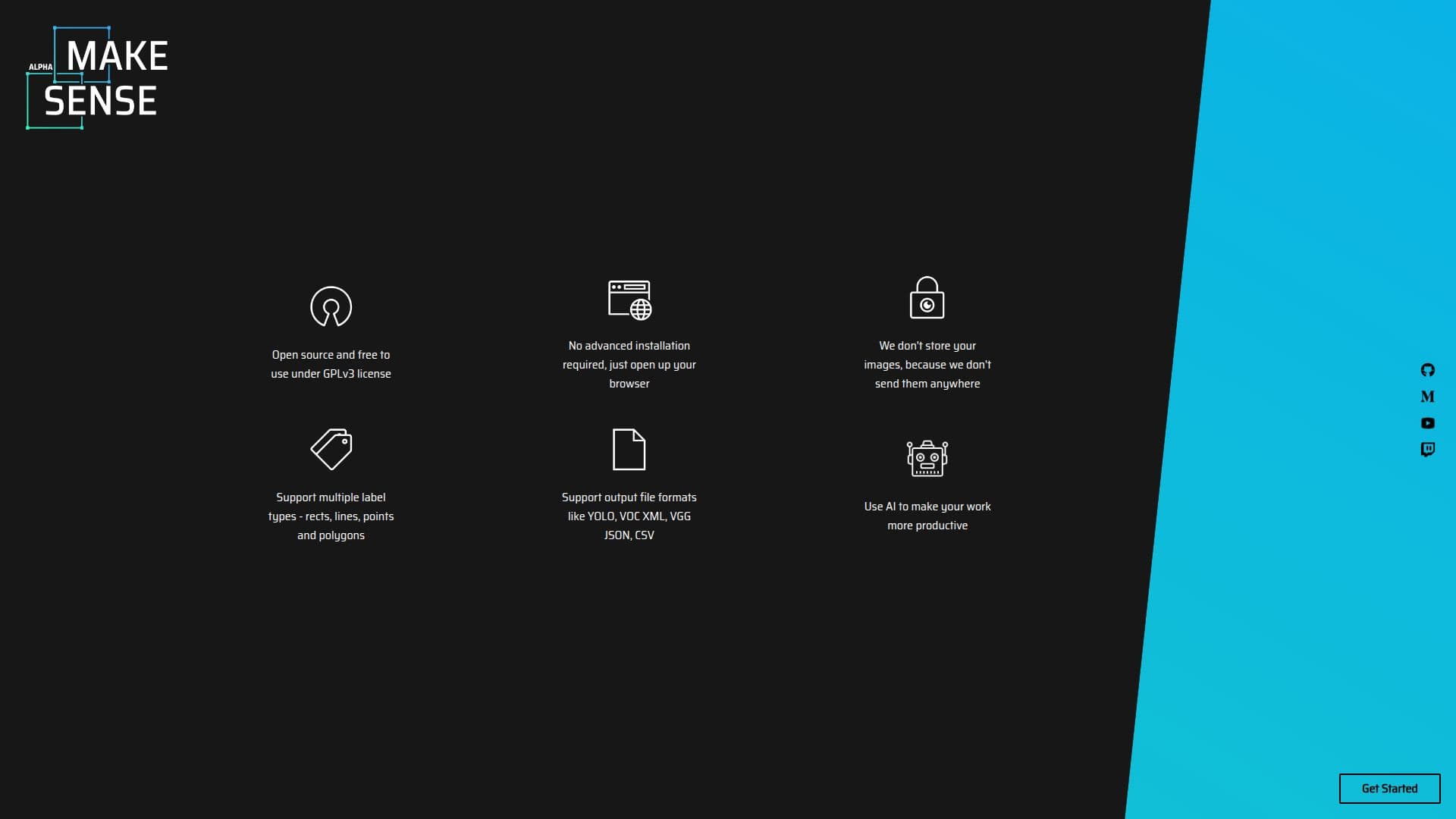
Make Sense is an AI tool focused on image annotation, providing users with a platform to upload and annotate images. This tool is particularly useful for those involved in machine learning projects, as it supports multiple annotation formats. Users can either drop images directly into the interface or select them manually, making the process straightforward and user-friendly. The tool is designed to streamline the annotation process, which is a critical step in preparing datasets for machine learning models. While the website does not provide detailed information about pricing or specific integrations, Make Sense is known for its ease of use and flexibility in handling different image types. The tool is suitable for data scientists, machine learning engineers, and researchers who require a reliable solution for image annotation tasks. Its simplicity and focus on core functionality make it a valuable asset for projects that involve computer vision and image processing. Overall, Make Sense offers a practical solution for efficiently managing image annotation tasks, contributing to the development of robust machine learning models.
Make Sense AI Tool's Core Features
Image annotation support
Multiple annotation formats
User-friendly interface
Drag-and-drop image upload
Manual image selection
Streamlined annotation process
Suitable for machine learning projects
Focus on core functionality
How to use Make Sense AI Tool?
Upload: Drop images or select them manually
Annotate: Use the interface to annotate images
Export: Save annotations in desired format
Integrate: Use annotated data in machine learning projects
Make Sense AI Tool's Use Cases
- Image Annotation
- Dataset Preparation
- Computer Vision Projects
- Research
- AI Model Training