
Description
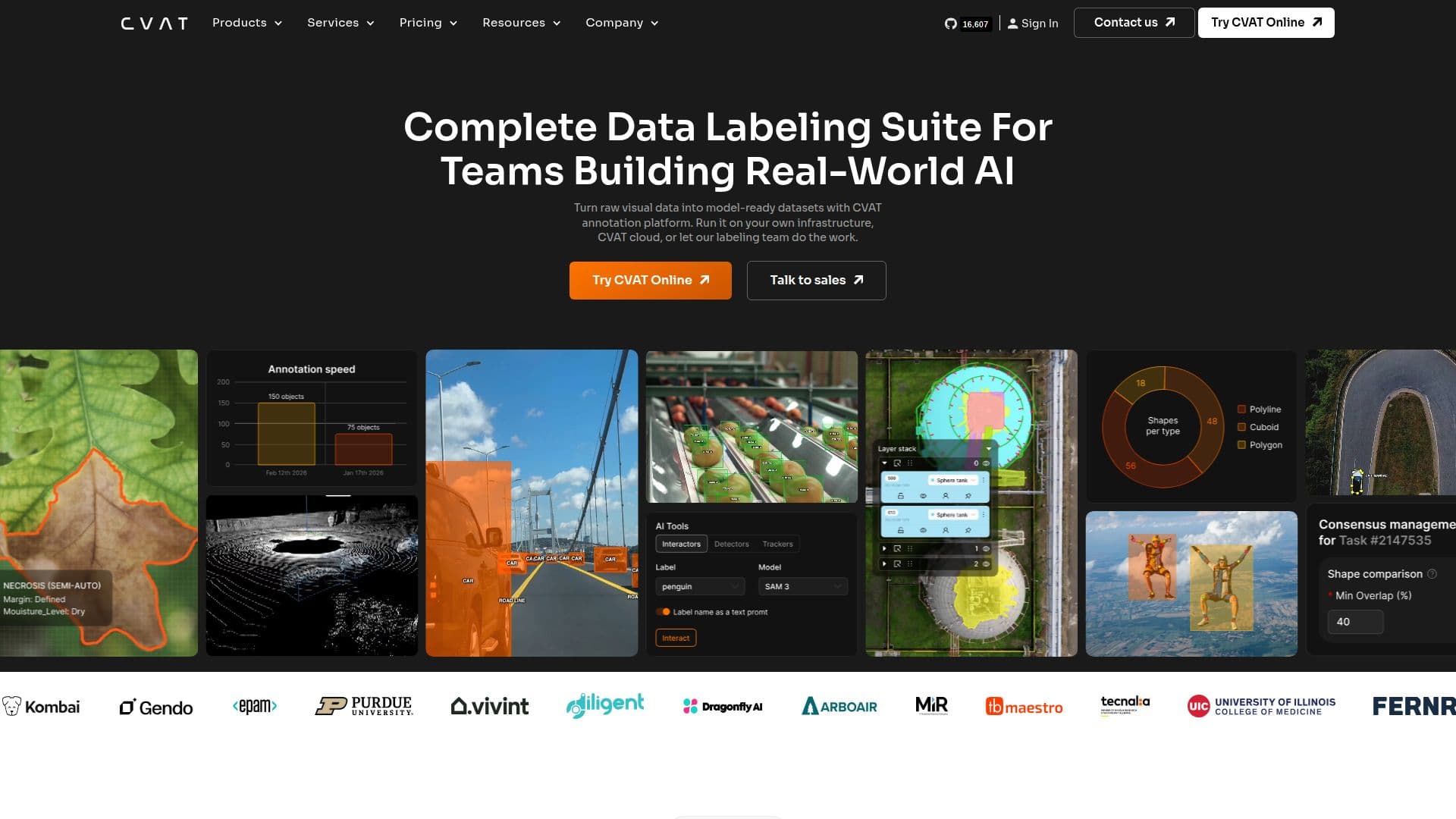
CVAT, or Computer Vision Annotation Tool, is a leading platform for annotating visual data, specifically tailored for AI teams. It allows users to transform raw, unstructured images, videos, and 3D data into high-quality training datasets suitable for various applications in computer vision and visual AI, including autonomous driving and robotics.
Read More
The platform provides a comprehensive toolkit for scalable data annotation. Users can import data from local files and cloud storage, manage projects, tasks, and team access, and label data using both manual and automated tools. CVAT also emphasizes quality control, enabling users to validate annotations and monitor task progress and team workload effectively. Additionally, it supports the export of datasets and integration of workflows, making it a versatile choice for teams across different industries.
CVAT is particularly beneficial for sectors such as automotive, healthcare, manufacturing, and agriculture, among others. It has been adopted by various organizations to enhance their AI capabilities. For instance, companies have utilized CVAT to build AI-powered solutions for inventory counting, equipment detection, and safety intelligence in maritime environments. The platform's flexibility allows teams to combine automated and human labeling, facilitating the testing of different models and refining approaches for optimal results.
With a focus on community and collaboration, CVAT is an open-source project that encourages contributions from developers worldwide. This collaborative spirit not only enhances the platform's capabilities but also ensures that it remains aligned with the evolving needs of AI development. Overall, CVAT stands out as a reliable and efficient tool for teams looking to streamline their data annotation processes and improve the quality of their AI training data.
- CategoryComputer Vision Tools
- Pricing ModelOpen Source
- DeploymentCloud
- PlatformsWeb
CVAT's Core Features
AI-assisted annotation
Quality control tools
Project management
Manual and automated labeling
Data import from local and cloud storage
Task progress monitoring
Dataset export capabilities
Integration with existing workflows
How to use CVAT?
Import data: Upload images, videos, or 3D data from local files or cloud storage.
Manage projects: Organize tasks and assign team access for efficient collaboration.
Label data: Utilize manual and automated tools for accurate data annotation.
Validate annotations: Ensure quality by reviewing and validating labeled data.
Monitor progress: Track task completion and team workload to optimize efficiency.
Export datasets: Prepare and export annotated datasets for model training.
Integrate workflows: Seamlessly connect CVAT with other tools and platforms.
CVAT's Use Cases
- Inventory Counting
- Equipment Detection
- Safety Intelligence
- Sports Performance Analysis
- Asbestos Detection