Description
Magenta Studio is an innovative suite of music plugins designed for use within Ableton Live. Built on Magenta's open source tools and models, it leverages advanced machine learning techniques to facilitate music generation and manipulation. The suite includes five distinct tools: Continue, Generate, Interpolate, Groove, and Drumify, each offering unique functionalities for MIDI clip manipulation.
Read More
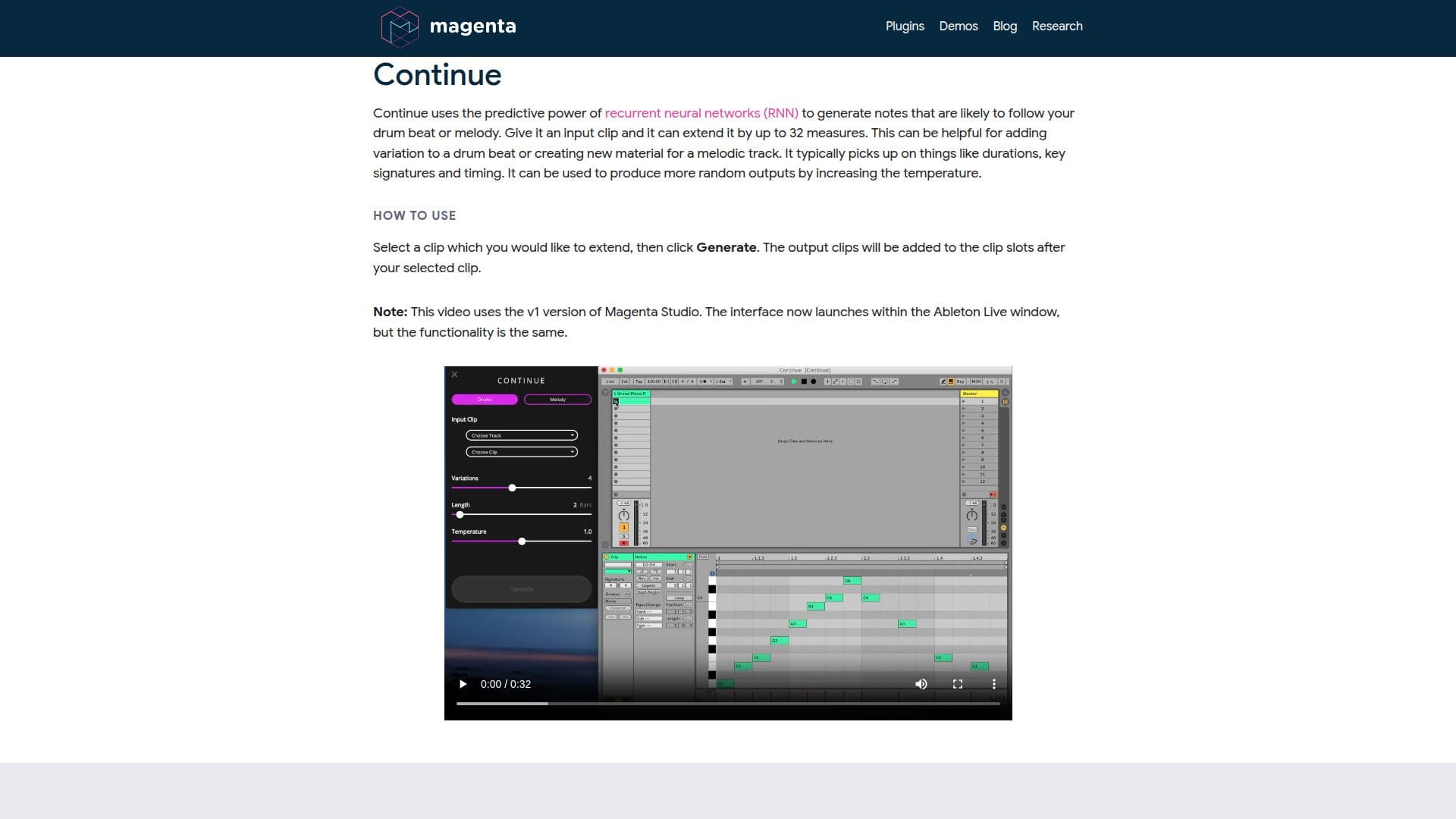
Continue uses recurrent neural networks to extend drum beats or melodies by up to 32 measures, adding variation and new material to tracks. Generate creates 4-bar phrases without any input, using a Variational Autoencoder trained on millions of melodies and rhythms. This tool is ideal for overcoming creative blocks and generating inspiration.
Interpolate merges two drum beats or melodies, generating up to 16 clips that blend the qualities of the inputs. Groove adjusts the timing and velocity of drum clips to mimic a drummer's performance, while Drumify creates grooves based on the rhythm of any input, transforming melodies or basslines into drum tracks.
Magenta Studio requires Ableton Live 10.1 Suite or greater and operates by dragging the plugin file into a MIDI track. The tools work by selecting clips from Ableton's Session View, with a temperature slider available to control randomness in outputs. Limitations include monophonic melody input and specific MIDI mapping for drums. Despite these constraints, Magenta Studio offers powerful capabilities for musicians seeking to explore new creative avenues.
- CategoryAI Music Generators
- Pricing ModelOpen source
- DeploymentLocal
- PlatformsAbleton Live
Magenta Studio's Core Features
MIDI clip manipulation
Machine learning-based music generation
Recurrent neural networks for note prediction
Variational Autoencoder for melody creation
Temperature control for randomness
Monophonic melody input
Specific MIDI mapping for drums
Integration with Ableton Live
How to use Magenta Studio?
Install: Drag amxd file into MIDI track
Select: Choose clips from Session View
Launch: Click tool names within plugin
Adjust: Use temperature slider for variation
Generate: Create new clips with tools
Extend: Use Continue to add measures
Merge: Use Interpolate for blending
Groove: Adjust timing with Groove
Magenta Studio's Use Cases
- Music creation
- MIDI manipulation
- Creative inspiration
- Drum pattern creation
- Performance enhancement