Description
Lusion AI - AI Image Creator is a free, high-quality AI image generation tool built on Flux.2 technology and powered by Regem AI. This innovative platform enables users to transform their imagination into visual art by simply entering text prompts. Whether you envision abstract concepts, realistic scenes, or even text rendered visually, Lusion AI aims to bring your ideas to life.
Read More
The current version, Lusion v2.1, focuses on its core image generation capabilities. Users can enter a prompt and initiate the image creation process. The platform also hints at future developments, including an upcoming AI Background Remover tool, signaling a commitment to expanding its suite of creative AI applications. For those interested in advanced features or early access, a waitlist for Lusion AI+ is available.
Lusion AI is committed to accessibility, offering its powerful image generation capabilities free for all users. This approach is supported by user feedback and developer support, with options to share suggestions or provide feedback. The platform also highlights the availability of the developer for website projects, including AI web apps and business websites, offering a direct channel for custom development needs.
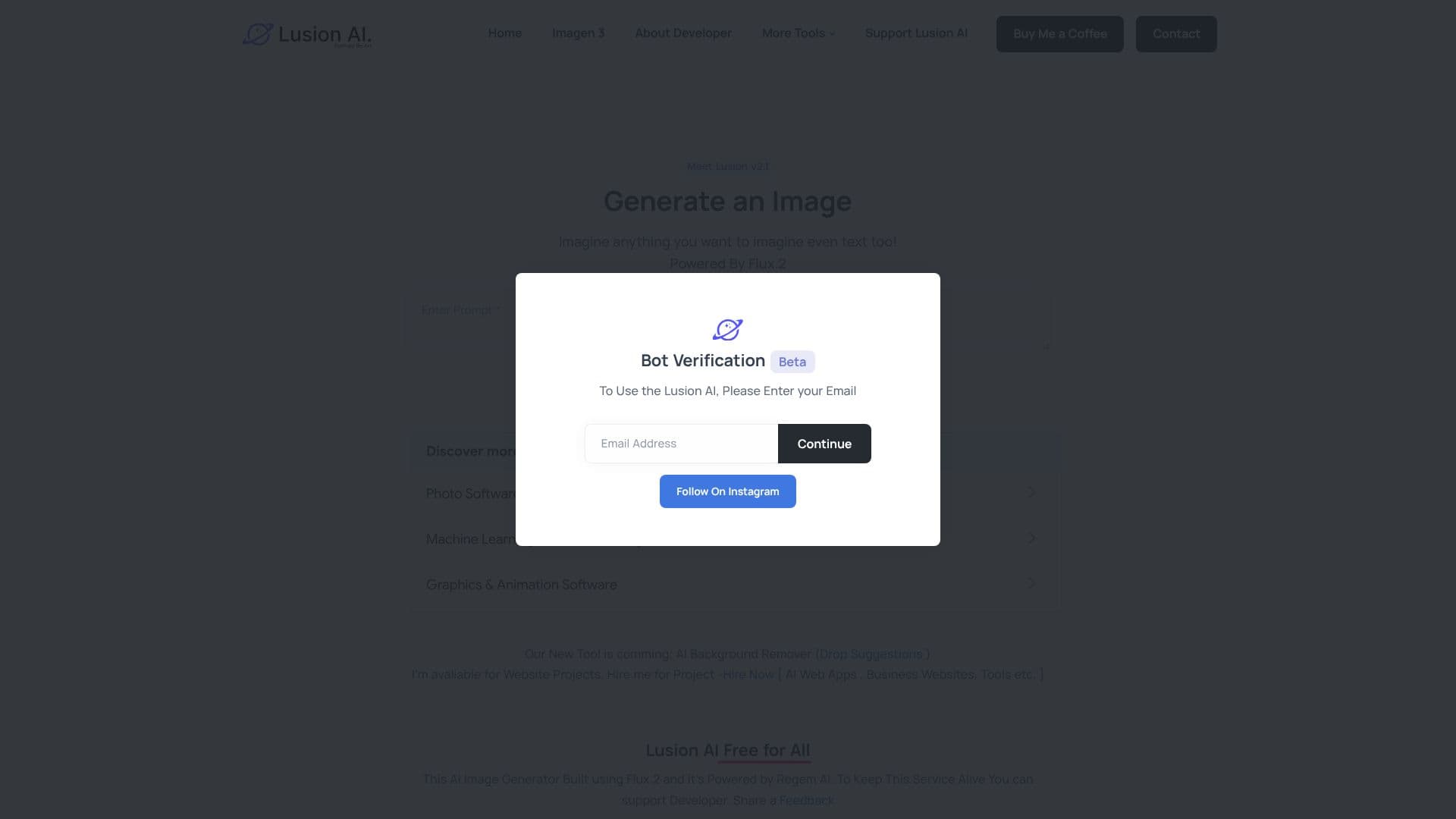
As a beta product, Lusion AI encourages user interaction and feedback to refine its services. The platform is accessible via its web domain and includes a verification step requiring an email address. This engagement model ensures that the tool evolves based on user needs and technological advancements. Lusion AI represents a significant step in making advanced AI image creation accessible to a broad audience, fostering creativity and innovation.
- CategoryAI Image Generators
- Pricing ModelFree
- DeploymentCloud
- PlatformsWeb
Lusion AI's Core Features
AI-powered image generation from text prompts
Ability to generate text within images
Powered by Flux.2 technology
Developed by Regem AI
Free to use for all users
Beta version with ongoing development
Waitlist available for Lusion AI+
Upcoming AI Background Remover tool
Developer available for website projects
How to use Lusion AI?
Enter Prompt: Type your desired image description into the prompt field.
Generate Image: Click the 'Generate Image' button to start the creation process.
Review and Refine: Examine the generated image and adjust prompts for better results.
Join Waitlist: Sign up for the Lusion AI+ waitlist for potential advanced features.
Provide Feedback: Share suggestions or feedback to help improve the tool.
Lusion AI's Use Cases
- Image Generation
- Content Creation
- Artistic Exploration
- Prototyping Visuals
- Text in Images
- Web Development