
Description
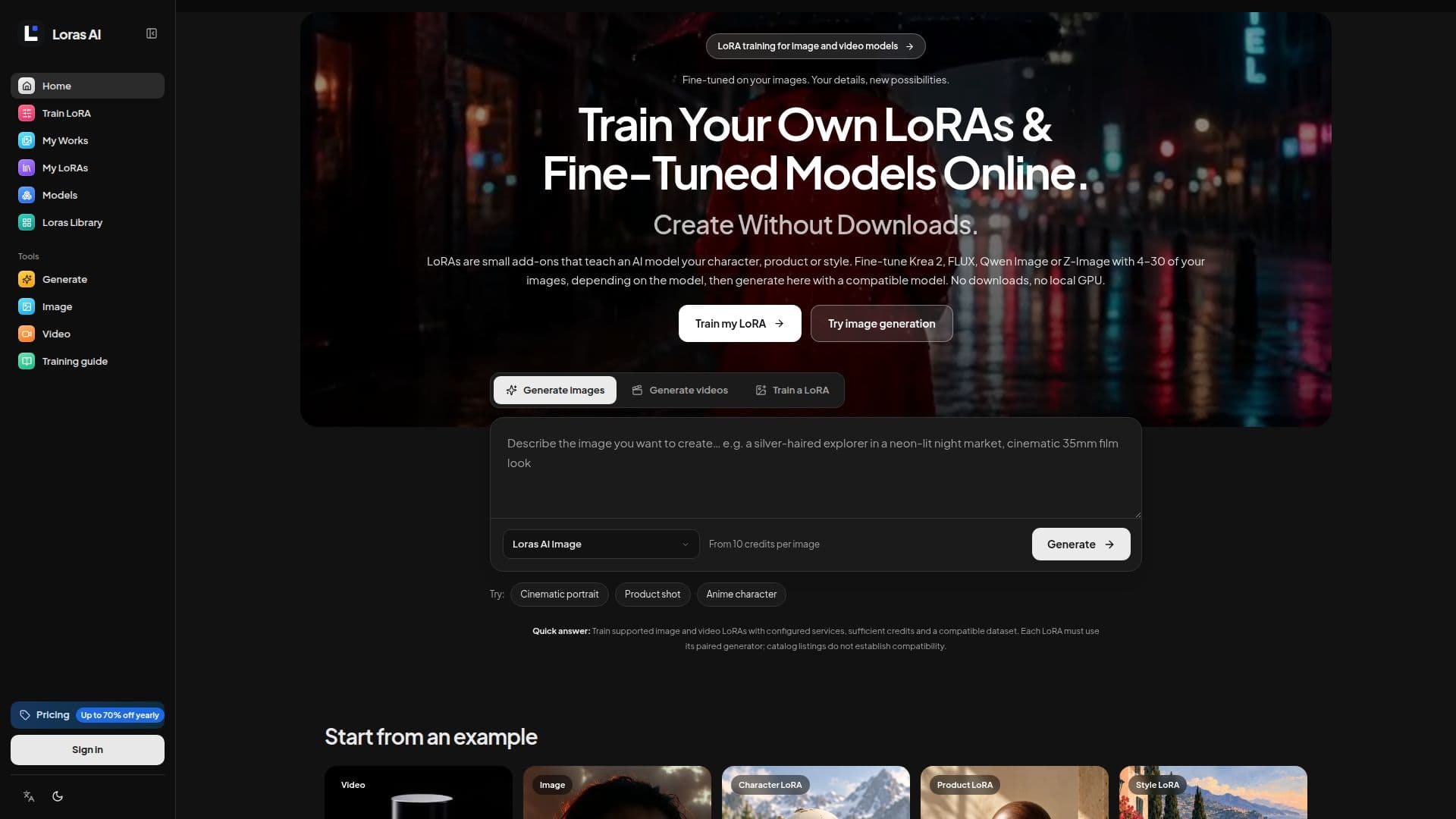
Loras AI provides an online platform for training LoRAs (Low-Rank Adaptation) and fine-tuned models, eliminating the need for local downloads, software installations, or powerful GPUs. LoRAs are lightweight adapters that teach a base AI model specific characteristics, such as a unique character, a particular product, or a distinct visual style, from a small set of user-provided images or video clips.
Read More
The process begins with selecting a supported base model, such as Krea 2, FLUX, Qwen Image, Z-Image, Wan 2.2, or LTX-2 19B. Users then prepare a focused dataset, typically comprising 4–30 images or 3–10 video clips, depending on the model. The platform includes a caption editor to review and refine descriptions and trigger words before training. Once the dataset is ready, users submit the training job, which runs in the cloud. Progress can be monitored in the "My LoRAs" section.
After successful training, the fine-tuned LoRA weights become available for online generation with a compatible model. This allows users to reuse their learned character, product, or style in new prompts and scenes without downloading the model. The platform supports various use cases, including maintaining consistent characters in comics, placing products in new online store scenes, and applying a brand's art style across a team's work. Video LoRAs are also supported for models like Wan and LTX, enabling users to define specific motions or camera behaviors.
Loras AI operates on a credit-based system, with costs displayed before submission. Training and generation tasks require sufficient credits and configured services. The platform offers different subscription plans (Starter, Pro, Studio) and one-time credit packs, catering to individual exploration, professional practice, and studio production needs. While local dataset preparation occurs in the browser, cloud training sends data to providers like Fal or WaveSpeed, with storage privacy dependent on bucket access settings. The platform emphasizes that LoRAs are not interchangeable and must be matched with their specific base model architecture and version.
- CategoryMLOps & Model Deployment
- Pricing ModelFreemium
- DeploymentCloud
- PlatformsWeb
Loras AI's Core Features
Online LoRA and Fine-Tuned Model Training
No Downloads or Local GPU Required
Supports Image and Video Models (Krea 2, FLUX, Qwen Image, Z-Image, Wan, LTX)
Small Dataset Training (4–30 images or 3–10 video clips)
Character, Product, and Style Fine-Tuning Presets
Integrated Caption Editor and Trigger Word Review
Cloud-Based Training and Generation
My LoRAs Dashboard for Progress Tracking and Model Reuse
Credit-Based Payment Per Task
Multi-Language Support (English, Chinese, Japanese, Korean)
Local Dataset Preparation and JSON Export
Image and Video Draft Workspaces
Provider Integration for Cloud Tasks (Fal, WaveSpeed, R2 Storage)
Dataset Compatibility Guidance
How to use Loras AI?
Choose a Base Model: Select a supported image or video model for fine-tuning.
Upload Examples: Add 4–30 clear images or 3–10 MP4 clips of your character, product, or style.
Review Captions: Edit captions and confirm the trigger word for your dataset.
Train Your LoRA: Submit the training job to run in the cloud; monitor progress in My LoRAs.
Generate Online: Open a compatible generation workflow from My LoRAs to use your fine-tuned model.
Loras AI's Use Cases
- Consistent Character Design
- Product Placement in Scenes
- Brand Style Application
- Video Motion Planning
- Image Generation with Custom Elements
- Video Clip Generation
- Architectural Visualization
- Object Study and Variation
- Character Pose and Expression
- Palette and Texture Exploration