Description
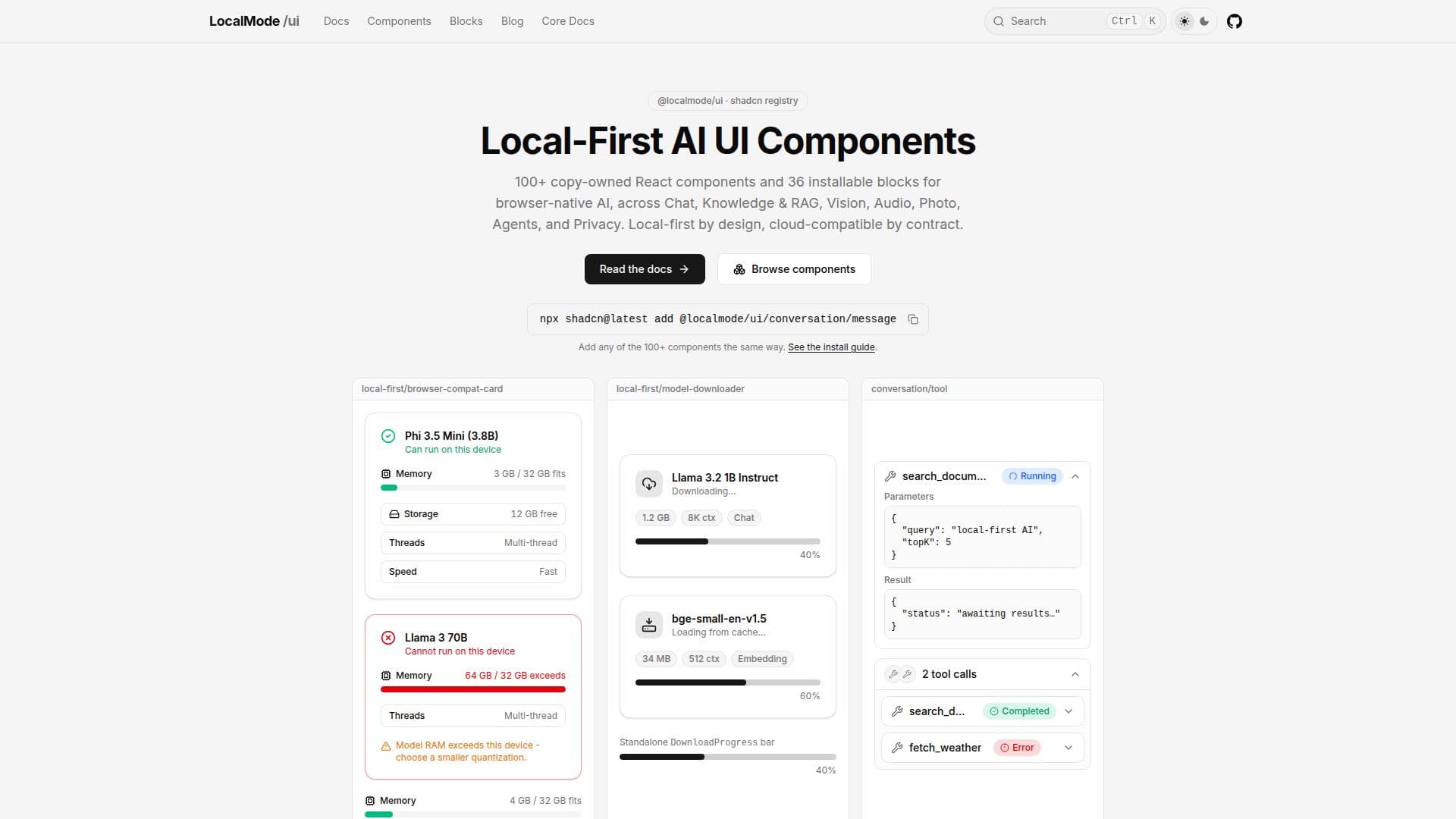
LocalMode UI is a shadcn-style registry of copy-owned, composable AI UI components tailored for the browser. This innovative platform allows developers to create local-first applications that prioritize user privacy by ensuring that all inference runs entirely on the device. With LocalMode UI, data never leaves the user's device, making it an ideal choice for those concerned about data security.
Read More
The installation process is straightforward. Users can configure the @localmode namespace in their components.json file and use the shadcn CLI to add components. This setup allows for seamless integration of over 100 copy-owned React components and 36 installable blocks, which cover various functionalities including Chat, Knowledge & RAG, Vision, Audio, Photo, Agents, and Privacy. Each component is designed to work offline after the initial model download, ensuring that users can access AI capabilities without needing an internet connection.
LocalMode UI is built to support WebGPU-capable browsers like Chrome and Edge (version 113 and above) and Safari (version 26 and above), which provide GPU-accelerated inference. For other modern browsers, the platform falls back to WebAssembly. Notably, there is no need for an API key or server, as all blocks run real models on-device via WebGPU or WebAssembly. This client-only installation approach simplifies the development process and enhances user experience.
The platform is not only free but also open source, licensed under the MIT license. This makes it accessible for developers looking to leverage AI in their applications without incurring costs. LocalMode UI is designed for developers who want to create interactive and responsive applications while maintaining control over their data and ensuring user privacy. By utilizing LocalMode UI, developers can build powerful AI-driven applications that are both efficient and secure.
- CategoryAI App Builders
- Pricing ModelFree
- DeploymentClient-only
- PlatformsWeb
LocalMode UI's Core Features
Local-first architecture
Privacy-first design
No server required
No API key needed
Offline functionality
100+ copy-owned components
36 installable blocks
MIT-licensed open source
How to use LocalMode UI?
Configure: Set up the @localmode namespace in your components.json.
Install: Use npx shadcn@latest add @localmode/ui/<name> to add components.
Download: Ensure the initial model is downloaded for offline use.
Run: Utilize the components in your browser for local AI inference.
LocalMode UI's Use Cases
- Chat Applications
- Knowledge Management
- Image Processing
- Audio Analysis
- Privacy-Focused Tools