
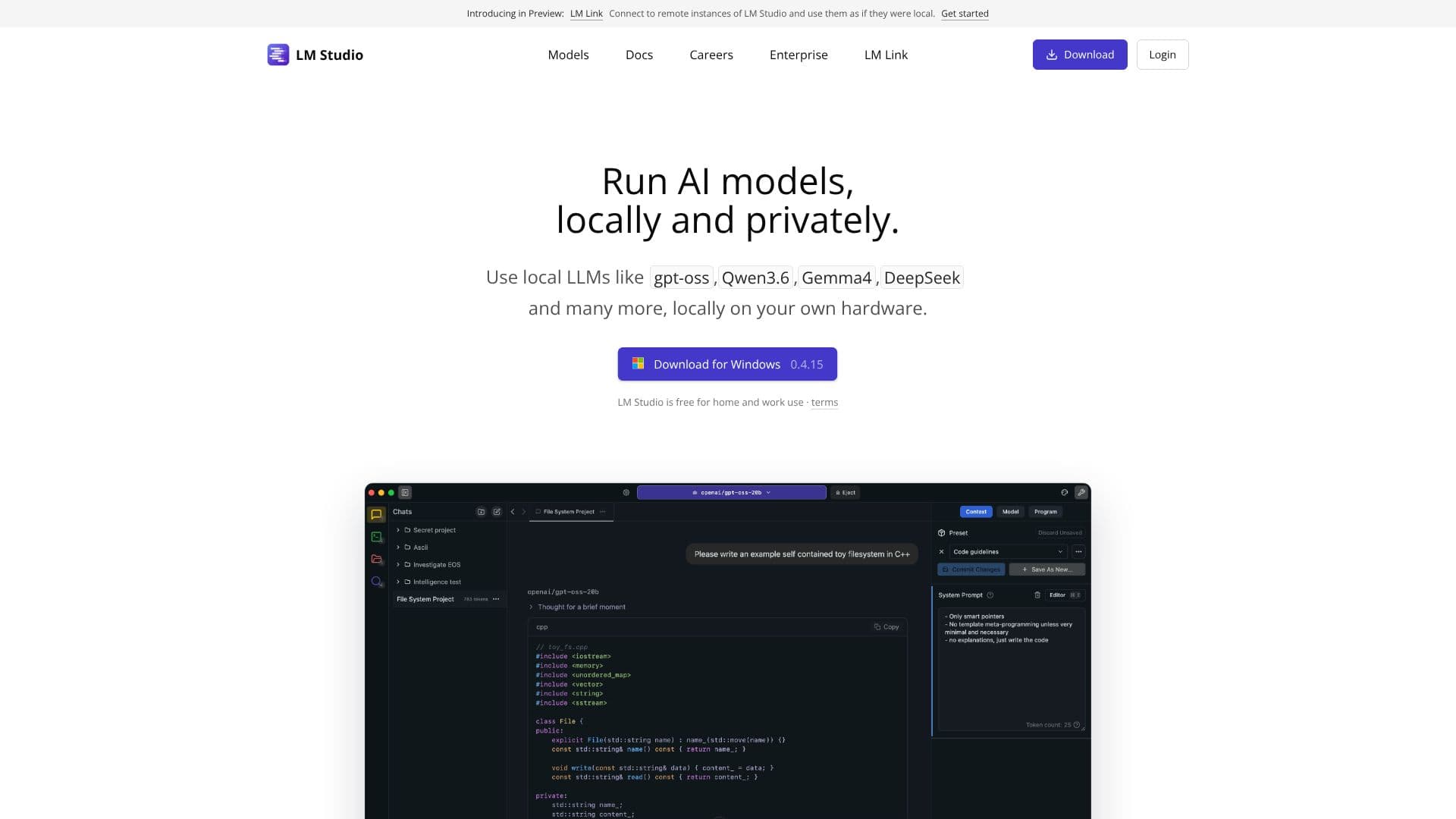
Description
LM Studio provides a platform for running AI models locally on your computer. It supports a variety of models, including gpt-oss, Llama, Gemma, Qwen, and DeepSeek, allowing users to leverage AI capabilities without relying on cloud services or an internet connection. This ensures data privacy and control, as the models operate directly on your machine.
LM Studio offers both a graphical user interface (GUI) and a headless deployment option. The GUI provides an intuitive interface for interacting with the models, while the headless deployment, known as llmster, is designed for server environments, Linux boxes, cloud servers, and CI/CD pipelines. This flexibility caters to a wide range of users, from those who prefer a user-friendly interface to developers and system administrators who require more control and automation.
Key capabilities include the ability to run various AI models locally, ensuring data privacy and offline access. The platform also provides SDKs for JavaScript and Python, enabling developers to integrate LM Studio into their applications. Furthermore, LM Studio offers OpenAI compatibility, allowing users to leverage existing tools and workflows. The platform also supports running Apple MLX models and provides a command-line interface (CLI) for advanced users.
LM Studio is targeted towards individuals, developers, and businesses seeking to utilize AI models while maintaining data privacy and control. It is particularly useful for those who need to process sensitive information or require offline access to AI capabilities. The value proposition lies in its ability to provide a secure, private, and flexible environment for running AI models, empowering users to harness the power of AI without compromising their data or relying on external services.
LM Studio's Core Features
Run AI models locally on your computer
Supports gpt-oss, Llama, Gemma, Qwen, and DeepSeek models
Offers both GUI and headless deployment options
Headless deployment for servers, Linux boxes, and cloud servers
Provides JavaScript and Python SDKs
OpenAI compatibility for API access
Supports Apple MLX models
Includes a command-line interface (CLI)
LM Studio Hub for updates and resources
How to use LM Studio?
Download: Get the installation file for your operating system (Mac, Linux, or Windows).
Install: Run the installation script or executable.
Configure: Set up the models you want to use.
Deploy: Choose between GUI or headless deployment.
Use: Interact with the AI models through the interface or API.
Integrate: Use the SDKs to integrate into your projects.
Optimize: Explore the CLI for advanced usage.
LM Studio's Use Cases
- Local AI Processing
- Private Data Analysis
- Offline AI Applications
- AI Model Experimentation
- Server-side AI Deployment
- CI/CD Integration
- Custom AI Solutions