Description
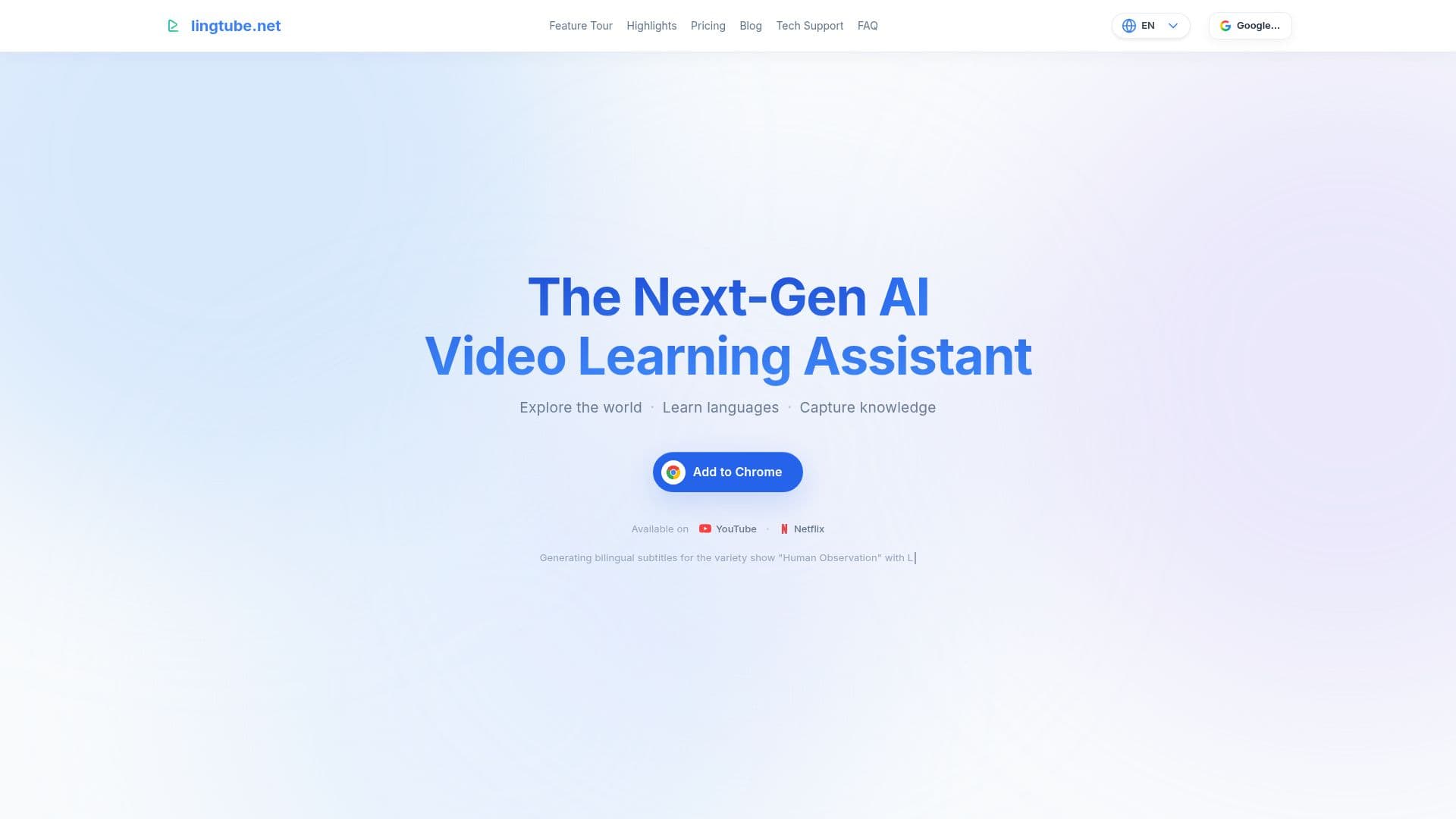
LingTube is a comprehensive AI-powered video learning assistant designed to enhance language learning experiences on platforms like YouTube and Netflix. It provides users with dual subtitles, allowing them to view content in two languages simultaneously, which is particularly beneficial for language learners. The tool also offers real-time interpretation, translating spoken words as they occur, ensuring that users never miss a word.
Read More
One of LingTube's standout features is its ability to generate AI summaries and structured outlines of videos with a single click. This feature is particularly useful for users who want to quickly grasp the main points of a video without watching it in its entirety. Additionally, LingTube allows users to pin key points in a video using timestamp notes, making it easy to revisit important sections later.
LingTube supports a wide range of languages, including English, French, Spanish, German, Japanese, Korean, Italian, and Simplified Chinese, both for study and as native languages for interface and translations. The tool leverages large language models to provide more accurate translations than traditional solutions like Google or Microsoft.
The platform also includes advanced features such as AI CEFR detection, which assigns language proficiency levels to words and phrases, helping users filter vocabulary by difficulty. LingTube's built-in NLP engine enhances the learning experience by providing grammar analysis and context-aware translations.
LingTube offers a freemium pricing model, with a free version providing basic features and premium plans unlocking advanced AI capabilities. It is particularly suited for language learners and educators looking to enhance their video-based learning experiences.
- CategoryLanguage Learning Apps
- Pricing ModelFreemium
- DeploymentCloud
- PlatformsChrome
LingTube's Core Features
Dual subtitles
Real-time interpretation
AI summaries and outlines
Timestamp notes
Multilingual support
AI CEFR detection
Built-in NLP engine
Freemium pricing model
How to use LingTube?
Install: Add the LingTube extension from the Chrome Web Store
Open: Launch YouTube or Netflix
Use: Enable dual subtitles and real-time interpretation
Optimize: Utilize AI summaries and timestamp notes for efficient learning
LingTube's Use Cases
- Language Learning
- Video Summarization
- Grammar Analysis
- Vocabulary Filtering
- Content Review