
Description
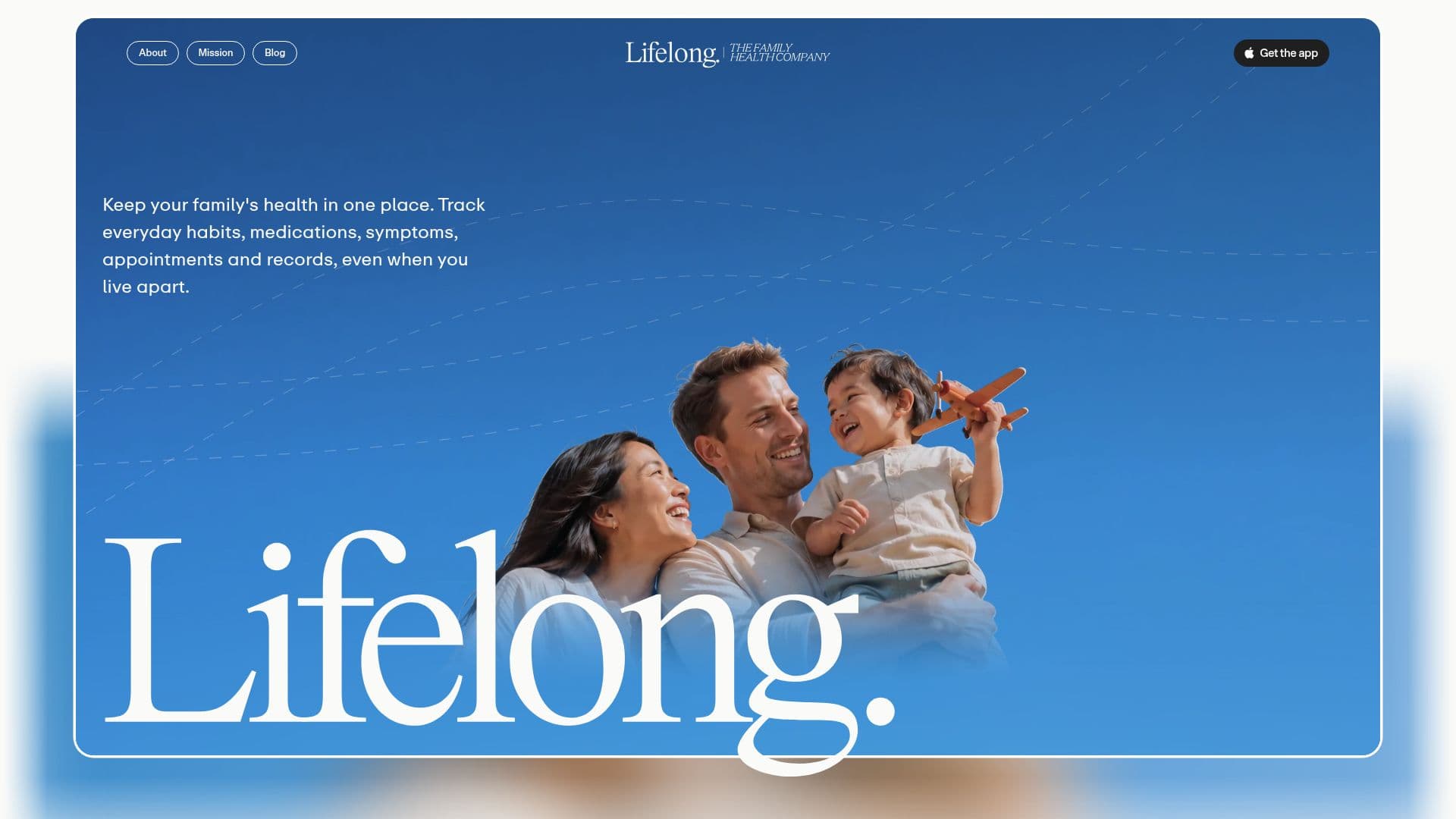
Lifelong is a comprehensive family health app designed for iPhone users, focusing on centralizing and managing the health records of an entire family. The app allows each family member to have their own space for medications, conditions, symptoms, appointments, and records. Users can choose what information to share with other family members, ensuring privacy and control over personal health data.
Read More
A key feature of Lifelong is Alo, an AI health assistant that reads health overviews, recent records, conditions, medications, journal entries, alerts, and plans. Alo can answer questions, draft entries for health records, and even look up information on the web. It is designed to work seamlessly with Apple Health, reading sleep, activity, and heart rate data, while also managing paperwork like discharge summaries and lab reports.
Lifelong is currently available for iPhone users with iOS 17 or later, with plans to expand to Android, iPad, and web platforms. The app operates on a subscription model, providing a free trial and offering Lifelong Premium through the Apple App Store. This subscription model ensures that Lifelong does not need to sell personal health data to advertisers or other third parties.
The app emphasizes privacy and security, employing encryption in transit and at rest, and maintaining strict access controls. Although Lifelong is not HIPAA compliant, it adheres to various privacy laws, including GDPR and the Australian Privacy Act. Lifelong is not a substitute for medical care and does not diagnose or treat conditions, but it serves as a valuable tool for managing and sharing family health information.
- CategoryHealth & Wellness
- Pricing ModelSubscription
- DeploymentCloud
- PlatformsiOS
Lifelong's Core Features
Family health record management
AI assistant Alo for health queries
Integration with Apple Health
Privacy controls for shared data
Subscription-based model
HIPAA non-compliance with alternative privacy adherence
Data encryption and security measures
Planned expansion to Android and web
How to use Lifelong?
Download: Install Lifelong from the Apple App Store
Setup: Create an account and input family health data
Configure: Set privacy controls and sharing preferences
Use: Interact with Alo for health management
Optimize: Regularly update health records and settings
Lifelong's Use Cases
- Family Health Management
- AI Health Assistance
- Privacy-Controlled Sharing
- Integration with Apple Health
- Subscription-Based Access