
Description
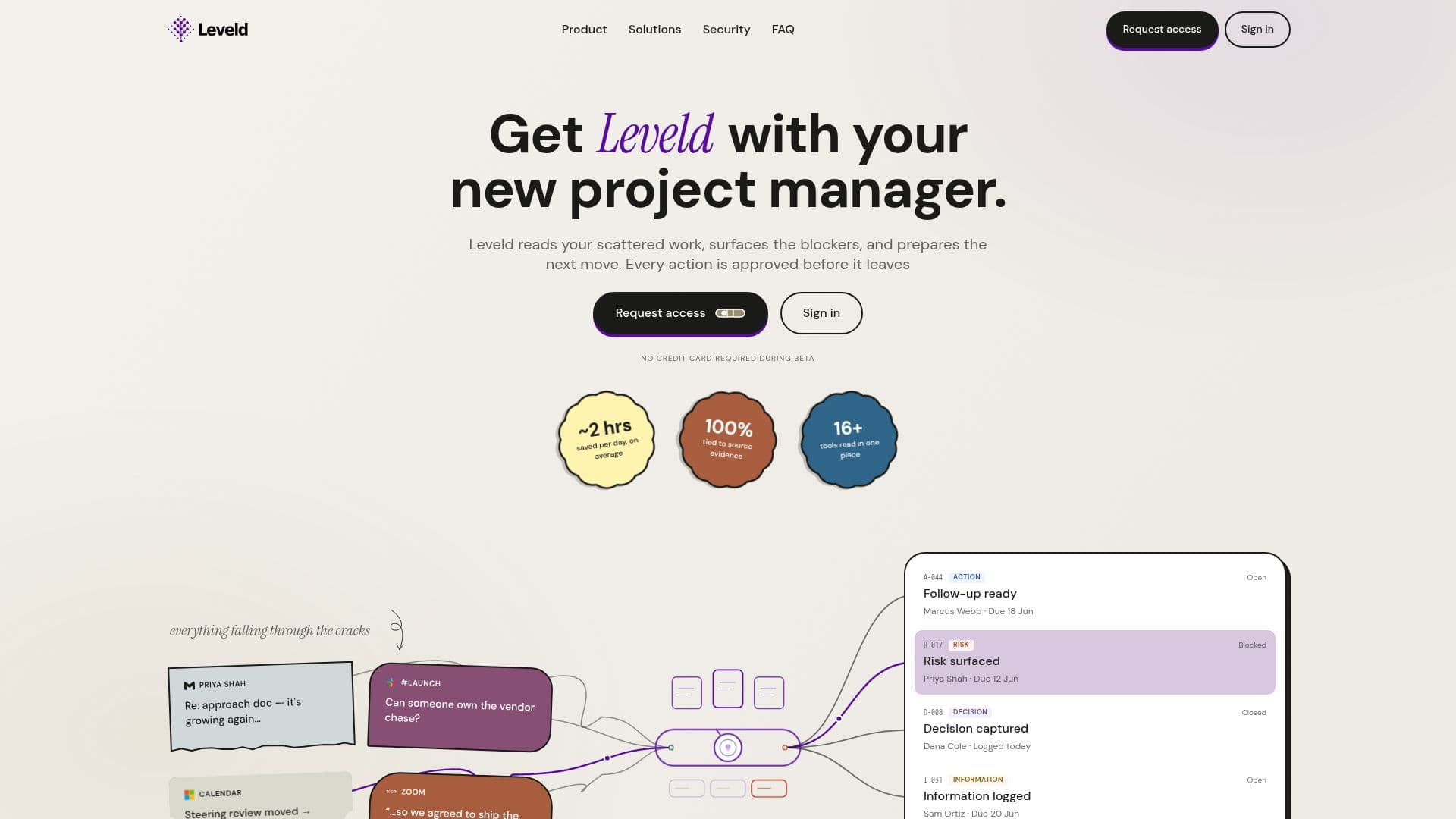
Leveld is an AI-driven project management tool designed to streamline the workflow by organizing scattered work into actionable tasks. It reads through messages, meetings, documents, and calendars to identify and prepare follow-ups, decisions, and risks. The tool ensures that every action is backed by evidence and requires human approval before execution, maintaining control and accountability.
Read More
Leveld is particularly beneficial for roles such as project managers, product leads, and consultants who deal with complex project contexts and multiple sources of information. By turning scattered project signals into a managed queue of work, Leveld helps users chase owners, surface blockers, record decisions, and approve drafts, all while keeping the source trail attached for verification.
The platform is currently in beta and offers a free tier without requiring a credit card. It integrates with tools like Gmail, Outlook, Slack, and Zoom, with plans to expand further. Users can edit prepared drafts, change wording, timing, and priorities before approval, ensuring flexibility and precision in project management.
Leveld's security and privacy measures ensure that sensitive content remains protected, with no data used for AI training. The tool is designed to work around existing project management systems, enhancing them by finding follow-ups, risks, and decisions without replacing them. This makes Leveld a valuable addition to any project management toolkit, offering a structured approach to managing complex workflows.
- CategoryAI Project Management
- Pricing ModelFreemium
- DeploymentCloud
- PlatformsWeb
Leveld's Core Features
Reads messages, meetings, and documents
Prepares evidence-backed follow-ups
Requires human approval for actions
Surfaces blockers and risks
Captures decisions and outcomes
Keeps source trail attached
Integrates with Gmail, Outlook, Slack, Zoom
Free during beta, no credit card required
How to use Leveld?
Sign in: Use the code emailed to you
Connect: Link your Gmail or other tools
Configure: Choose a starting template
Use: Review and approve prepared drafts
Optimise: Edit drafts for wording and priority
Leveld's Use Cases
- Project Management
- Risk Management
- Decision Tracking
- Follow-up Preparation
- Workflow Optimization