Description
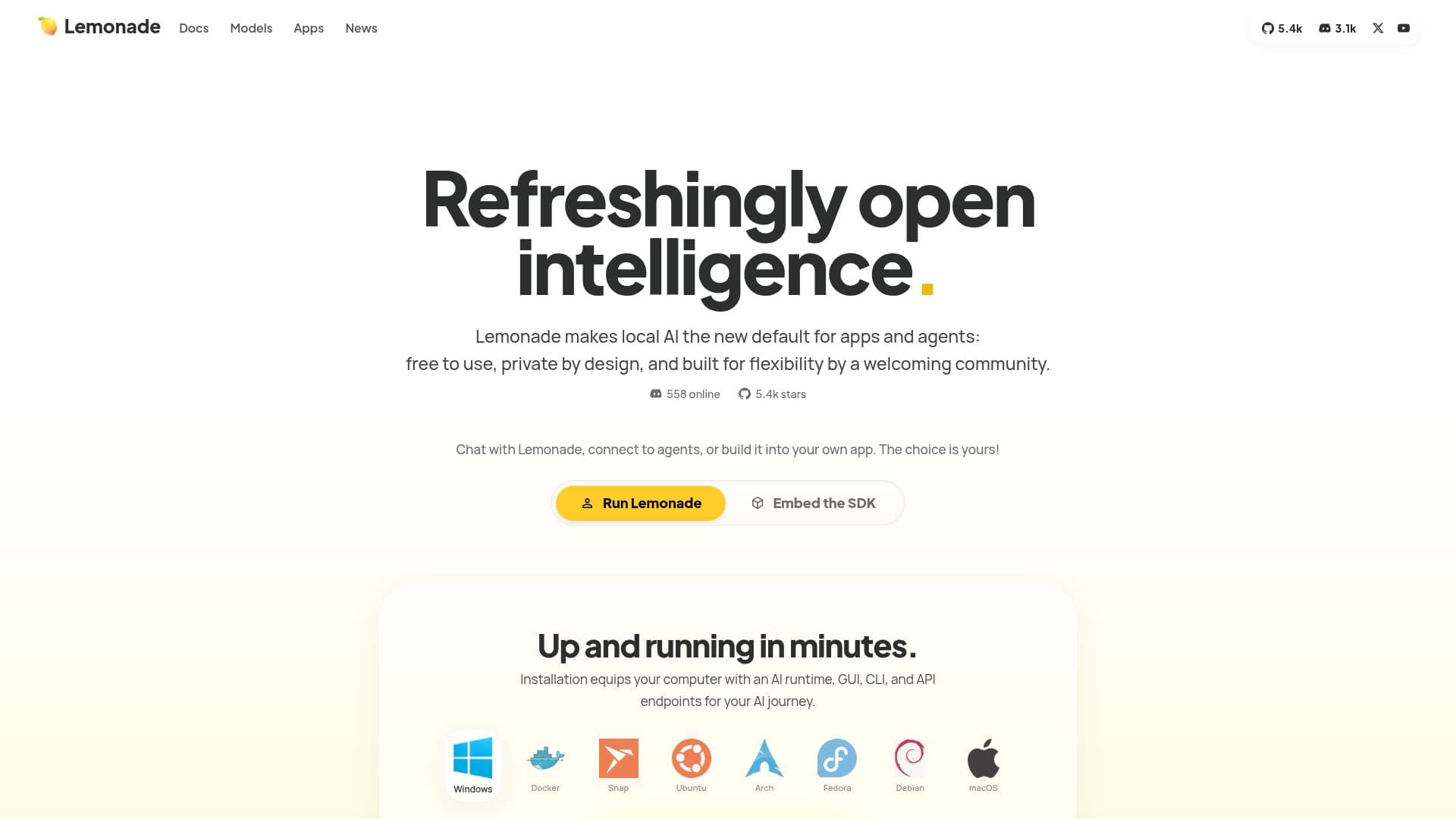
Lemonade is a local AI platform that empowers users to harness the power of artificial intelligence for text, images, and speech. It is designed to be refreshingly open and private, making local AI the new default for applications and agents. With Lemonade, users can chat with the AI, connect to various agents, or integrate it into their own applications, providing a flexible solution tailored to individual needs.
Read More
The installation process is straightforward, equipping your computer with an AI runtime, graphical user interface (GUI), command-line interface (CLI), and API endpoints to kickstart your AI journey in just minutes. Lemonade is truly open, free to use, and shaped by a welcoming community of builders. It prioritizes user privacy with zero telemetry, ensuring that data remains secure and under the user's control.
Lemonade supports a wide range of functionalities, including chat, vision, image generation, speech recognition, transcription, and embeddings, all within a single application. It is a scalable platform that operates locally on all major operating systems, with the ability to connect to servers and cloud APIs as needed. Users can import models from huggingface.co or use GGUF models already on their devices, making it easy to leverage existing resources.
The platform is built for collaboration, with industry veterans and AI enthusiasts working together to shape the future of local AI. Lemonade's roadmap is guided by open working groups, ensuring that the platform evolves in line with user needs. Additionally, it features auto-tuning capabilities, cross-vendor support, and hybrid cloud functionality, allowing for intelligent routing between local and cloud models.
Lemonade is integrated with numerous applications and works seamlessly with hundreds more, thanks to its adherence to the OpenAI API standard. The platform is continuously innovating, with weekly releases that enhance its capabilities and user experience.
- CategoryMachine Learning Platforms
- Pricing ModelFree
- DeploymentLocal
- PlatformsWindows, macOS, Linux
Lemonade: Local AI for Text, Images, and Speech's Core Features
Local AI platform
Private by design
Open-source
Supports multiple AI models
Cross-vendor support
Built-in GUI
API available
Omni modal capabilities
Community-driven development
Weekly updates
How to use Lemonade: Local AI for Text, Images, and Speech?
Install Lemonade: Download and set up the Lemonade runtime on your computer.
Explore the GUI: Use the built-in graphical interface to navigate local AI functionalities.
Connect agents: Link Lemonade with various AI agents for enhanced capabilities.
Integrate models: Import existing models from huggingface.co or your local storage.
Customize settings: Adjust configurations to optimize performance for your specific needs.
Utilize APIs: Access Lemonade's API endpoints for programmatic control of AI functionalities.
Stay updated: Regularly check for new releases and updates from the Lemonade community.
Lemonade: Local AI for Text, Images, and Speech's Use Cases
- Local AI Development
- Data Privacy
- Image Generation
- Speech Recognition
- Productivity Tools