Description
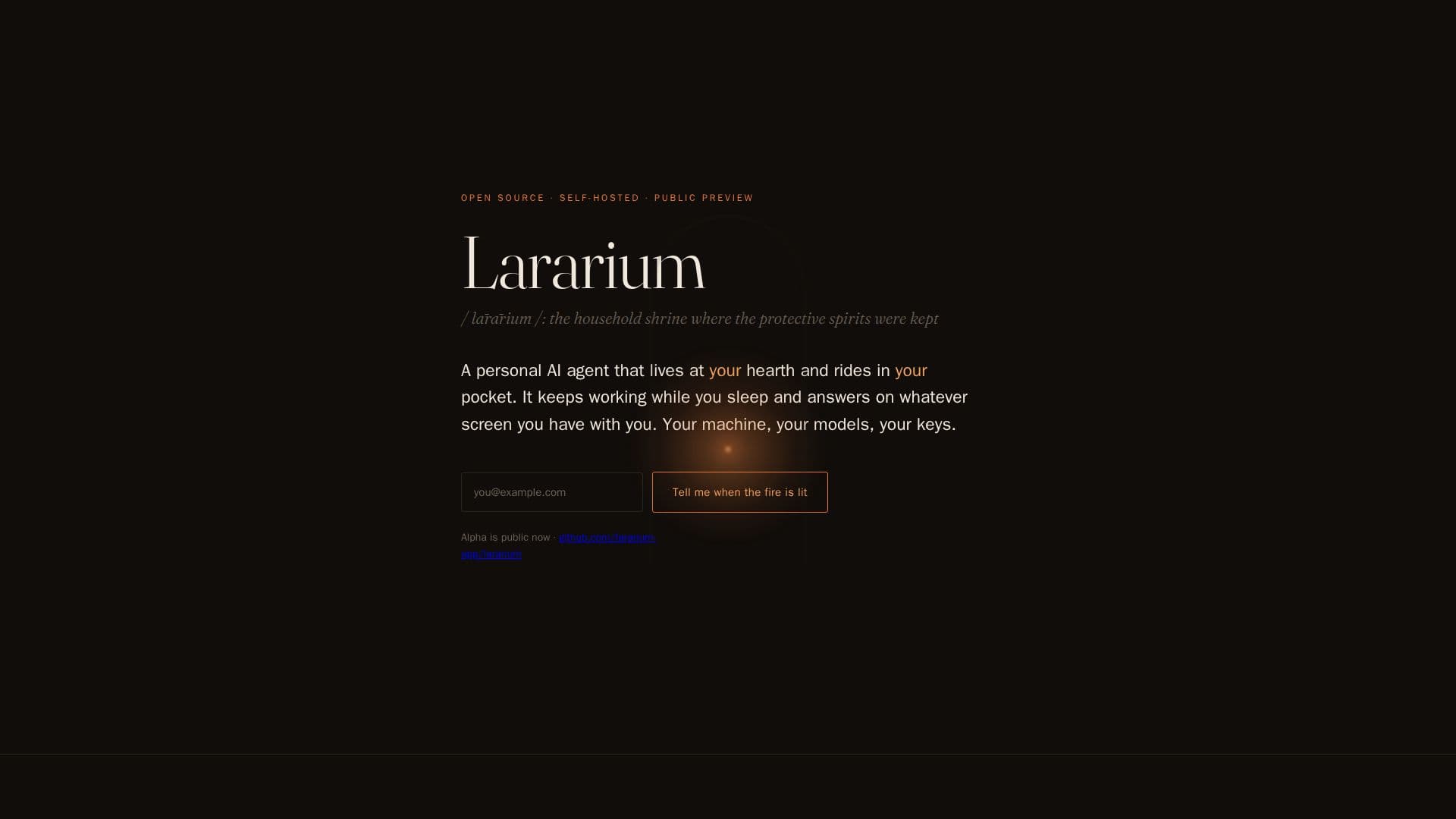
Lararium is an innovative open-source, self-hosted personal AI agent designed to operate on your own hardware, ensuring that your data and models remain under your control. The concept is inspired by the ancient Roman 'lararium', a shrine that safeguarded the household's spirits and memories. In the digital age, Lararium serves as a modern equivalent, protecting your digital life by keeping your AI agent's memory, credentials, and habits accessible only to you.
Read More
The platform supports a variety of deployment options, including a box under the stairs, a NAS, a used mini-PC, or even a Windows machine through WSL2. Users can interact with Lararium via a terminal or a browser tab on their network, with future plans to expand accessibility through mobile apps and messaging platforms like WhatsApp, Telegram, and Signal.
Lararium is designed to work with your choice of AI models, whether they are local or cloud-based. It supports models like llama.cpp, Ollama, and vLLM, and can integrate with APIs from providers such as Anthropic, OpenAI, Google, and OpenRouter. This flexibility ensures that there is no vendor lock-in, and users can configure their setup according to their preferences.
The system's architecture includes a single daemon that manages sessions, model calls, tools, and schedules. Each session is logged as an append-only event, allowing for easy replay, rewind, and audit. Commands and code execution occur within a secure Linux container, ensuring that the system remains isolated and secure.
Lararium emphasizes user control and security, with planned features like a credential vault and customizable access rules for various services. The platform also aims to provide functionalities such as morning briefings, price watches, and inbox triage, all while maintaining user privacy and control.
- CategoryAI Agent Builders
- Pricing ModelOpen source
- DeploymentSelf-Hosted
- PlatformsLinux, Windows
Lararium's Core Features
Open-source and self-hosted
Supports local and cloud AI models
Customizable deployment options
Secure Linux container execution
Append-only session logs
Credential vault for security
Customizable access rules
Integration with messaging platforms
How to use Lararium?
Configure: Set up your hardware and models
Deploy: Install via Docker Compose or Go build
Use: Interact through terminal or browser
Optimize: Customize model and access settings
Lararium's Use Cases
- Personal AI Assistant
- Secure Data Management
- Custom AI Model Deployment
- Private AI Interaction
- Flexible AI Configuration