Description
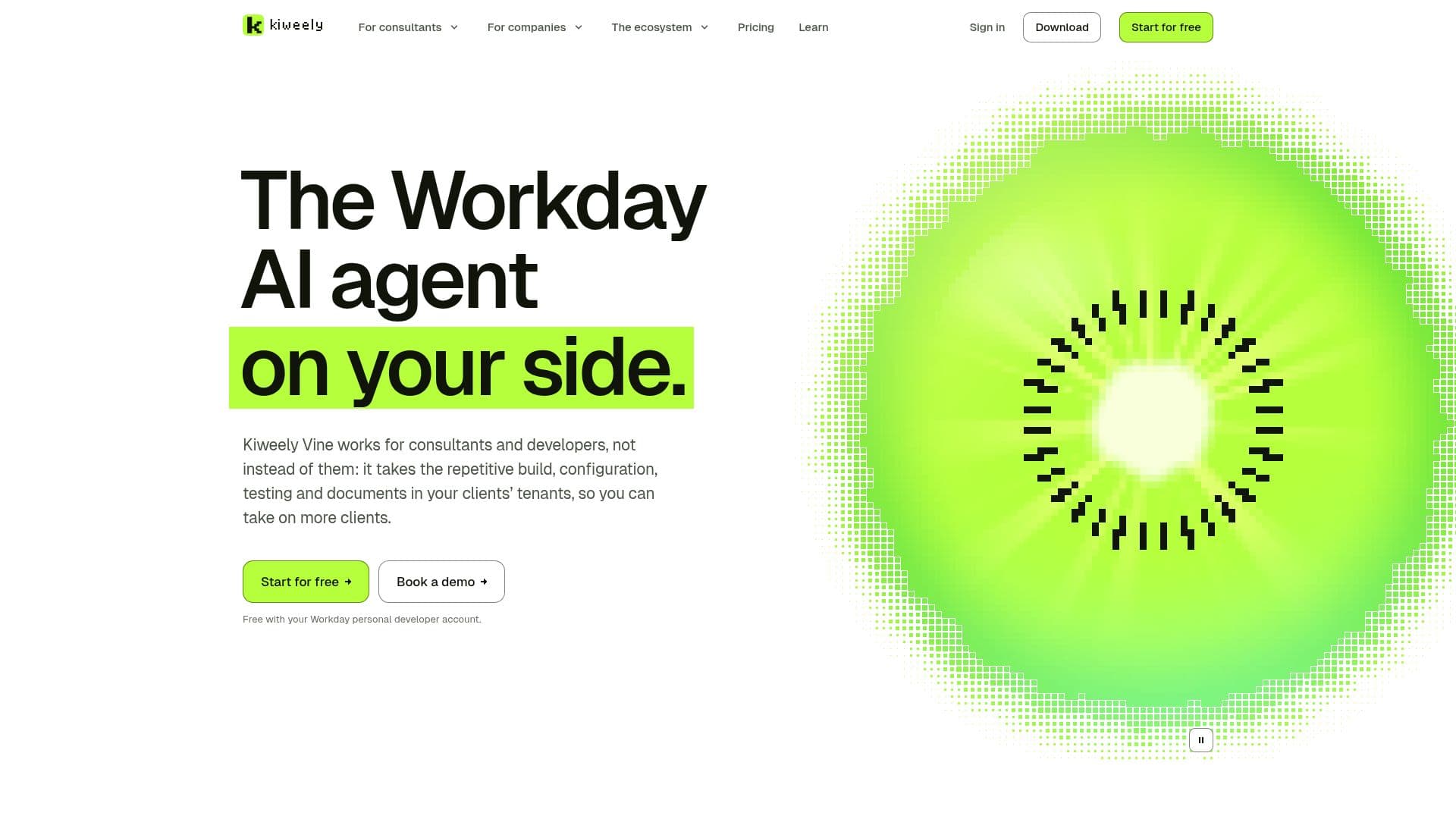
Kiweely offers a suite of AI agents designed to enhance and automate tasks within the Workday ecosystem, specifically for Workday Extend and Studio. The platform aims to simplify complex Workday operations, from building applications and integrations to generating reports and managing configurations.
Read More
Kiweely Vine, the core offering, functions as an AI agent for individual Workday users. It can build Extend apps and Studio integrations, provide answers from live tenant data, and generate reports. Vine operates directly through a user's Workday sign-in, ensuring that client Workday environments remain secure and under the user's control. It allows for changes to be made in Workday only after explicit approval and can test functionalities as real users, fixing issues as they arise.
The platform supports various AI choices, including Kiweely Credits or integration with existing ChatGPT, Claude, or Gemini accounts. Kiweely emphasizes data privacy, storing only essential user information like email and crash reports, and never saving work content when using Kiweely Credits.
Beyond individual use, Kiweely offers solutions for teams and companies. Kiweely Nest provides a dedicated AI Workday team for managing tickets, running projects, and monitoring routines. Kiweely Bridge connects Workday tenants to AI assistants like Claude, ChatGPT, and Gemini for all employees across Mac, Windows, web, and phone, with an AI admin agent assisting setup and role-based testing.
Kiweely Roots is an integration platform that operates outside the Workday tenant, using AI agents to design, build, test, and maintain integrations with external systems like payroll, benefits carriers, identity providers, and financial platforms. It ensures that no data is kept after a run, maintaining data privacy and security. Roots integrations are built from plain English descriptions, tested on Sandbox environments, and can self-correct when issues arise.
Kiweely Vine is free for users with a Workday personal developer account. For company or client tenants, paid plans like Vine Personal and Vine Team are available. Kiweely Nest and Bridge are priced for company-wide deployment. The platform supports Mac (Apple silicon macOS 14+, Intel Mac macOS 15+) and Windows 11 PCs, with a companion phone app for iPhone and Android to monitor conversations and approvals.
- CategoryAI Agent Builders
- Pricing ModelFreemium
- DeploymentDesktop App, Cloud
- PlatformsMac, Windows, iOS, Android
Kiweely's Core Features
Build Workday Extend apps
Create Workday Studio integrations
Generate reports from live Workday data
Automate Workday configuration and business processes
Perform Workday security and calculated field tasks
Execute EIB data loads and Orchestrations
Test Workday changes as real users
Design documents for Workday projects
Connects to ChatGPT, Claude, and Gemini
Offers Kiweely Credits for AI usage
Supports multi-tenant management
Self-correcting integration agents
Cross-platform access (Mac, Windows, iOS, Android)
Data privacy: no work content stored
Referral rewards for Kiweely Credits
How to use Kiweely?
Connect Workday Tenant: Link your Workday personal developer account or client/company tenant to Kiweely using your Workday sign-in.
Choose AI Source: Select between using Kiweely Credits or connecting your own ChatGPT, Claude, or OpenAI/Claude API key.
Describe Your Task: Use natural language chat to describe the Workday app, integration, report, or configuration you need.
Approve Changes: Review the proposed changes or actions by Kiweely and approve them before they are applied to your Workday tenant.
Monitor and Test: Observe Kiweely as it makes changes and tests them as real users, fixing any failures automatically.
Deploy and Integrate: Deploy Extend apps, run Studio integrations, or connect Workday to external systems via Kiweely Roots.
Kiweely's Use Cases
- Workday Extend App Development
- Workday Studio Integration
- Workday Report Generation
- Workday Configuration Management
- EIB Data Loading and Troubleshooting
- User Acceptance Testing (UAT)
- External System Integration
- AI Assistant Integration
- Workday Developer Account Utilization
- Team-Based Workday Management