
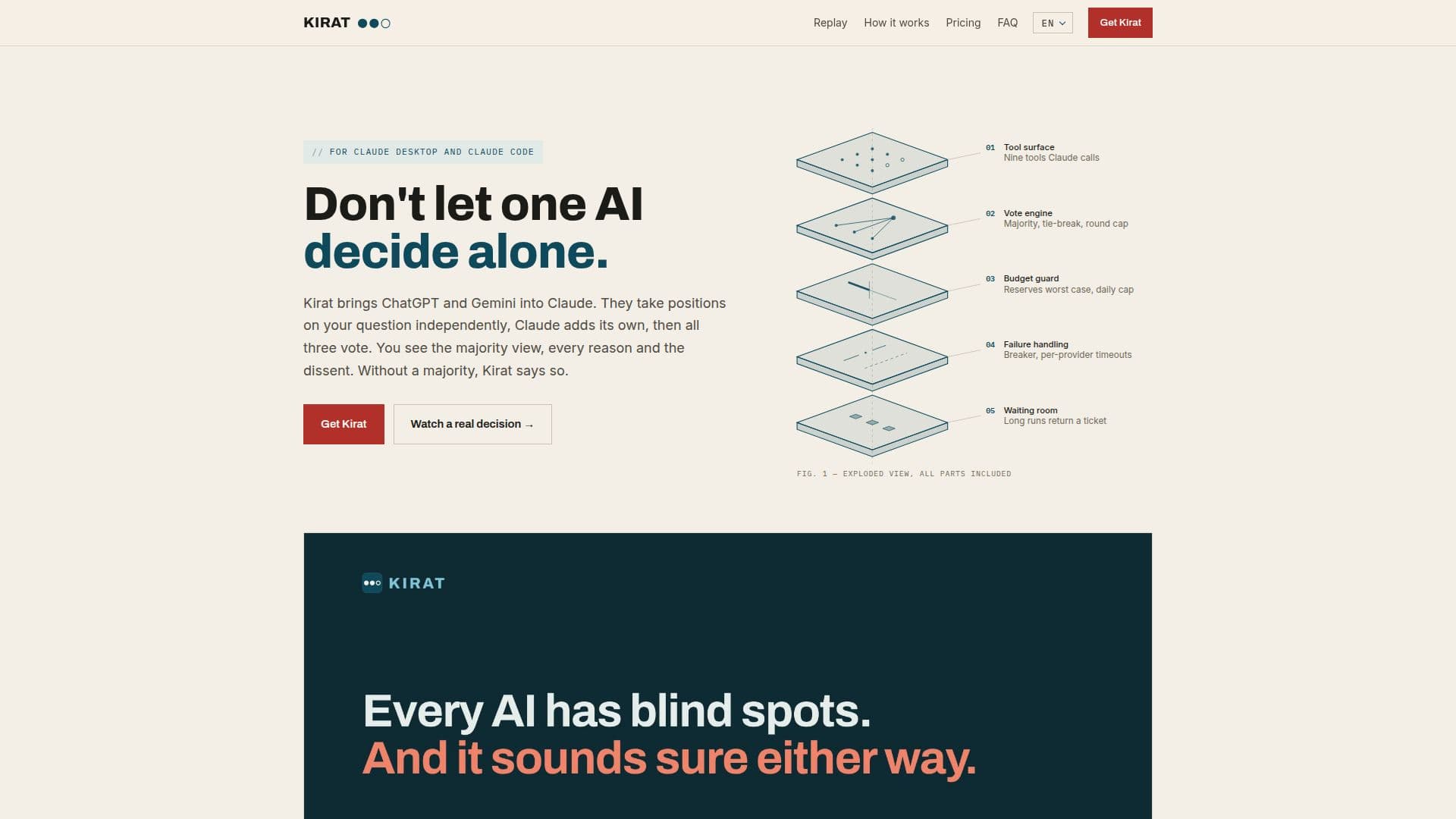
Description
Kirat is a unique desktop extension designed for Claude, offering a collaborative decision-making process by involving multiple AI models. It operates by convening a council with ChatGPT and Gemini, allowing each model to provide independent positions on a given query. Users can input their own API keys, ensuring that data remains private and secure. Kirat is a one-time purchase, with no server involved, and it operates directly on the user's machine or within their cloud environment.
Read More
The tool is particularly useful for individuals or small teams who require diverse perspectives on business decisions. By using Kirat, users can pose questions and receive a range of opinions, complete with reasoning and confidence levels. This helps in weighing different options and making informed choices. The extension records dissenting opinions, ensuring transparency and accountability in the decision-making process.
Kirat is not just a decision-making tool; it also provides code review capabilities, brainstorming sessions, and critique options. It supports various use cases, from business strategy to technical problem-solving. The tool is compatible with Claude Desktop and Claude Code, and it requires a one-time setup for cloud environments.
Pricing is straightforward, as users pay directly to OpenAI and Google for API usage, with costs ranging from $0.02 to $0.15 per decision. Kirat includes a budget guard to prevent runaway costs, making it a cost-effective solution for those who need reliable AI insights without the overhead of a subscription model.
- CategoryProductivity
- Pricing ModelOne-time purchase
- DeploymentDesktop, Cloud
- PlatformsClaude Desktop, Claude Code
Kirat's Core Features
Multi-model council for decision-making
Independent AI positions with voting
User-controlled API keys for privacy
One-time purchase with no server
Code review and critique capabilities
Budget guard for cost control
Compatible with Claude Desktop and Code
Records dissenting opinions for transparency
How to use Kirat?
Install: Set up Kirat on Claude Desktop
Configure: Enter your API keys
Use: Pose questions and receive AI council decisions
Optimize: Adjust settings for budget and privacy
Kirat's Use Cases
- Business Strategy
- Technical Problem-Solving
- Budget Management
- Decision Transparency
- Cloud Integration