Description
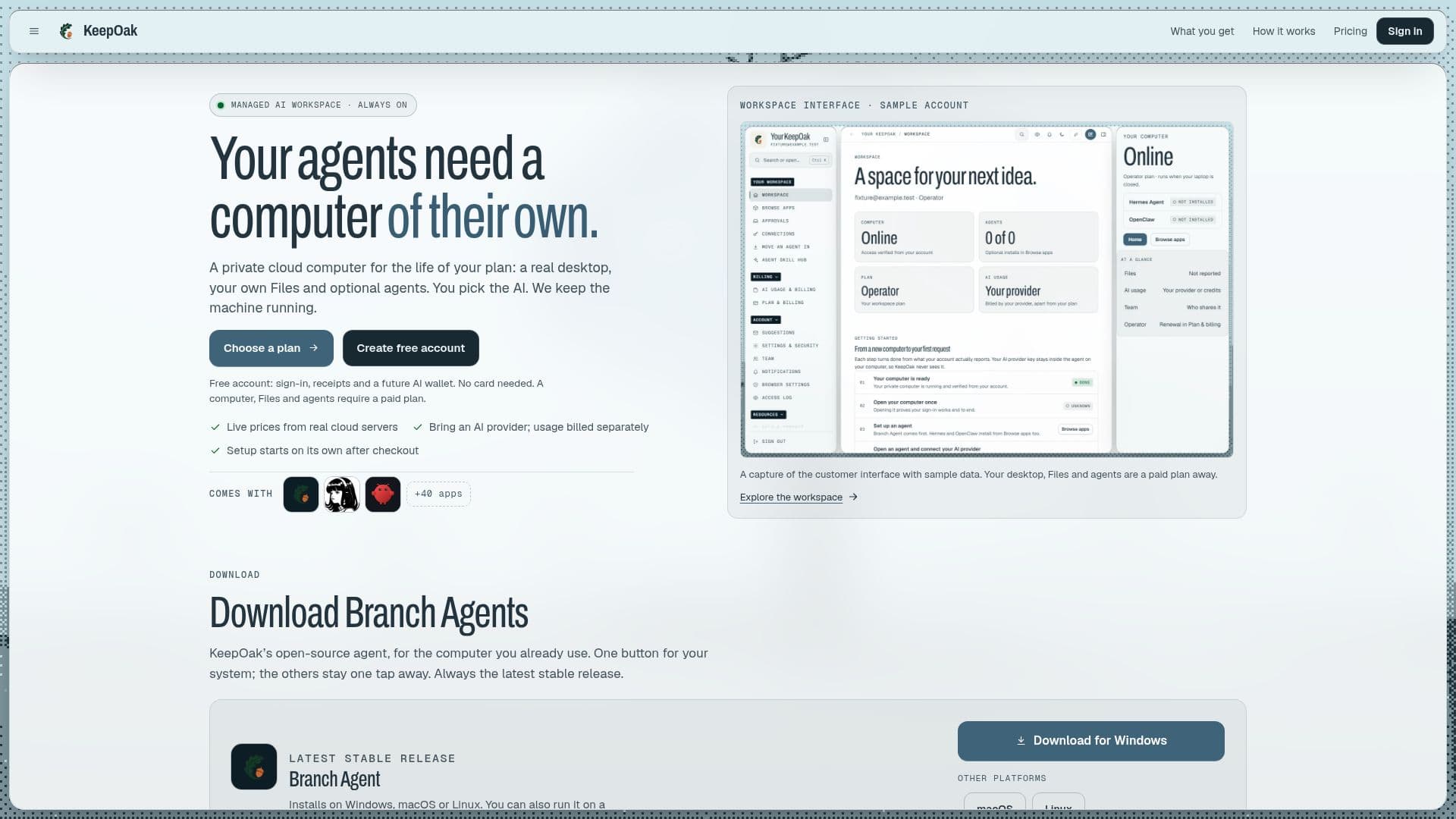
KeepOak is a managed cloud computing service designed to provide a persistent and private workspace for AI agents. It offers a real desktop environment that remains operational even when your personal devices are turned off. Users can store files securely and install AI agents such as Branch Agent, Hermes Agent, and OpenClaw with just one click.
Read More
The platform is ideal for individuals and teams who require a dedicated cloud computer for their AI operations. KeepOak offers various plans, including Private, Operator, and Power, each tailored to different levels of computational needs and connectivity. The Private plan is suitable for focused individual work, while the Operator and Power plans cater to connected operations and heavier parallel work, respectively.
KeepOak's pricing is dynamic, reflecting live server costs, and AI usage is billed separately through the user's chosen provider. This separation ensures transparency in billing and allows users to manage their AI expenses independently. The platform supports integration with major AI providers like OpenAI, Anthropic, and Google Gemini, requiring users to input their API keys for AI operations.
Security and privacy are prioritized, with workspaces isolated from other customers and accessible only to authorized KeepOak operators for maintenance and support. Users have control over which accounts and tools connect to their workspace, and they can set approval points for agent actions.
KeepOak is built and operated by Taofik Bishi, ensuring personal support and accountability. The platform does not hold certifications like SOC 2 or ISO 27001, but it maintains a high standard of operational security and reliability.
- CategoryAI Agent Builders
- Pricing ModelDynamic
- DeploymentCloud
- PlatformsLinux
KeepOak's Core Features
Managed cloud computer
Persistent desktop environment
Private file storage
One-click AI agent installation
Dynamic pricing based on live server costs
Integration with major AI providers
User-controlled security and privacy settings
Personal support from the operator
How to use KeepOak?
Create an account: Sign up using Google or email.
Choose a plan: Select from Private, Operator, or Power plans.
Install agents: Add AI agents like Branch Agent, Hermes Agent, or OpenClaw.
Manage workspace: Use the desktop and file storage for AI operations.
KeepOak's Use Cases
- AI Development
- Data Analysis
- Remote Work
- Team Collaboration
- AI Agent Management