
Description
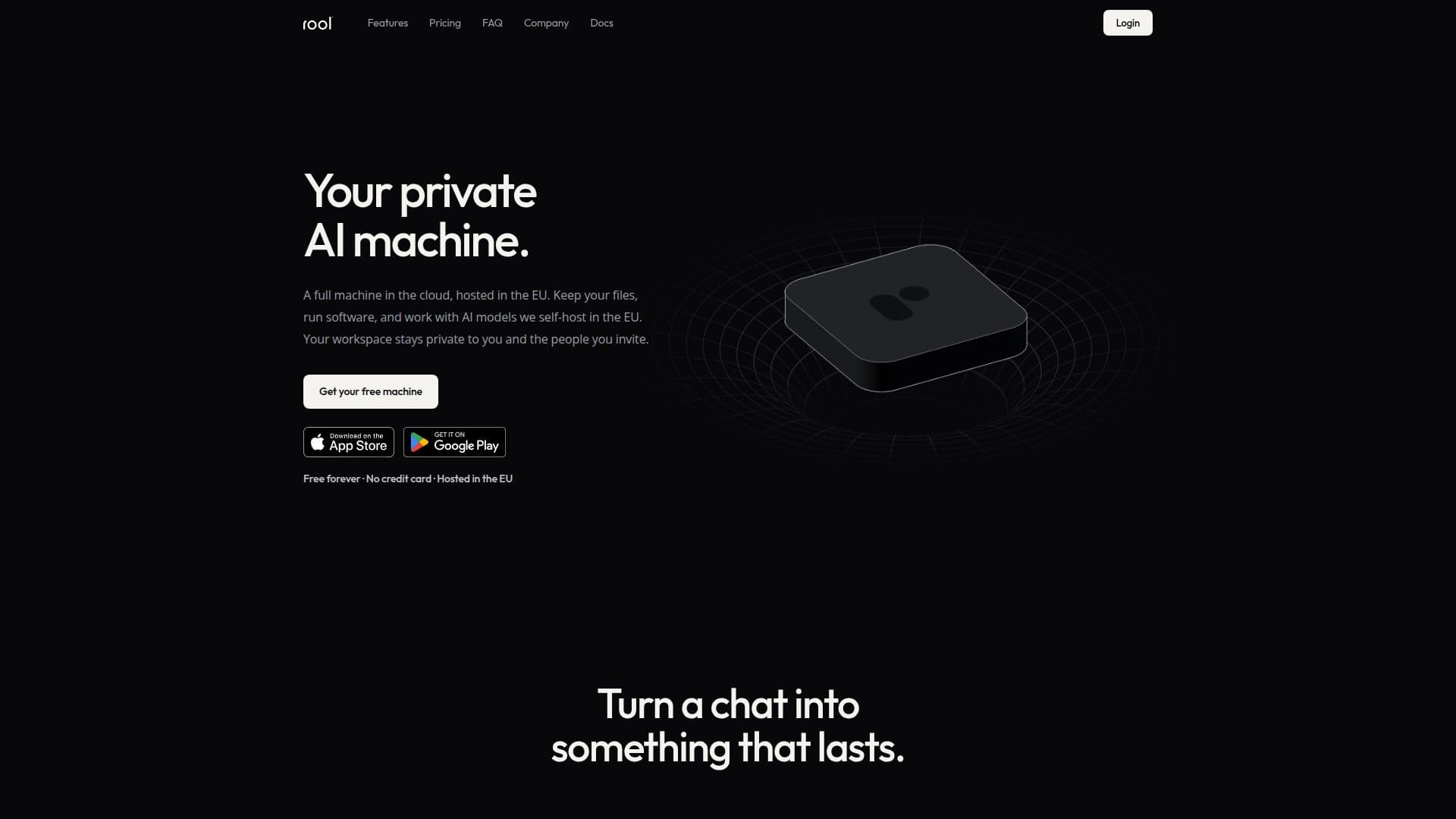
Rool is a cloud-based platform that combines the capabilities of a private computer and AI into a single virtual machine. Hosted in the EU, it offers a secure and private environment for users to store files, run software, and collaborate with others. The platform is designed to maintain persistent memory, allowing users to retain their work and context across sessions.
Read More
Rool Machines are Linux-based virtual machines optimized for AI operations. They allow users to manage files, notes, and chats, all stored privately within the machine. The AI agent operates within the VM, ensuring isolation and privacy. Users can start with a simple chat interface and gradually explore more advanced features like Objects, which are durable entities that the machine can read and build upon.
The platform offers a freemium pricing model, with the Standard plan being free forever. Users can upgrade to Plus or Pro plans for additional storage, AI credits, and features like priority support and custom subdomains. AI credits are used to meter AI usage, with different plans offering varying amounts of daily credits.
Rool emphasizes data privacy and security, adhering to EU data protection laws. It does not use user data to train AI models and ensures that third-party providers are contractually barred from doing so. The platform also supports data portability, allowing users to export their data at any time.
Rool is suitable for individuals and teams looking for a secure, AI-powered workspace. It offers integration with external services through built-in connectors and custom MCP servers, enabling users to bring their existing tools into the Rool environment. The platform is accessible via web browsers and mobile apps, providing flexibility and convenience for users.
- CategoryMachine Learning Platforms
- Pricing ModelFreemium
- DeploymentCloud
- PlatformsWeb, iOS, Android
Rool's Core Features
Private cloud-based AI machine
Persistent memory
File management and collaboration
Hosted in the EU
Freemium pricing model
AI credits for usage metering
Data privacy and security
Integration with external services
How to use Rool?
Sign up: Create an account on Rool
Log in: Access your Rool Machine
Configure: Set up your workspace and preferences
Use: Store files, run software, and collaborate
Optimize: Upgrade plans for more features
Rool's Use Cases
- Secure File Storage
- AI Model Execution
- Collaborative Workspace
- Persistent Memory
- Data Privacy Compliance