Description
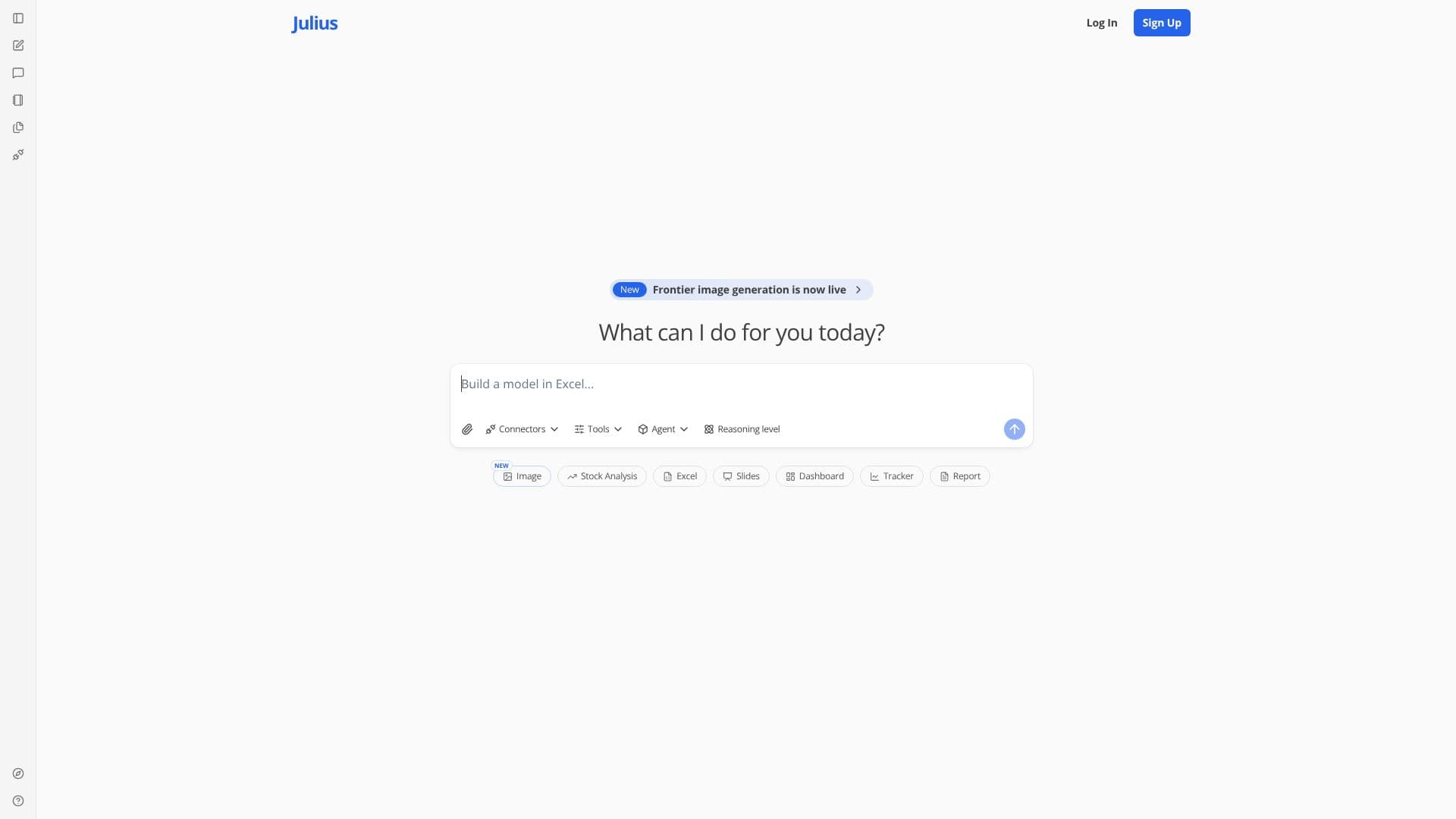
Julius AI is an AI-powered tool designed to assist with various workplace tasks, focusing primarily on Excel, slides, and general task management. The platform leverages artificial intelligence to automate and simplify complex processes, allowing users to save time and improve productivity. With Julius AI, users can build models in Excel, create compelling slide decks, and track project progress through dashboards and reports.
The core functionality of Julius AI revolves around its ability to integrate with existing workflows. It aims to provide a seamless experience for users by offering tools that are easy to use and understand. The platform's features include image generation, stock analysis, and the creation of interactive dashboards. Julius AI is designed to be a versatile tool that can adapt to different user needs and project requirements. The tool's agent reasoning level suggests an advanced capability to understand and execute complex instructions.
Julius AI is targeted towards professionals and teams who frequently work with data, presentations, and project management. This includes roles such as data analysts, project managers, and business professionals. The value proposition of Julius AI lies in its ability to automate repetitive tasks, provide insights through data analysis, and facilitate better communication through visually appealing presentations. By using Julius AI, users can focus on higher-level strategic thinking and decision-making, rather than getting bogged down in manual data entry or formatting.
The platform's focus on Excel, slides, and task management makes it a valuable asset for anyone looking to enhance their productivity and streamline their workflow. The integration of AI capabilities allows for more efficient data analysis, improved presentation design, and better project tracking. Julius AI aims to be a comprehensive solution for modern workplace challenges.
Julius AI: Excel, Slides, Tasks's Core Features
AI-powered Excel model building
Automated slide deck creation
Image generation capabilities
Stock analysis tools
Dashboard creation for project tracking
Report generation
Agent reasoning level for complex tasks
Integration with existing workflows
User-friendly interface
Data analysis capabilities
Project management features
How to use Julius AI: Excel, Slides, Tasks?
Use: Open the Julius AI platform.
Configure: Input your data or task requirements.
Use: Utilize the AI tools for Excel, slides, or other tasks.
Optimise: Review and refine the outputs to meet your needs.
Use: Track progress using dashboards and reports.
Julius AI: Excel, Slides, Tasks's Use Cases
- Excel Automation
- Presentation Creation
- Image Generation
- Stock Analysis
- Project Tracking
- Data Analysis
- Report Generation