
Description
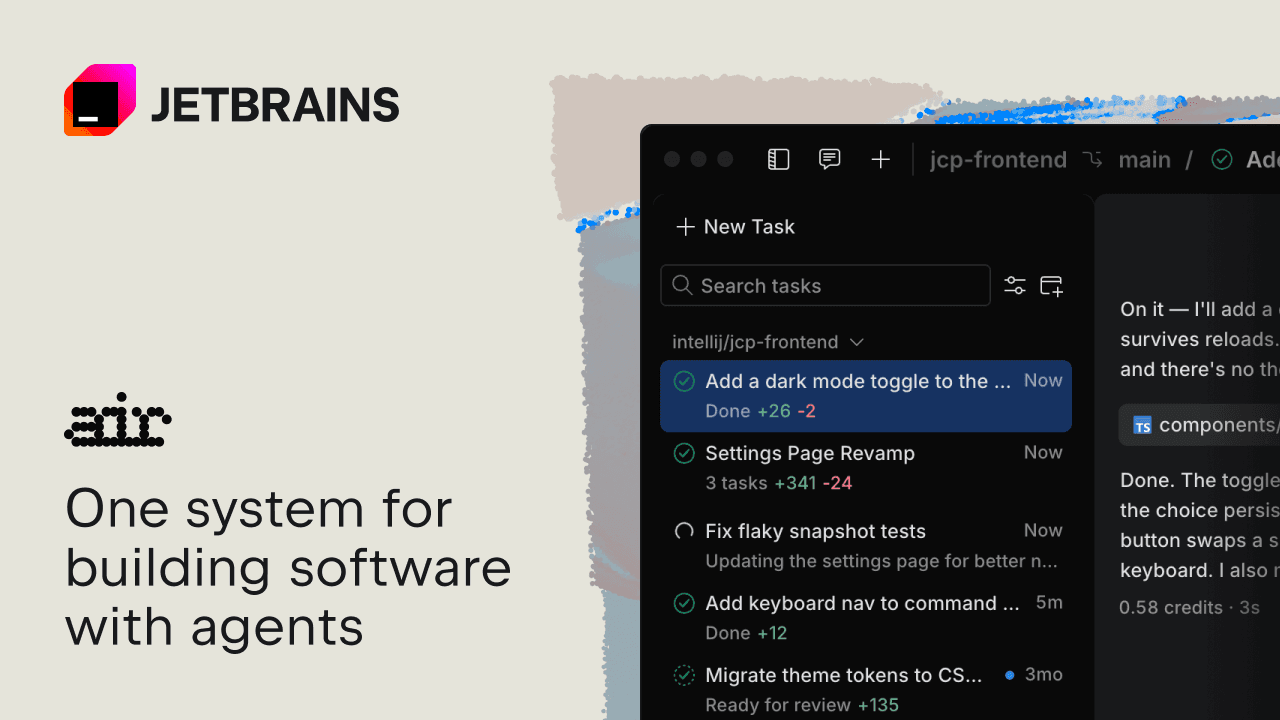
JetBrains Air is a robust platform designed to streamline software development using AI agents. It works seamlessly with agents you already use, such as Claude, Codex, and Junie, and supports any ACP-compatible agent. The platform allows developers to run and review changes in their IDEs, track parallel work, and manage multiple projects simultaneously. JetBrains Air simplifies the integration of agents by identifying compatible ones on your machine and allowing easy connections.
Read More
The platform offers flexible AI access, enabling users to bring their own provider subscriptions or API keys. JetBrains Air also supports team collaboration through shared projects in dedicated cloud environments, where teams can run agent tasks, manage access, and automate repetitive tasks like code reviews and release notes.
JetBrains Air's governance features allow organizations to adopt AI at scale by setting rules and permissions, controlling costs, and optimizing with analytics. The platform supports various AI providers, including Amazon Bedrock and OpenAI, and offers centralized setup for secure use of external tools.
Air Context, a feature of JetBrains Air, enhances agent efficiency by providing codebase knowledge, reducing exploration overhead, and improving execution speed. It supports semantic indexing and search across large repositories, helping agents make informed decisions and improve code quality.
JetBrains Air is ideal for developers and teams looking to enhance their software development processes with AI, offering a flexible, scalable, and collaborative environment.
- CategoryAI Coding Assistants
- Pricing ModelPaid
- DeploymentCloud
- PlatformsJetBrains IDEs
JetBrains Air's Core Features
Integration with existing and ACP-compatible agents
Flexible AI access with multiple provider options
Team collaboration in cloud environments
Automated tasks for code reviews and release notes
Governance features for AI adoption at scale
Semantic indexing and search with Air Context
Centralized setup for secure external tool use
Support for multiple programming languages
How to use JetBrains Air?
Configure: Set up your AI agents and integrate them with JetBrains Air
Use: Run and review changes in your IDEs with AI agent support
Optimize: Use analytics to track tool usage and AI contributions
Collaborate: Manage team projects in dedicated cloud environments
JetBrains Air's Use Cases
- Software Development
- Team Collaboration
- AI Integration
- Code Quality Improvement
- Cost Management