
Description
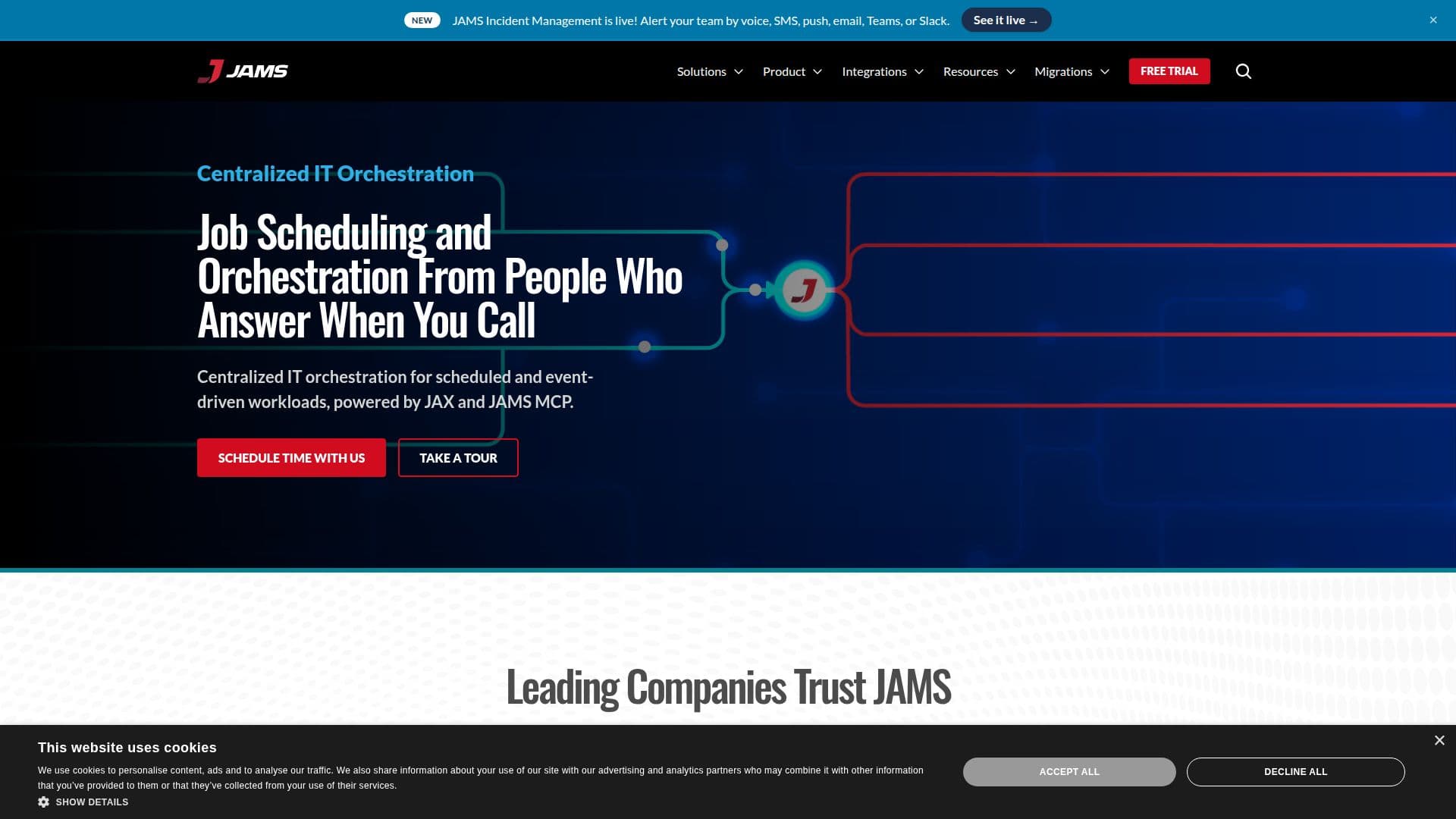
JAMS Scheduler is a comprehensive enterprise workload automation and job scheduling platform designed to centralize, automate, and monitor complex IT workflows. It supports a wide range of environments, including Windows, Linux, Unix, IBM i, and cloud platforms, allowing organizations to replace fragmented native schedulers with a unified solution. JAMS enables efficient workload management by automating scheduled and event-driven workloads, powered by its AI agent, JAX, and JAMS MCP.
The platform offers a centralized command center for managing jobs across different systems, providing real-time visibility and control. JAMS supports cross-platform job scheduling, advanced workflow automation, and integrates with leading business applications such as ERP, CRM, and Business Intelligence tools. It also includes features like email notifications, unlimited executions, and 24x7 support.
JAMS is designed to enhance productivity by automating manual, repetitive tasks, freeing IT teams to focus on higher-value projects. Its architecture ensures high resilience to outages, enabling continuous execution of critical business processes. The platform also simplifies compliance with built-in security controls and reporting capabilities.
JAMS offers two pricing tiers: Core and Advanced. The Core plan starts at $833 per month, billed annually, and includes features like JAX, JAMS MCP, and full IT and data orchestration. The Advanced plan offers customizable pricing and additional features for large-scale operations.
JAMS is ideal for IT teams, data engineers, and CIOs/CTOs looking to streamline operations, improve efficiency, and ensure compliance. Its robust support system, with teams located in the United States, the United Kingdom, and Australia, ensures that users receive expert help whenever needed.
JAMS Scheduler's Core Features
Centralized job scheduling
Cross-platform orchestration
Advanced workflow automation
24x7 support
Unlimited executions
Email notifications
Integration with ERP and CRM
SOC 2 Type II compliance
Real-time dashboards
Low-code automation
Managed file transfer
Event-based scheduling
PowerShell and SQL scheduling
Compliance and audit readiness
Customizable pricing options
How to use JAMS Scheduler?
Configure: Set up job scheduling parameters
Use: Automate and monitor workflows
Optimize: Adjust settings for efficiency
Integrate: Connect with business applications
JAMS Scheduler's Use Cases
- Cross-Platform Orchestration
- ETL and Data Pipeline
- Managed File Transfer
- Financial Process Automation
- SAP Workflow Integration