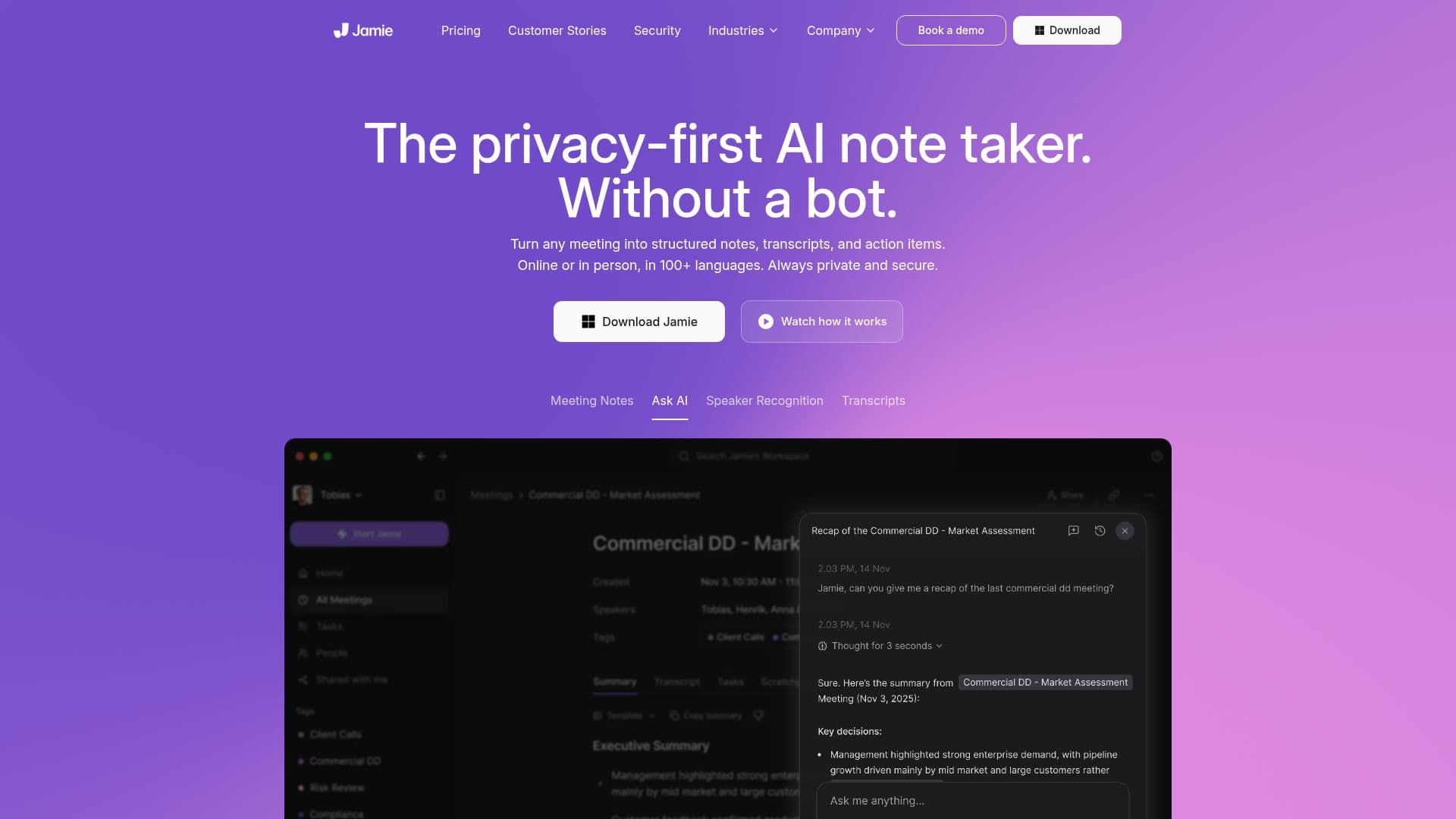
Description
Jamie is designed to transform the way you take meeting notes, providing a seamless experience whether you're in an online, hybrid, or offline setting. With its ability to generate structured notes, transcripts, and action items in over 100 languages, Jamie ensures that you never miss a detail from your meetings. The tool operates without the need for a meeting bot, making it a privacy-first solution that keeps your data secure.
Read More
One of Jamie's standout features is its automatic note-taking capability, which allows users to focus on the conversation while Jamie handles the documentation. This feature is particularly beneficial for busy professionals and teams who need to capture every important detail without the distraction of manual note-taking. Jamie's integration with popular tools like Notion, Google Docs, and HubSpot means that your notes and transcripts can be easily synced and accessed within your existing workflow.
Security is a top priority for Jamie. The platform is fully compliant with the EU's General Data Protection Regulation (GDPR), ensuring that your data is protected under strict privacy standards. All data is stored and processed within the EU, and Jamie employs enterprise-grade encryption to safeguard your information. Additionally, meeting audio is deleted after transcription, and no data is used for training models, maintaining your confidentiality.
Jamie is not just for individuals; it is built for teams and organizations that require a reliable and secure note-taking solution. With various pricing plans available, including a free tier, Jamie caters to different user needs, from casual users to high-volume professionals. The platform also offers advanced features for enterprise users, such as SAML SSO and user provisioning, making it a comprehensive solution for businesses looking to enhance their meeting productivity.
- CategoryAI Meeting Assistants
- Pricing ModelFreemium
- DeploymentCloud
- PlatformsWeb, Mobile
Jamie's Core Features
Automatic note-taking
Transcripts in 100+ languages
Integration with Notion, Google Docs, HubSpot
GDPR compliant
Enterprise-grade encryption
Audio deletion after transcription
SAML SSO support
User provisioning
Speaker recognition
Task detection
How to use Jamie?
Start recording: Click 'Start Jamie' when joining an online meeting or manually from the app.
Focus on the meeting: Jamie will automatically take notes while you concentrate on the discussion.
Stop recording: Click the recording icon to end the session once the meeting is over.
Access notes: Review and share the generated notes with your team effortlessly.
Jamie's Use Cases
- Team Collaboration
- Project Management
- Language Support
- Data Privacy
- Productivity Boost