
Description
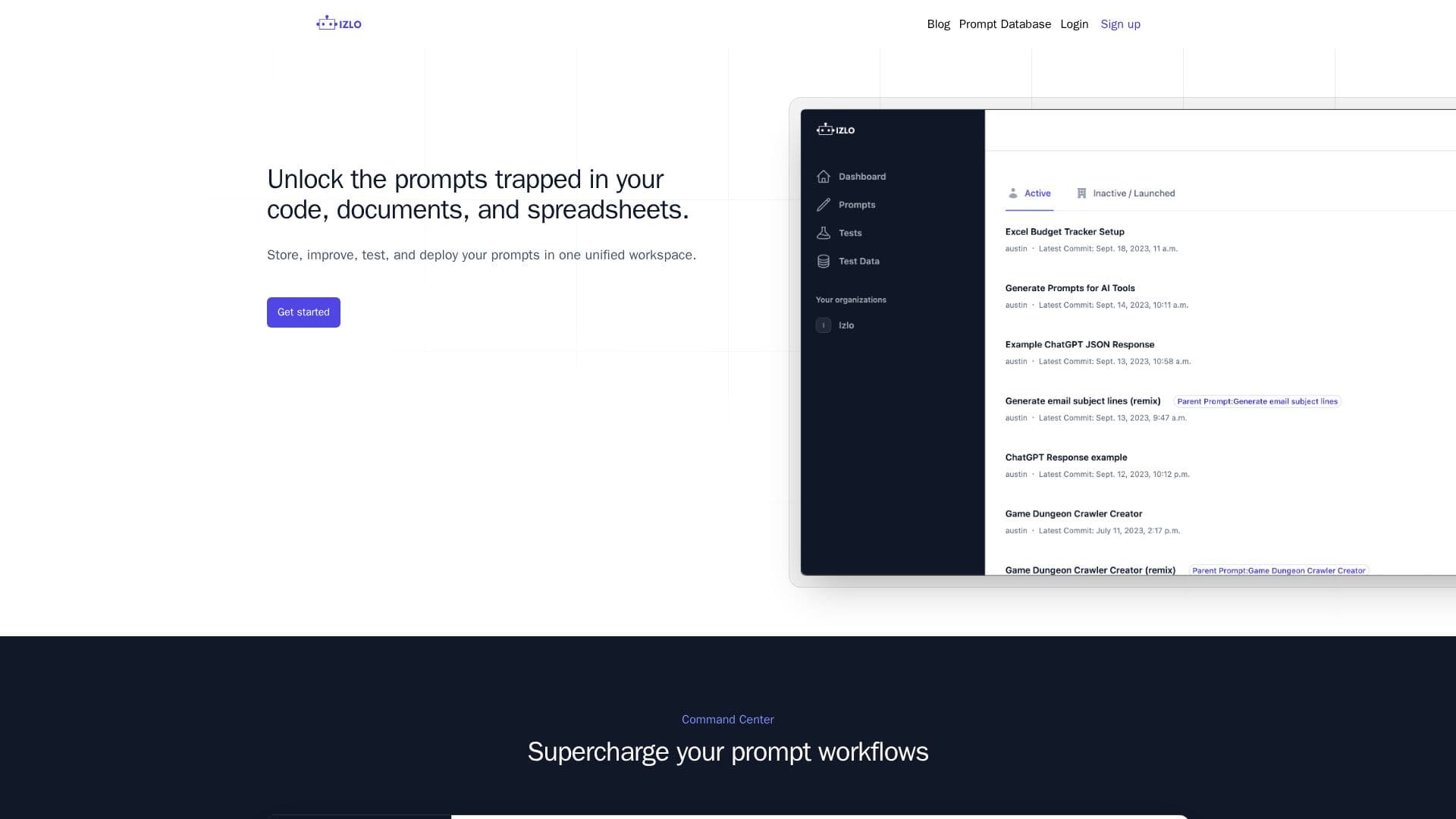
Izlo is a platform designed to optimize the management of AI prompts for teams. It provides a unified workspace where users can store, improve, test, and deploy prompts. The platform is equipped with a command center that supercharges prompt workflows, allowing for seamless collaboration among team members. Izlo's version control feature maintains a shared history of all changes made to a prompt, enabling users to track its evolution over time.
The platform supports collaboration by allowing multiple team members to work on a prompt simultaneously without affecting the production version. Izlo's remix functionality provides a sandbox environment for testing iterations of a prompt. Users can revert to previous versions with a single click, ensuring flexibility and control over prompt development.
Izlo also offers a powerful testing suite that allows users to run different permutations of a prompt to achieve optimal responses. The platform supports the use of template variables, enabling quick comparisons across multiple data sets. Automatic testing pipelines can be created to ensure that the latest updates are always production-ready.
For developers, Izlo provides APIs that facilitate the integration of prompts into applications, allowing for automatic synchronization of updates without redeployment. The platform offers various pricing plans, including Solo, Pro, and Enterprise, catering to different team sizes and needs.
Izlo is ideal for teams looking to enhance productivity by managing AI prompts efficiently. It is particularly beneficial for companies aiming to unlock the potential of their AI workflows through improved prompt management and collaboration tools.
Izlo's Core Features
Unified workspace for prompt management
Version control with shared history
Collaborative prompt improvement
Sandbox environment for testing
Revert to previous prompt versions
Comprehensive testing suite
Template variables for prompt testing
Automatic testing pipelines
API for prompt integration
How to use Izlo?
Configure: Set up your prompt management workspace
Use: Collaborate and improve prompts with your team
Test: Run permutations and create testing flows
Optimise: Utilize APIs to integrate and sync prompts
Izlo's Use Cases
- Team Collaboration
- Version Tracking
- Prompt Testing
- API Integration
- Productivity Boost