
Description
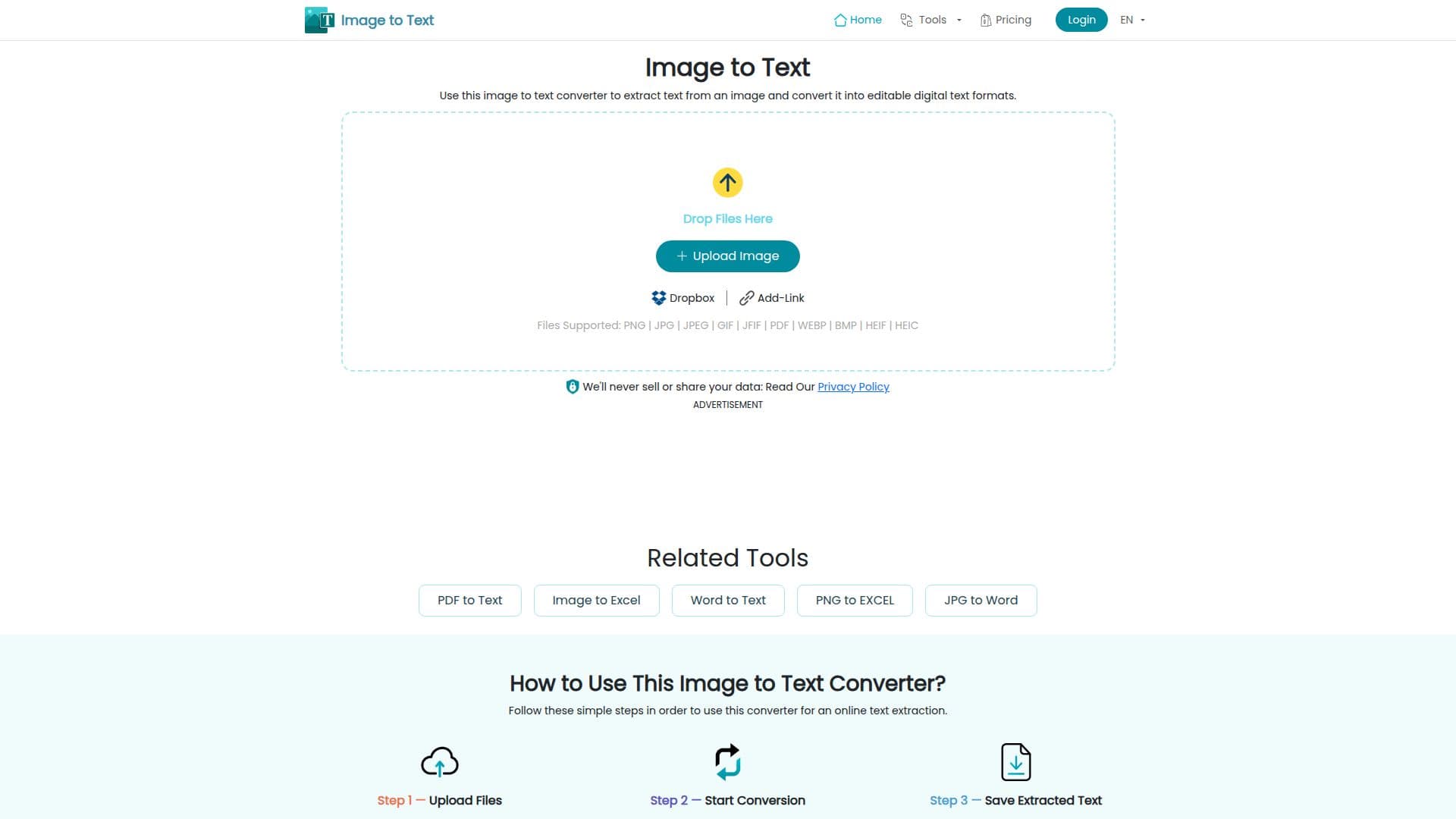
ImgtoText.net is an advanced online tool designed to convert images into text using Optical Character Recognition (OCR) technology. This tool allows users to extract text from various image formats such as PNG, JPG, JPEG, GIF, and PDF, making it highly versatile for different needs. The platform supports multiple languages, including English, Spanish, French, and many more, breaking down language barriers and enhancing global communication.
One of the key features of ImgtoText.net is its ability to handle batch conversions, allowing users to process multiple images simultaneously. This feature is particularly useful for professionals who need to convert large volumes of documents quickly. The tool also supports handwritten text recognition, making it suitable for digitizing notes and other handwritten materials.
ImgtoText.net prioritizes user privacy and security, ensuring that all uploaded images and converted text files remain confidential. The tool is accessible from any device or operating system, including Windows, Mac, Android, and iOS, providing flexibility and convenience for users on the go.
The platform offers a freemium pricing model, allowing users to access basic features for free, with premium plans available for those who require extended capabilities. This makes ImgtoText.net an affordable option for students, teachers, office professionals, and freelancers who need reliable text extraction services.
With its user-friendly interface, ImgtoText.net simplifies the conversion process, making it accessible to users with varying levels of technical expertise. Whether you need to convert printed documents, handwritten notes, or images with textual elements, ImgtoText.net enhances accessibility and makes digital content more adaptable.
ImgtoText.net Image to Text Converter's Core Features
Online OCR text extraction
Supports multiple file formats
Batch conversion capability
Handwritten text recognition
Multilingual support
Privacy and security measures
Freemium pricing model
User-friendly interface
Accessible from any device
Fast processing speed
AI-based text extraction
Supports blurry images
Multiple export formats
Text translation feature
Detects math equations
How to use ImgtoText.net Image to Text Converter?
Upload: Select and upload images
Convert: Click 'Convert' to extract text
Copy: Copy extracted text to clipboard
Download: Save text in desired format
ImgtoText.net Image to Text Converter's Use Cases
- Student Assignments
- Office Documentation
- Research Analysis
- Freelance Management
- Language Translation