
Description
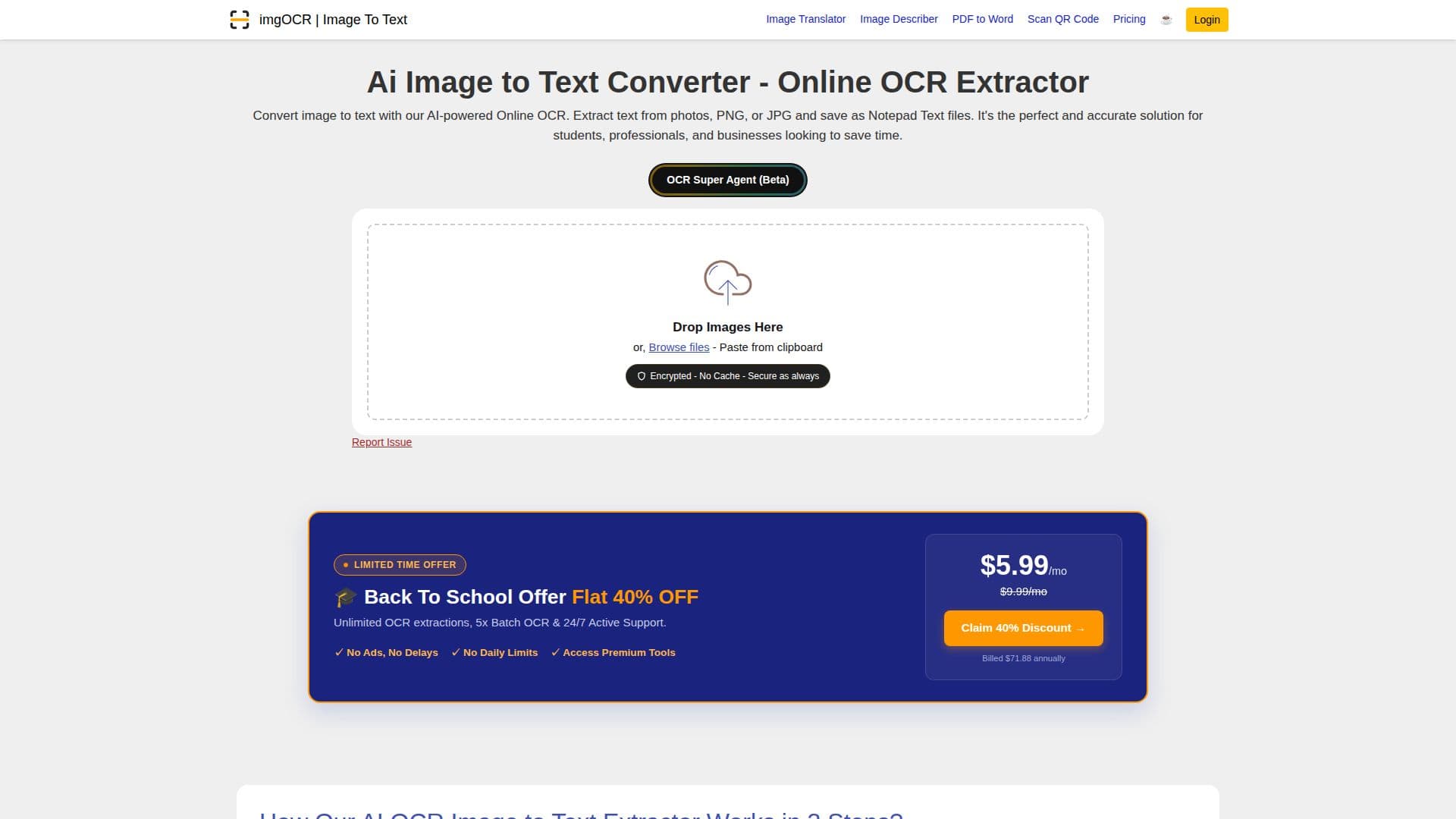
ImgOCR is an AI-powered image to text converter designed to provide high accuracy in extracting text from images. It supports various image formats, including JPG, JPEG, PNG, and screenshots, and can handle both printed and handwritten text. The tool is particularly useful for students, professionals, and businesses looking to digitize documents, lecture notes, and other text-based images.
One of the key features of ImgOCR is its ability to recognize multiple languages automatically, making it versatile for users worldwide. It includes popular languages such as English, Spanish, French, Arabic, Chinese, Russian, Korean, and Hindi. The tool also offers handwriting recognition, allowing users to convert handwritten notes into digital text.
ImgOCR ensures data security by processing images through encrypted connections and automatically deleting files after processing. Users can convert images to text without the need for registration or login, making it accessible and user-friendly. The tool also offers bulk processing capabilities, allowing users to queue multiple images for text extraction.
For developers and businesses, ImgOCR provides an API that can be integrated into applications and workflows, offering scalable and secure image to text conversion. The API supports both simple and advanced OCR modes, providing flexibility for different use cases.
Pricing plans are available for users with different needs, ranging from free access with no daily limits to premium plans offering higher image processing limits and additional features. ImgOCR is a valuable tool for anyone looking to save time and improve productivity by converting images to text quickly and accurately.
ImgOCR Image to Text Converter's Core Features
AI-powered OCR for high accuracy
Supports multiple languages
Handwriting recognition
No registration required
Bulk image processing
Secure data processing
API available for developers
Automatic language detection
Instant text extraction
Free access with no daily limits
Encrypted connections for security
Automatic file deletion after processing
Supports JPG, JPEG, PNG, and screenshots
Crop tool for improved accuracy
Handles low-resolution images
How to use ImgOCR Image to Text Converter?
Upload: Drag and drop your image file
Process: ImgOCR extracts text instantly
Copy: Copy extracted text to clipboard
Download: Save text as a Notepad file
ImgOCR Image to Text Converter's Use Cases
- Educational Notes
- Business Documents
- Social Media Content
- Legal Documents
- Healthcare Records