Description
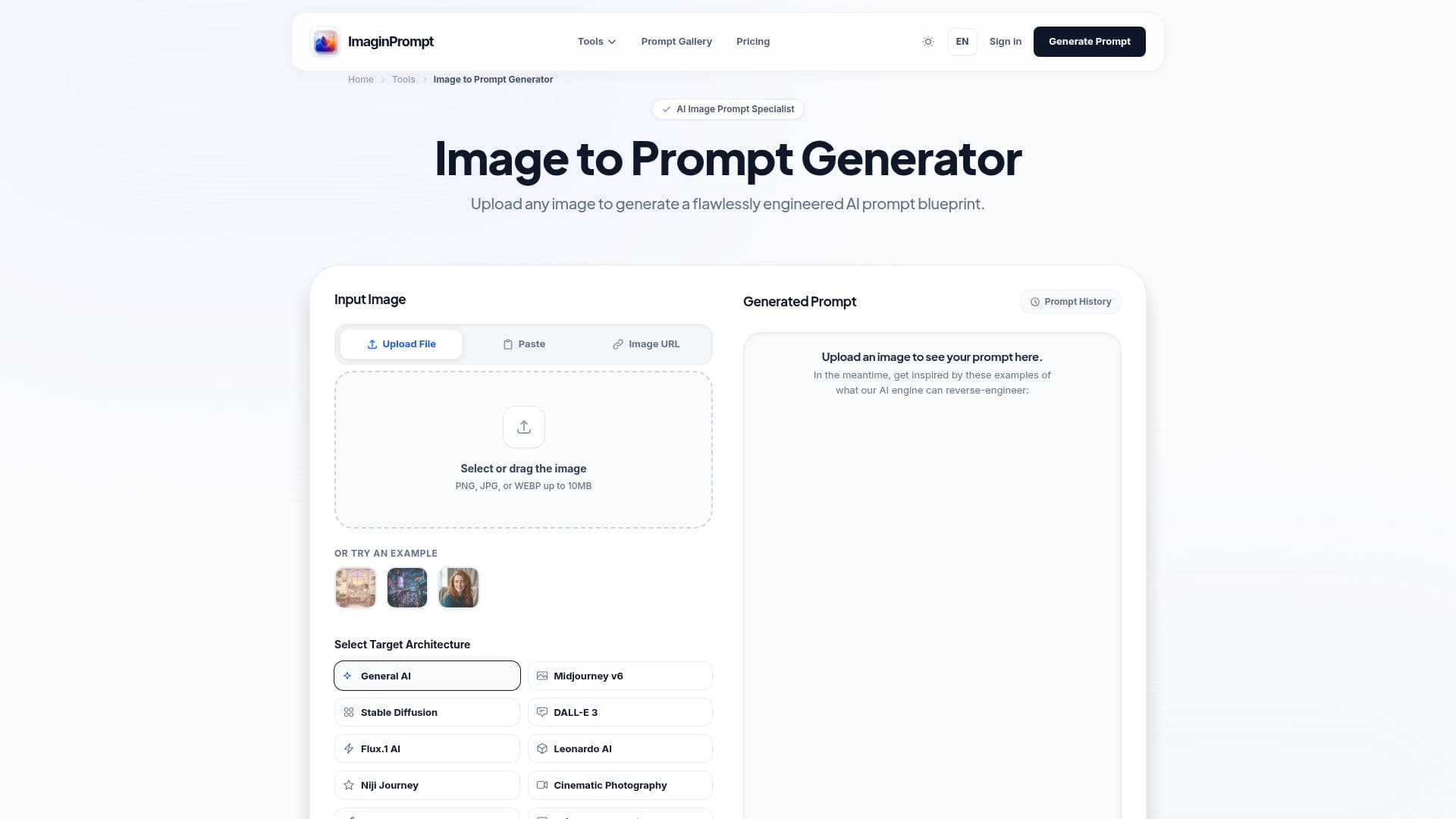
ImaginPrompt is an AI image-to-prompt generator that turns any image into a detailed, reusable text prompt. Upload a photo, screenshot or artwork and its computer-vision engine scans over 40 visual parameters — lighting, color temperature, depth, composition, camera feel and artistic intent — to produce a reproduction-ready prompt rather than a loose caption.
Read More
Output is formatted for the target model: Midjourney prompts include weighted flags like --ar and --stylize, DALL-E 3 prompts use natural language with medium descriptors, Stable Diffusion prompts use comma-separated tag syntax, and Flux prompts use its aesthetically rich natural-language style. The engine also automatically suggests negative prompts, and extracted prompts are plain text so they can be layered with LoRA trigger words or custom model tokens and pasted into tools like ImageFX, Perchance or ComfyUI.
ImaginPrompt is part of a wider toolkit that also includes a Text to Prompt generator, an AI Image Describer and an AI Image Generator. The free Explorer tier gives at least five image-to-prompt conversions per day with no signup, while paid plans add batch processing of up to 20 images, REST API access, higher monthly credits and a commercial license. It supports 12 languages and offers a 7-day money-back guarantee on paid plans.
- CategoryPrompt Engineering Tools
- Pricing ModelFreemium
- DeploymentCloud
- PlatformsWeb
ImaginPrompt's Core Features
Image-to-prompt extraction scanning 40+ visual parameters
Model-specific output for Midjourney, DALL-E 3, Stable Diffusion and Flux
Automatic negative-prompt generation
Plain-text prompts compatible with LoRA, ComfyUI, ImageFX and Perchance
Batch processing of up to 20 images on premium plans
REST API access for automated prompt generation
Companion Text-to-Prompt, Image Describer and Image Generator tools
Free daily tier with no signup, plus paid plans with commercial license
How to use ImaginPrompt?
Upload your image: Drop a photo, screenshot or artwork (JPG, PNG or WebP up to 10MB) into the tool.
Pick a target model: Choose Midjourney, DALL-E 3, Stable Diffusion or Flux so the output uses the right syntax.
Extract the prompt: The engine analyzes the image and generates a detailed prompt plus a negative prompt.
Copy and generate: Paste the prompt into your chosen AI image generator to reproduce the look.
ImaginPrompt's Use Cases
- Reproduce a reference image
- Brand-consistent AI art
- Photography recreation
- Game and concept iteration
- Learning prompt engineering