
Description
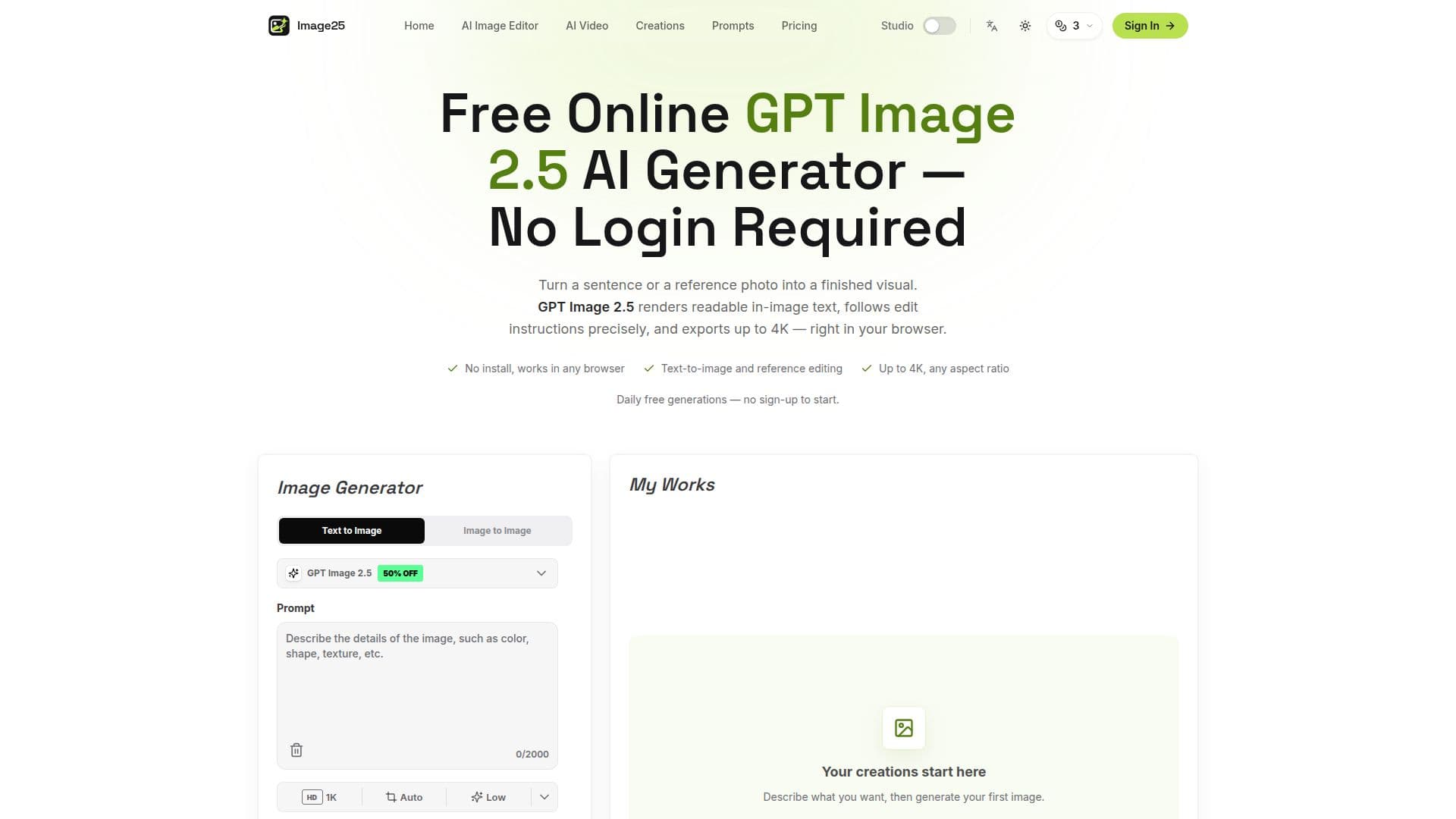
Image25 provides an online platform for generating and editing images using the GPT Image 2.5 AI model. This tool allows users to create images from text prompts or reference photos, making it suitable for producing posters, product shots, and concept art. The platform supports resolutions up to 4K and offers a variety of aspect ratios, including wide, square, and tall formats.
The GPT Image 2.5 model is the default option on Image25, providing features such as text-to-image generation, reference editing, and in-image text rendering. Users can generate up to three free 1K images daily without signing up, or five if they choose to sign in. Higher resolutions and additional images require account credits, which can be purchased as needed.
Image25 operates entirely in the browser, eliminating the need for any software installation or GPU. It is compatible with desktops, tablets, and phones, making it accessible for users on various devices. The platform is independent and not affiliated with OpenAI, although it uses the GPT Image 2 service.
Commercial use of generated images is generally allowed under Image25's terms, but users are responsible for ensuring that their inputs do not infringe on trademarks or copyrights. The platform offers a fast iteration loop, allowing users to reuse prompts, adjust settings, and compare versions in their creation history.
Pricing for Image25 is flexible, with credit packs available for purchase. The Starter pack includes 100 credits, while the Standard and Premium packs offer 400 and 1400 credits, respectively. These credits can be used across different models, including GPT Image 2 and Nano Banana, for various image generation and editing tasks.
Image25 GPT Image 2.5 Generator's Core Features
Text-to-image generation
Reference image editing
In-image text rendering
Supports up to 4K resolution
Browser-based, no installation required
Daily free image generation
Flexible credit-based pricing
Commercial use allowed
How to use Image25 GPT Image 2.5 Generator?
Describe your image: Type the subject, style, and mood.
Choose your format: Select aspect ratio and resolution.
Generate and download: Run the generator and save results.
Iterate: Adjust prompts and settings for new versions.
Image25 GPT Image 2.5 Generator's Use Cases
- Posters
- Product Shots
- Concept Art
- YouTube Thumbnails
- Anime Panels