Description
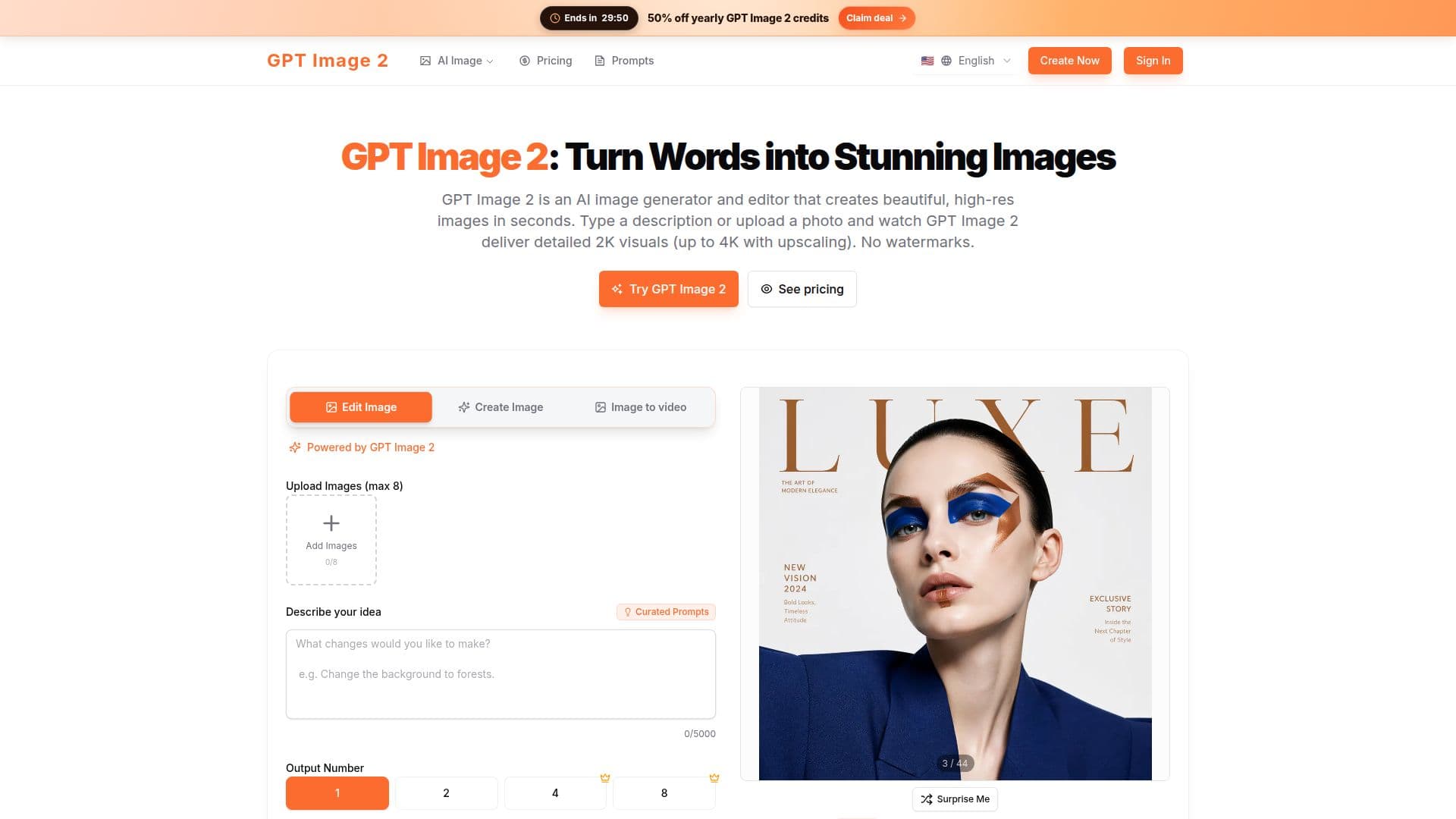
GPT Image 2 is an advanced AI image generator and editor designed to convert text descriptions or photos into high-quality visuals in seconds. It provides users with the ability to create detailed 2K images, with an option for 4K upscaling for those requiring higher resolution outputs. The platform is particularly noted for its natural-language editing capabilities, allowing users to describe desired edits in plain language without needing complex prompts. This makes it accessible to users without design skills.
The tool supports a variety of features including character and style consistency, multi-image fusion, and style transfer. Users can lock a character's identity across different scenes, making it ideal for storyboards, brand campaigns, or product catalogs. Additionally, GPT Image 2 excels in text rendering, handling typography and signage with high accuracy, which is often a challenge for other AI image generators.
GPT Image 2 offers a range of pricing plans to suit different needs. New users can start with free trial credits, and there are Basic, Pro, and Max plans available for more extensive use. The Basic plan is suitable for light creation, while the Pro plan is designed for recurring work. The Max plan caters to larger campaigns or team workflows. Users can also opt for pay-as-you-go credits for occasional bursts of image generation.
The platform ensures user data privacy, with uploads and prompts used solely for generating requested images. Commercial use is permitted under paid plans, and the tool provides a web-based interface optimized for fast generation and editing. GPT Image 2 is particularly beneficial for creators involved in campaigns, product visuals, and social content, offering a seamless workflow from generation to editing.
GPT Image 2's Core Features
AI-powered image generation and editing
2K base output with optional 4K upscaling
Natural-language editing
Character and style consistency
Multi-image fusion and style transfer
Accurate text rendering in images
Free trial credits for new users
Commercial use rights with paid plans
How to use GPT Image 2?
Open the generator: access the tool online
Type a prompt or upload a photo: provide input for image creation
Choose a style preset: select desired visual style
Click Generate: initiate image creation
Refine with follow-up instructions: make additional edits
Download directly: save the final image
GPT Image 2's Use Cases
- Campaign visuals
- Product mockups
- Character design
- Social media content
- Artistic projects