Description
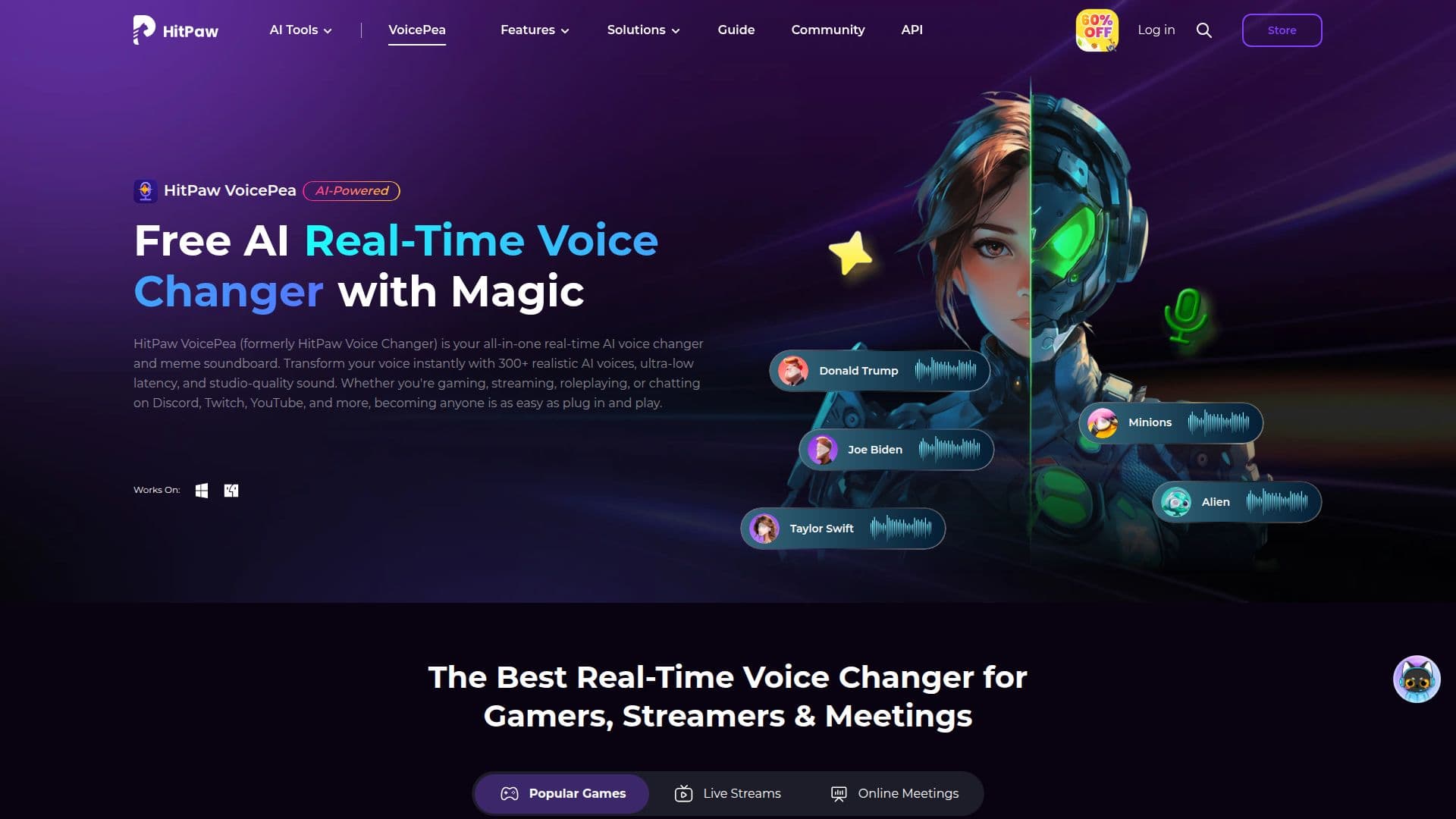
HitPaw VoicePea (originally HitPaw Voice Changer) is a real-time AI voice changer for PC and Mac. It uses AI to modify pitch and tone instantly, letting you become any character with 200+ AI voices while gaming, streaming, or chatting. With ultra-low latency, it switches voices without interrupting your stream or call and integrates with Discord, Zoom, Microsoft Teams, Twitch, YouTube, and games like Fortnite, GTA, and Minecraft.
Read More
Beyond voice changing, VoicePea includes a built-in one-click meme soundboard with support for custom sound effects, so you can trigger reactions during games, streams, and chats. It supports 16 languages and offers a range of accents, tones, and character voices, including options to sound more feminine or take on character styles.
The app packs several additional AI audio tools. You can create realistic AI cover songs from a file or a YouTube link, transform existing audio and video with new AI voices across 50+ formats, enhance audio quality by removing noise and echo, generate royalty-free AI music from a prompt or genre, and convert text into lifelike AI voiceovers. A free version offers real-time voice changing and daily TTS attempts, with paid plans for more.
- CategoryAI Voice Generators
- Pricing ModelFreemium
- DeploymentCloud
- PlatformsWindows, macOS
HitPaw VoicePea's Core Features
Real-time AI voice changer with 200+ voices
Ultra-low latency across Discord, Zoom, Teams, and games
One-click meme soundboard with custom sound effects
Support for 16 languages
AI cover song creation from files or YouTube links
File voice changer for audio and video in 50+ formats
AI audio enhancement to remove noise and echo
Text-to-speech and royalty-free AI music generation
How to use HitPaw VoicePea?
Set input and output: In Settings, select the microphone and output device you use.
Select an AI voice: Apply a voice you like and customize volume, pitch, and timbre.
Test and fine-tune: Adjust volume and apply noise reduction for the best effect.
Use in apps: Pick the HitPaw virtual audio device in your game, stream, or chat app.
HitPaw VoicePea's Use Cases
- Gaming voice changing
- Live streaming
- Meetings and chats
- Creative audio