Description
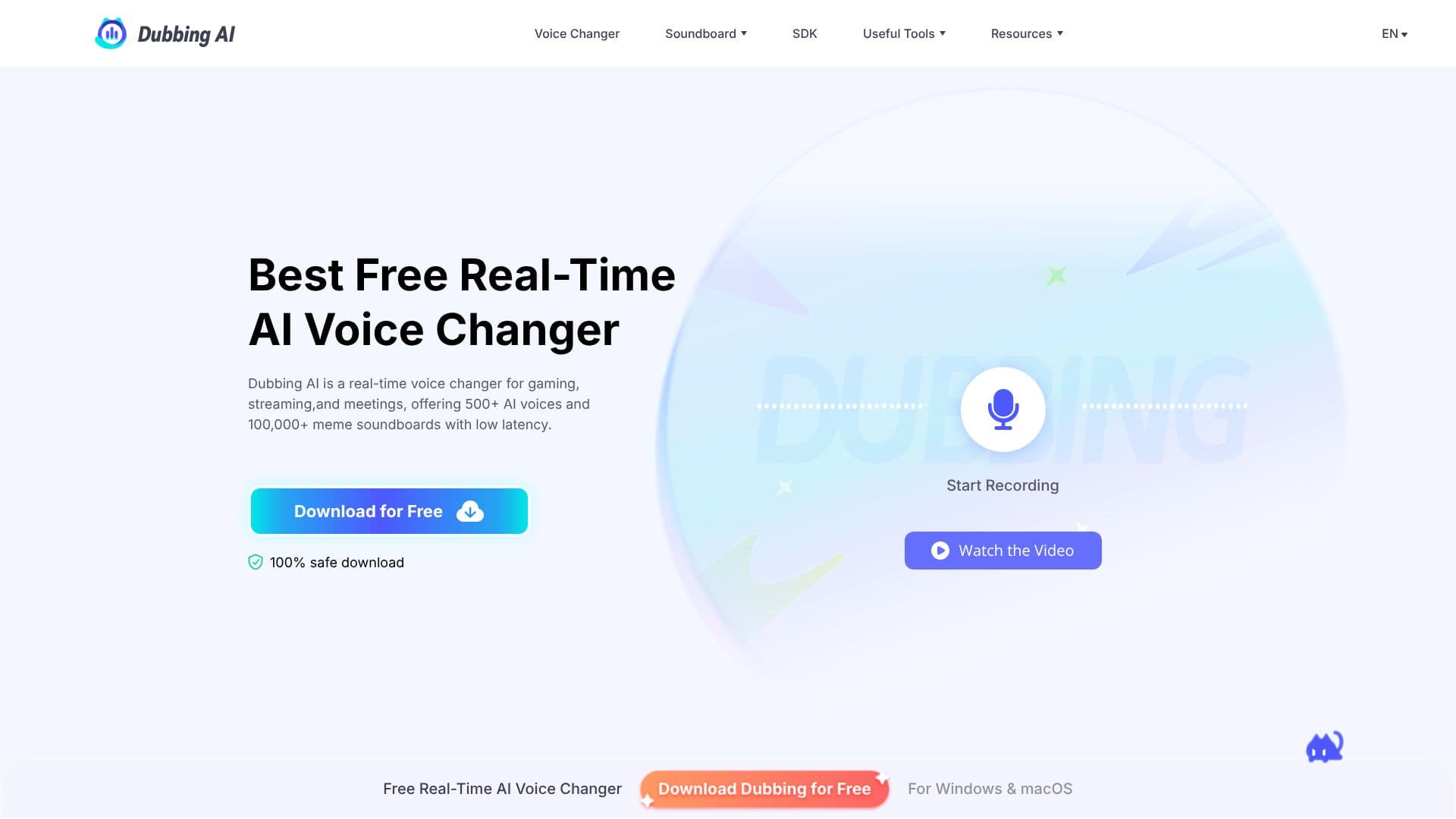
Dubbing AI offers a powerful real-time AI voice changer designed for gamers, streamers, and content creators. With over 500 distinct AI voices and more than 100,000 meme soundboards, it allows users to transform their voice instantly with low latency. This tool is compatible with popular platforms such as Discord, Zoom, VRchat, and OBS, enabling immersive chat, social interactions, and role-playing experiences.
Read More
The application supports a wide range of games, including League of Legends, Valorant, CS2, Fortnite, and Roblox, as well as trending anime like Jujutsu Kaisen and JOJO. Streamers can enhance their content with a trending meme soundboard, featuring sounds from memes, TikTok, games, and anime, with the option to upload custom sounds to the Community Soundboard. The setup process is designed to be quick, taking under five minutes from download to first use.
Dubbing AI is built for performance, utilizing less than 30ms latency and consuming minimal CPU resources (around 5%), ensuring smooth operation during gaming and streaming. It supports over 40 languages and offers expressive vocal capabilities like screaming, sighing, singing, mumbling, and whispering. The platform also provides Text-to-Speech functionality and a growing creator toolkit. Data security is prioritized as voice generation is completed on the user's device, requiring no external servers.
For mobile users, Dubbing AI offers a mobile voice changer app with real-time effects and over 500 voice presets. The mobile app also facilitates easy account management, subscription adjustments, and preference updates. The tool is compatible with PC and mobile platforms, including Windows, Mac, Android, and iOS, with SDK and API services available. Dubbing AI aims to be the ultimate solution for online parties, allowing users to hide, decorate, or rebuild their online identities with creative voice transformations.
- CategoryAI Voice Generators
- Pricing ModelFreemium
- DeploymentCloud, Mobile app
- PlatformsWindows, macOS, Android, iOS
Dubbing AI's Core Features
Real-time AI voice changer
Over 500 AI voices
100,000+ meme soundboards
Low latency voice transformation (< 30ms)
Supports Discord, Zoom, OBS, VRchat, and more
Compatible with popular games like Valorant, Fortnite, CS2
Supports over 40 languages
Expressive vocal capabilities (screaming, singing, etc.)
Mobile voice changer app available
Minimal CPU usage (2-3%)
Data security with on-device processing
Text-to-Speech functionality
How to use Dubbing AI?
Install: Download Dubbing AI for Windows or macOS and set your microphone as the input device.
Activate: Toggle the Voice Changer switch to enable real-time processing.
Select Voice: Browse the Voice Box library, preview characters, and favorite preferred voices.
Monitor: Use the 'Hear Myself' toggle to monitor your transformed voice and fine-tune pitch/tone.
Route Audio: Select 'Microphone (Dubbing Virtual Device)' as the input in your desired app (Discord, OBS, Zoom, game).
Go Live: Your new voice is now active in all applications that use your microphone.
Dubbing AI's Use Cases
- Gaming Voice Transformation
- Live Streaming Enhancement
- Content Creation
- Online Meetings and Calls
- Social Media Interaction
- Role-Playing
- VTuber Avatars
- Audio Drama and Podcasts