
Description
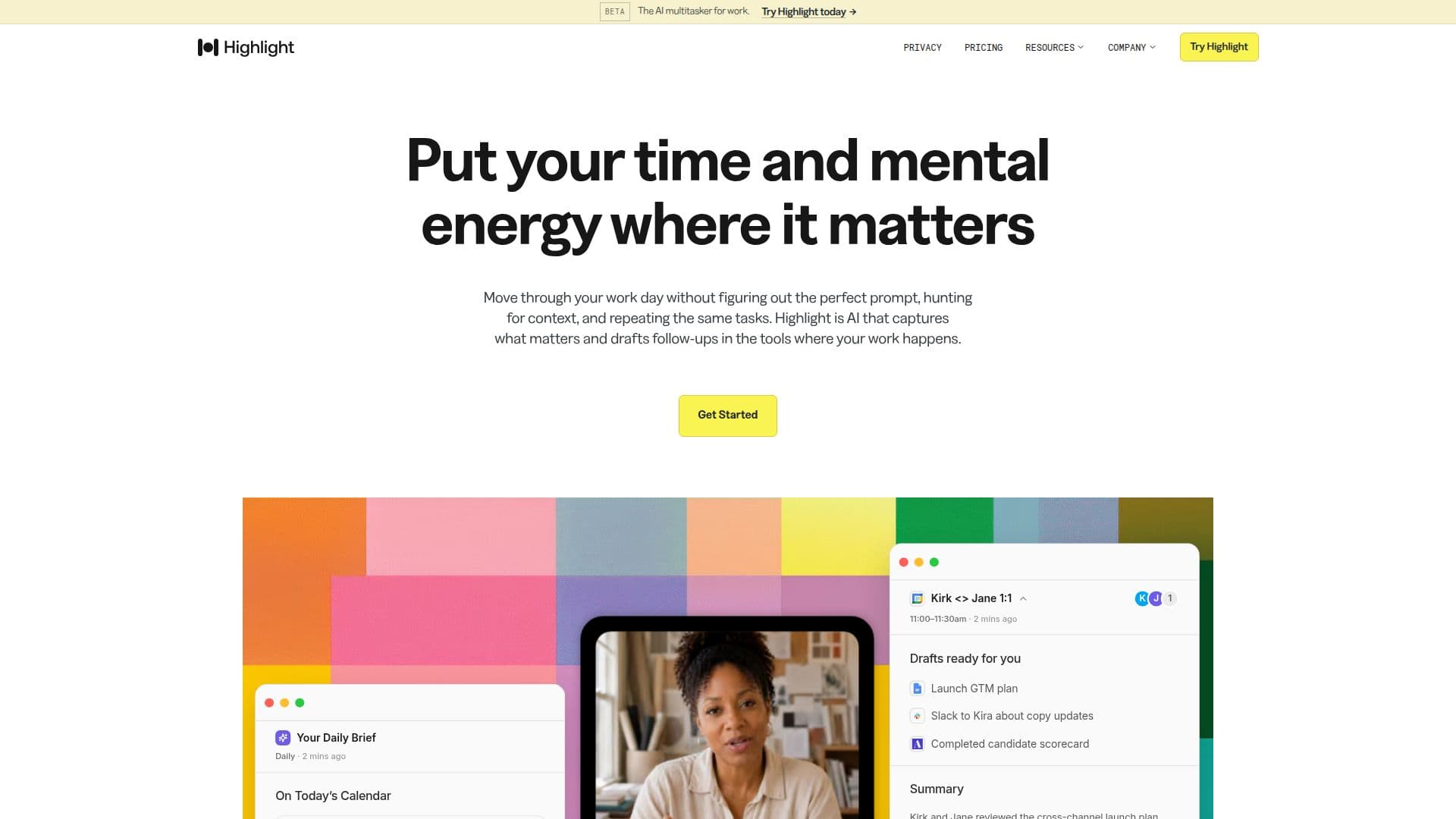
Highlight.AI is an innovative platform that acts as a proactive command center for high-velocity teams. It is designed to reduce the coordination tax that often hinders team productivity. By capturing essential information and drafting follow-ups, Highlight.AI allows teams to focus on moving work forward rather than managing it. The platform integrates seamlessly with popular tools like Gmail, Google Docs, Slack, GitHub, Notion, and more, ensuring that users can continue working within their preferred environments.
Highlight.AI offers a range of features including meeting transcription, pre-meeting briefs, meeting summaries, daily briefs, and reminders. These features are designed to keep teams informed and aligned, reducing the need for manual prompting and coordination. The platform also supports custom skills and automations, allowing users to tailor the experience to their specific needs.
The pricing model for Highlight.AI includes a free tier, with Pro and Max plans offering additional features such as increased meeting transcription hours and custom skills. The Pro plan is priced at $60 per month, while the Max plan is available for $200 per month, offering white-glove support and beta features.
Highlight.AI is particularly beneficial for roles that require high levels of coordination and communication, such as project managers, team leads, and executives. By providing a shared memory and high-fidelity capture of team interactions, the platform enables users to make informed decisions quickly and efficiently.
Overall, Highlight.AI is a powerful tool for teams looking to enhance their productivity and streamline their workflows. Its ability to integrate with existing tools and provide proactive assistance makes it a valuable asset for any organization aiming to reduce the burden of coordination and focus on achieving their goals.
Highlight.AI's Core Features
Meeting transcription
Pre-meeting briefs
Meeting summaries
Daily briefs
Reminders
Custom skills
Integration with popular tools
Proactive assistance
How to use Highlight.AI?
Configure: Connect your existing tools
Use: Start receiving daily briefs and reminders
Optimize: Customize skills and automations
Review: Check meeting summaries and follow-ups
Highlight.AI's Use Cases
- Meeting Management
- Project Coordination
- Workflow Automation
- Communication Enhancement
- Productivity Boost