
Description
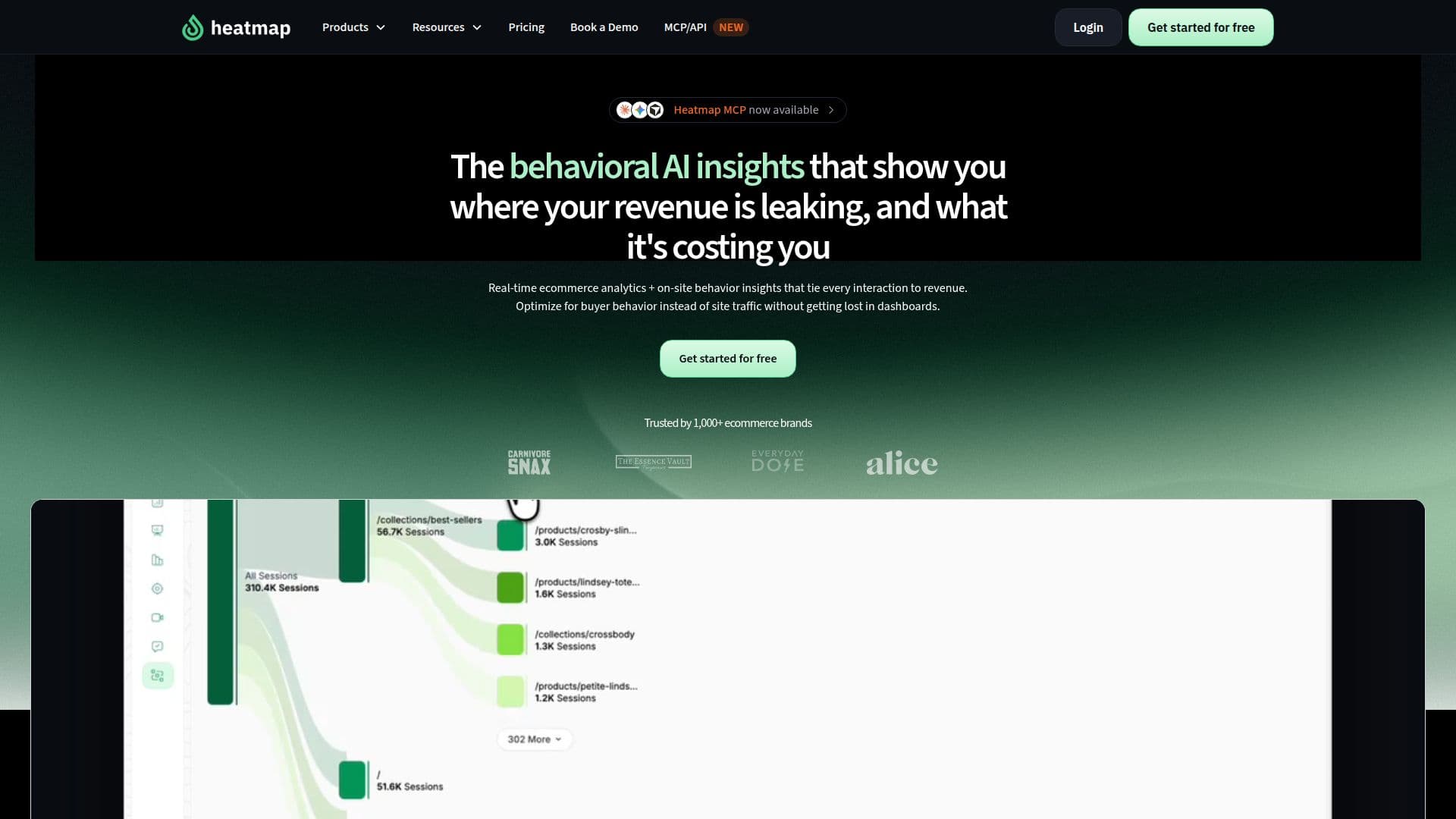
Heatmap is a comprehensive analytics platform designed to optimize ecommerce websites by tying every user interaction to actual revenue. This platform provides real-time insights into buyer behavior through features like heatmaps, scrollmaps, journey analysis, and funnels. By capturing every click, scroll, and session, Heatmap offers unmatched clarity in understanding what drives conversions.
The platform's AI-powered insights allow users to ask questions directly from their AI or dashboard, receiving data-backed answers in seconds. This eliminates the need for extensive data analysis, enabling quick decision-making. Heatmap integrates seamlessly with AI workflows, allowing users to pull data, run analyses, and generate reports without leaving their workflow.
Heatmap's revenue-focused analytics show the impact of every element on a website, helping users make informed decisions about changes that can increase revenue. The platform supports various CMS platforms like Shopify, WordPress, WooCommerce, and Webflow, ensuring compatibility with most ecommerce sites.
Pricing for Heatmap is based on the store's trailing 12-month revenue, with plans starting from USD 0 for a 14-day free trial. The platform offers various pricing tiers, including Launch, Growth, and Scale, each providing different levels of access to features like unlimited funnel dropoff analysis, AI recommendations, and API access.
Heatmap is GDPR compliant, ensuring user data privacy and security. The platform is designed to be easy to install, with a setup time of two minutes or less, and does not require developers for installation. With its focus on revenue attribution and conversion optimization, Heatmap is an essential tool for ecommerce businesses looking to enhance their online performance.
Heatmap Analytics Platform's Core Features
Real-time ecommerce analytics
Behavioral intelligence insights
Revenue attribution for every interaction
Heatmaps and scrollmaps
AI-powered insights
Integration with AI workflows
Custom events and split testing
GDPR compliant
How to use Heatmap Analytics Platform?
Configure: Set up Heatmap on your website
Use: Analyze user interactions and revenue data
Optimize: Implement AI-driven recommendations
Measure: Track changes and revenue impact
Heatmap Analytics Platform's Use Cases
- Conversion Optimization
- Revenue Attribution
- AI-Driven Insights
- User Behavior Analysis
- Ecommerce Performance