
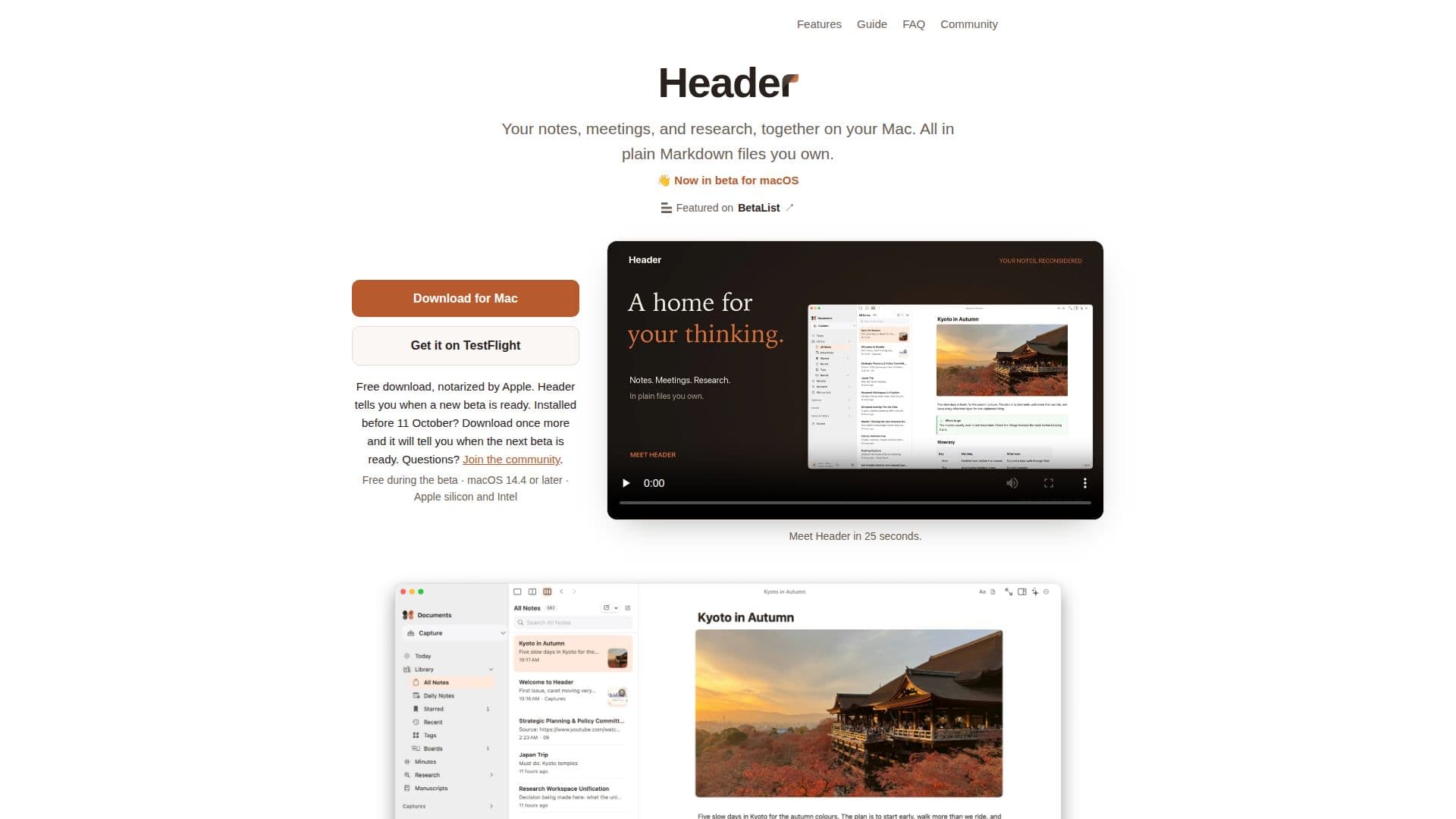
Description
HeaderNotes is a local-first Markdown notes application designed specifically for Mac users. It provides a seamless workspace for managing notes, meetings, and research, all stored in plain Markdown files that users own. The app is currently in beta and is compatible with macOS 14.4 or later, supporting both Apple silicon and Intel Macs.
Read More
One of the standout features of HeaderNotes is its ability to handle meeting transcriptions directly on the user's Mac, ensuring that no audio or transcripts are sent to external servers. Users can record calls or in-person meetings, and the app generates notes with summaries, decisions, and action items linked to the moment they were said. This feature is enhanced with optional calendar integration, allowing users to record meetings with a single click.
HeaderNotes also offers a rich or raw Markdown editor, enabling users to write, link, and manage their notes efficiently. The app supports tables, diagrams, and math rendering as users type, and it provides tools for linking notes, viewing backlinks, and browsing by tags. Users can also export notes in various formats, including PDF, web pages, Word documents, and more.
The app includes optional AI features that require users to connect their own provider key, such as OpenAI or Apple Intelligence. AI suggestions are presented as changes that users can accept or reject, ensuring full control over the content. Additionally, HeaderNotes offers features like Quick Capture for saving thoughts or links, and a Graph and Canvas view for visualizing note connections.
HeaderNotes is free during its beta phase, and the developers plan to share more about pricing once the full version is ready. The app emphasizes user privacy, with no account required and all data stored locally or in a user-chosen sync service like iCloud Drive or Dropbox.
- CategoryAI Note-Taking Apps
- Pricing ModelFree during beta
- DeploymentLocal-first
- PlatformsmacOS
HeaderNotes's Core Features
Local-first Markdown notes
Meeting transcription on Mac
Rich or raw Markdown editor
Optional AI integration
Export notes in multiple formats
Linking and tagging notes
Graph and Canvas view
Quick Capture feature
How to use HeaderNotes?
Download: Install HeaderNotes from the website or TestFlight.
Set Up: Choose a folder for your Markdown files.
Record: Use the app to transcribe meetings directly on your Mac.
Export: Share notes in various formats like PDF or Word.
HeaderNotes's Use Cases
- Note Taking
- Meeting Transcription
- Research Management
- Document Export
- AI Integration