Description
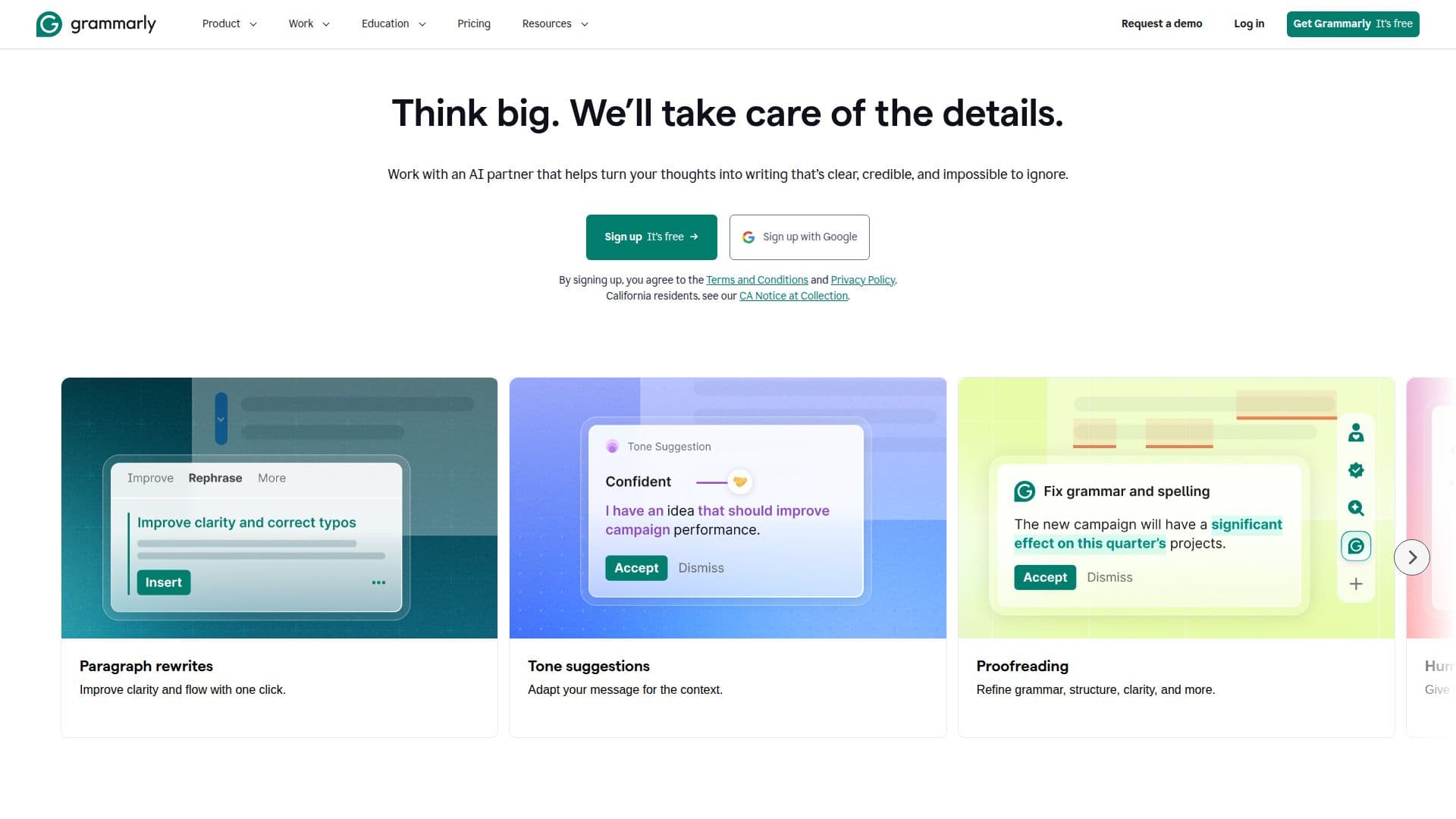
Grammarly is designed to improve communication by providing AI-powered writing assistance. It helps users write better by offering features such as grammar checks, tone adjustments, and full-sentence rewrites. Whether you are drafting an email, writing a report, or creating content for social media, Grammarly ensures that your writing is clear, concise, and free of mistakes.
Read More
The tool works seamlessly across different platforms, including web browsers and desktop applications. Users can access Grammarly's suggestions in real-time, making it easy to enhance their writing as they type. The AI-driven technology evaluates your writing for clarity, engagement, and effectiveness, providing tailored suggestions that help you communicate your ideas more effectively.
Grammarly offers several plans to cater to different needs. The Free plan allows users to write without mistakes, see their writing tone, and generate text with 100 AI prompts per month. The Pro plan includes all Free features plus advanced capabilities like rewriting full sentences, adjusting writing tone, and generating text with 2,000 AI prompts. For organizations, the Enterprise plan provides unlimited prompts, dedicated support, and enhanced security features, making it suitable for teams that require collaborative writing tools.
In addition to its writing features, Grammarly prioritizes user privacy and data security. The platform implements enterprise-grade security measures to protect user data, ensuring that your writing remains confidential. With a focus on responsible AI, Grammarly is committed to helping users improve their writing while maintaining their privacy and data ownership.
Overall, Grammarly is an essential tool for anyone looking to enhance their writing skills, whether for personal use, academic purposes, or professional communication.
- CategoryGrammar Checkers
- Pricing ModelFreemium
- DeploymentCloud
- PlatformsWeb, Windows, Mac, iOS, Android
Grammarly's Core Features
Grammar checks
Tone adjustments
Full-sentence rewrites
Plagiarism detection
AI-generated text prompts
Real-time suggestions
Multilingual support
Custom style guides
Team collaboration tools
Data loss prevention
How to use Grammarly?
Access Grammarly: Open Grammarly in your web browser or desktop app.
Choose a plan: Select the Free, Pro, or Enterprise plan based on your needs.
Start writing: Begin typing your document in the Grammarly editor or any supported application.
Receive suggestions: Review real-time suggestions for grammar, tone, and clarity as you write.
Make adjustments: Implement the suggested changes to improve your writing.
Use AI prompts: Generate text ideas using AI prompts to enhance your content.
Review your work: Utilize the proofreading features to ensure your writing is error-free.
Finalize your document: Save or export your completed document as needed.
Grammarly's Use Cases
- Academic writing
- Professional communication
- Content creation
- Team collaboration
- Language learning