Description
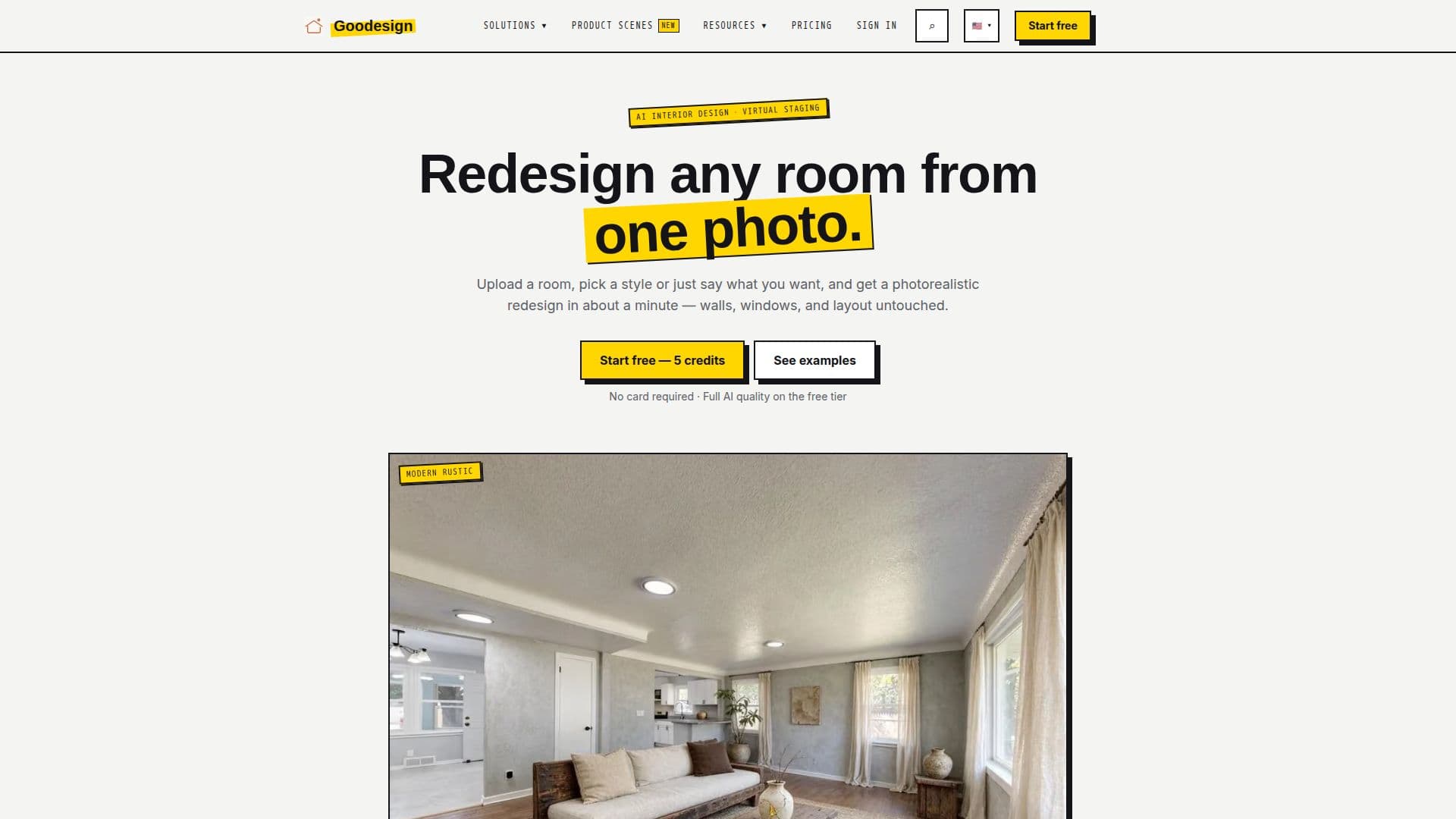
Goodesign is an AI interior design platform that allows users to redesign any room from a single photo. By uploading an image, individuals can generate photorealistic makeovers, virtual staging, decluttering, and even outdoor transformations. The platform is designed to be intuitive, enabling users to guide the AI with plain-language instructions, such as "Make the sofa darker. Add a reading chair." This conversational approach eliminates the need for complex sliders or parameters, making it accessible to a wide range of users.
Read More
The platform offers a comprehensive suite of tools, including virtual staging for empty rooms, restyling for furnished spaces, and decluttering or object removal. Users can preview wall repaints, lawn and pool upgrades, sky replacements, and day-to-dusk conversions. Additionally, Goodesign provides photo enhancement and upscaling capabilities, ensuring high-quality results suitable for real estate listings or personal projects. The AI ensures that structural elements like walls, windows, and layout remain untouched, focusing only on the requested changes in light, color, furniture, and finishes.
Goodesign operates on a credit-based system, where one credit equals one image generation. New users receive five free credits upon creating and verifying an account, allowing them to experience the full AI quality without a credit card. After exhausting the free credits, users can upgrade to a paid monthly plan, starting from $14 per month for 30 credits, with options extending up to 1,200 credits for high-volume needs. All paid plans offer the same AI quality as the free tier, with higher tiers providing benefits like priority rendering and dedicated support.
Targeting homeowners, real estate agents, and interior designers, Goodesign helps visualize potential changes before any financial commitment. It allows users to see how new furniture, paint colors, or landscaping improvements would look in their actual space, saving time and money on physical samples or contractor quotes. The platform also includes specialized tools like AI product scenes for e-commerce, enabling businesses to generate catalog-ready lifestyle images from white-background product shots. Goodesign supports uploads in PNG, JPEG, and WebP formats, with most renders completing within 15–30 seconds.
- CategoryAI Interior & Architecture Design
- Pricing ModelFreemium
- DeploymentCloud
- PlatformsWeb
Goodesign's Core Features
AI Interior Design: Generate photorealistic room makeovers from a single photo.
Virtual Staging: Furnish empty rooms with AI to create buyer-ready listing photos.
Room Restyling: Redesign furnished rooms by swapping textiles, decor, and mood.
Decluttering & Object Removal: Clean up cluttered spaces or remove specific items with background reconstruction.
Wall Repainting: Preview any paint color on actual walls with realistic lighting and shadows.
Exterior Rendering: Re-clad, repaint, and re-light house exteriors.
Lawn & Pool Upgrades: Visualize new lawns or add/upgrade pools in backyards.
Sky Replacement: Swap overcast skies for clear blue ones while preserving reflections.
Day-to-Dusk Conversion: Transform daytime photos into twilight scenes with warm glows.
Furniture Addition & Swapping: Place new furniture or swap existing pieces with honest scale.
Surface Restyling: Render new finishes on kitchen counters, backsplashes, and floors.
Seasonal Resets: Change winter scenes to summer or add festive decorations.
Image Enhancement: Fix dark, yellow, or blurry listing photos in one pass.
Image Upscaling: Enlarge small phone photos into sharp, print-ready images.
AI Product Scenes: Generate lifestyle scenes for products from white-background shots.
How to use Goodesign?
Create Account: Sign up for a free account on Goodesign.io and verify your email to receive 5 free credits.
Upload Photo: Upload a photo of any room – empty, furnished, or cluttered – in PNG, JPEG, or WebP format.
Describe Desired Result: Pick a style from presets or type in plain-language instructions for the AI.
Generate Render: Wait 15-30 seconds for the AI to generate a photorealistic redesign.
Refine & Download: Adjust the design with further instructions until satisfied, then download in high resolution.
Explore Gallery: Access your project gallery to view, organize, and manage past results.
Goodesign's Use Cases
- Virtual Staging for Listings
- Home Renovation Previews
- Furniture Planning
- Exterior Home Makeovers
- Interior Design Restyling
- Photo Enhancement for Real Estate
- Seasonal Property Updates
- E-commerce Product Scenes
- Decluttering & Object Removal
- Wall Color Visualization